
Twitch is not a simple “open tab and scale forever” platform anymore. If you are managing creator accounts, testing stream access from different regions, moderating chats, checking ads, running bots for legitimate channel tools, or building Twitch-related apps, your IP setup matters.
A good Twitch proxy should not just hide your IP. It should give you stable sessions, clean IP reputation, sensible rotation, city or country targeting, and enough speed to avoid constant timeouts.
One important note before we start: proxies should not be used for harassment, spam, view manipulation, ban evasion, fake engagement, or anything that violates Twitch rules. Twitch’s Terms of Service were last modified on April 13, 2026, so always check the latest rules before using automation or multi-account workflows.
What streamers and developers are running into:
- Twitch users usually look for proxies because of a few real problems:
- They manage multiple accounts for moderation, testing, agencies, or creator teams.
- They need stable IP sessions when logging into Twitch dashboards.
- They want to test how streams, ads, or pages appear in different countries.
- They are building Twitch tools and need safer request routing.
- They face temporary blocks when too many actions come from the same IP.
For Twitch, residential, mobile, and ISP proxies usually make more sense than cheap public proxies. Free public proxies are often slow, abused, and already flagged. For login-heavy or long-session work, sticky residential, ISP, or mobile proxies are safer picks.
9 Best Proxies For Twitch in 2026
#1 — Oxylabs: Best Overall Twitch Proxy
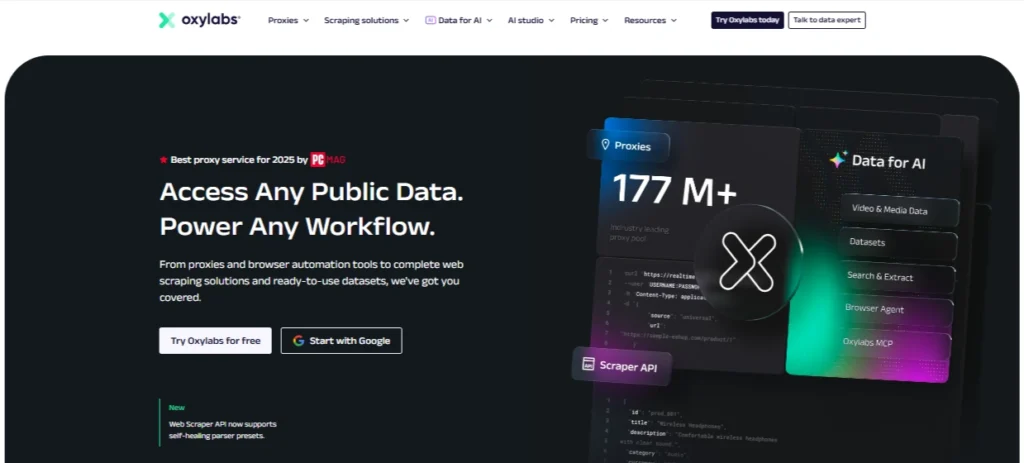
Oxylabs is the strongest pick if you want premium infrastructure, large IP coverage, and enterprise-grade reliability. Its residential proxy plans start at $6 per GB on the Starter plan, with lower per-GB pricing on larger packages.
For Twitch, Oxylabs makes sense for agencies, SaaS teams, analytics tools, and serious account management setups. It supports SOCKS5 on residential proxies, which is useful for apps and tools that need more flexible connection handling.
Best for: agencies, enterprise users, Twitch monitoring, testing, and large-scale workflows.
Pro-Tip: Use sticky sessions for account logins. Fast rotation is better for data checks, but account sessions need consistency.
#2 — Decodo: Best Value Twitch Proxy

Decodo, formerly Smartproxy, is one of the best value options for Twitch-related work. Its residential proxies start from $2 per GB, with listed plans such as 3 GB, 10 GB, 25 GB, and 50 GB packages.
Decodo also offers mobile proxies starting from $2.25 per GB, which can be useful if your Twitch workflow needs mobile-like IP behavior.
Best for: creators, marketers, small teams, and developers who want strong quality without Oxylabs-level pricing.
Pro-Tip: For Twitch login workflows, test residential first. Move to mobile only when you need mobile carrier behavior.
#3 — Webshare: Best Free Twitch Proxy Tier

Webshare is a practical choice for beginners because it offers 10 free proxies with up to 1 GB per month, with no credit card required.
Its paid plans are also affordable, with residential proxies starting around $1.40 per GB and datacenter proxies starting around $0.05 per IP.
For Twitch, Webshare is best for light testing, location checks, small scripts, and users who want to understand proxies before paying for bigger providers.
Best for: beginners, low-budget users, testing, and small Twitch tools.
Pro-Tip: Avoid using free proxies for important Twitch accounts. Use them for testing only.
#4 — IPRoyal: Best Budget Twitch Proxy

IPRoyal is a strong budget-friendly provider with residential proxies, ISP proxies, datacenter proxies, and mobile proxies. Its residential pricing page lists plans starting at $7 per GB for 1 GB, with lower rates at larger volumes, and its broader pricing page mentions residential proxies from $1.75 per GB at scale.
IPRoyal is useful for users who want pay-as-you-go flexibility. It is not the most premium option here, but it gives solid coverage for the price.
Best for: budget users, small teams, and flexible low-volume Twitch workflows.
Pro-Tip: Start with a small residential package and test account stability before buying a larger plan.
#5 — SOAX: Best Twitch Proxy for Account Management

SOAX is a strong mid-market provider for account management because it combines residential, mobile, ISP, and datacenter proxy options under flexible plans. Its Starter plan lists $3.60 per GB with 25 GB included.
SOAX is useful when you need city-level targeting, stable sessions, and different proxy types in one setup. It is not the cheapest, but it feels built for serious operational workflows.
Best for: Twitch account management, geo testing, and multi-region workflows.
Pro-Tip: Keep each Twitch account tied to a consistent location pattern. Jumping between countries too often can look unnatural.
#6 — Proxy-Cheap: Best Entry-Level Twitch Proxy

Proxy-Cheap is built around affordability. Its residential proxy page mentions prices starting from $2.99 per GB and promotes a large residential IP pool.
It is a good pick if you want a cheaper starting point than premium providers. For Twitch, use it for basic testing, small account workflows, and non-critical automation.
Best for: entry-level buyers, budget testing, and small Twitch projects.
Pro-Tip: Do not choose only by price. On Twitch, IP reputation matters more than saving a few dollars.
#7 — ProxyEmpire: Best Twitch Proxy for Data Rollover
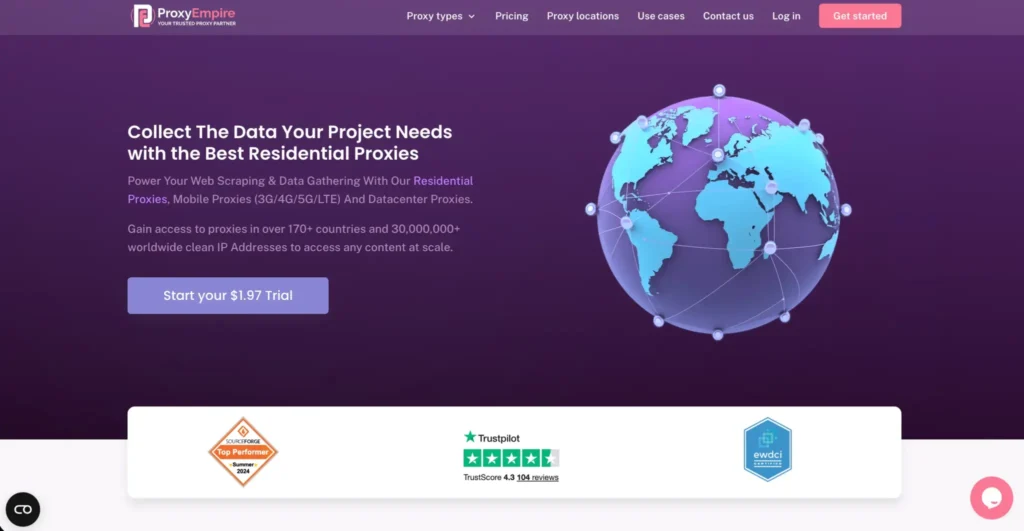
ProxyEmpire is useful for buyers who care about flexible bandwidth and multiple proxy types. Its site lists residential proxies from $0.75, static residential proxies from $0.75, mobile proxies from $1.25, and datacenter proxies from $0.35.
It also offers rotating mobile plans and trial options on its pricing table.
Best for: users who want flexible proxy types and bandwidth-focused plans.
Pro-Tip: Use static residential or ISP proxies for accounts. Use rotating residential for lighter testing and data collection.
#8 — Rayobyte: Best Twitch Proxy for Ethically Sourced Clean IPs

Rayobyte is a strong choice if ethical sourcing and long-term reliability matter to you. It says it operates a 40M plus residential IP pool and focuses heavily on ethical residential proxy sourcing.
Its residential proxy pricing starts at $3.50 per GB for 1 GB to 49 GB, with lower rates at higher volume tiers.
Best for: clean IP workflows, responsible data teams, and businesses that care about sourcing.
Pro-Tip: Rayobyte is a better fit for serious long-term use than throwaway scraping setups.
#9 — NodeMaven: Best Twitch Proxy for Long-Session Account Management
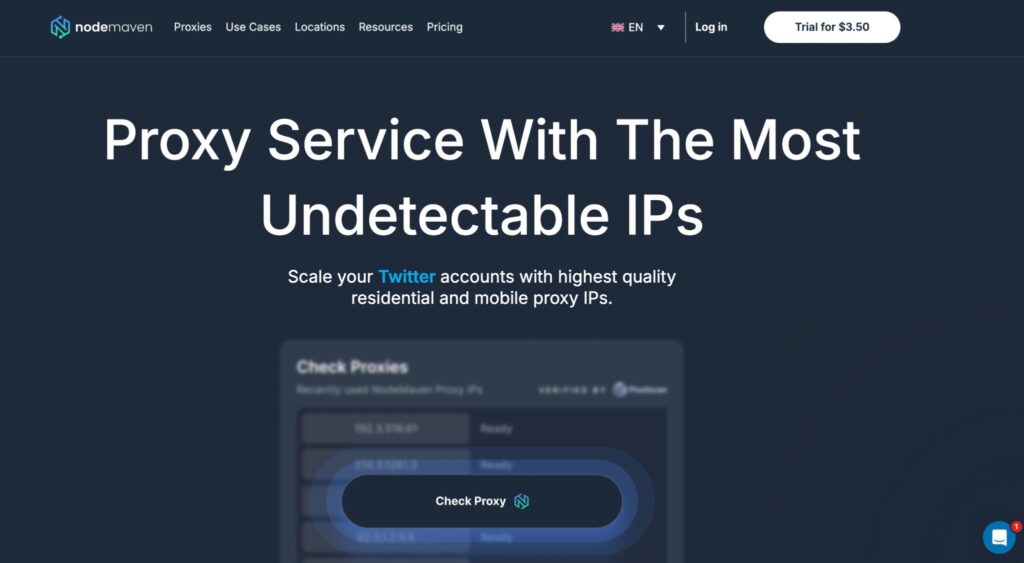
NodeMaven focuses heavily on clean IP quality. It claims 95% of its IPs have clean records and highlights IP filtering as a core feature.
For Twitch, this matters because long-session account management depends on trust signals. A bad IP can create friction even if your browser, device, and behavior look normal.
NodeMaven also promotes pre-filtered IPs, stable connections, and clean reputation for residential proxies.
Best for: long-session logins, account management, and cleaner IP reputation.
Pro-Tip: Clean IPs plus stable sessions beat aggressive rotation for Twitch accounts.
Best Proxies For Twitch in 2026: Quick Comparison Table
| Provider | Best For | Proxy Types | Starting Price Mentioned | Twitch Use Case |
| Oxylabs | Best overall | Residential, datacenter, ISP, mobile | Residential from $6/GB | Enterprise Twitch testing |
| Decodo | Best value | Residential, mobile, ISP, datacenter | Residential from $2/GB | Creator teams and developers |
| Webshare | Best free tier | Residential, static residential, datacenter | 10 free proxies, residential from $1.40/GB | Small testing |
| IPRoyal | Best budget option | Residential, ISP, mobile, datacenter | Residential from $7/GB entry, lower at scale | Low-volume workflows |
| SOAX | Account management | Residential, mobile, ISP, datacenter | $3.60/GB Starter | Multi-account workflows |
| Proxy-Cheap | Entry-level users | Residential, mobile, datacenter | Residential from $2.99/GB | Budget testing |
| ProxyEmpire | Data rollover style buyers | Residential, mobile, static, datacenter | Residential from $0.75 | Flexible bandwidth use |
| Rayobyte | Ethical sourcing | Residential, ISP, datacenter, mobile | Residential from $3.50/GB | Clean IP workflows |
| NodeMaven | Long sessions | Residential, mobile, ISP | Pricing varies by plan | Account stability |
How to Choose the Best Twitch Proxy
Choose residential or ISP proxies for account logins
For Twitch accounts, avoid unstable public proxies. Residential and ISP proxies usually look more natural and support better session consistency.
Use mobile proxies only when needed
Mobile proxies can be powerful, but they are often more expensive. Use them for mobile behavior testing, app workflows, or cases where carrier IPs matter.
Check sticky session support
Twitch logins should not jump IPs every few minutes. Look for sticky sessions of 10 minutes, 30 minutes, or longer.
Avoid over-rotation
Rotation is useful for testing, but too much rotation can hurt trust. For accounts, stable IP behavior is better.
Check protocol support
HTTP and HTTPS are enough for browser work. SOCKS5 is better for advanced apps, bots, and custom tools.
Match location to account behavior
If an account usually logs in from the US, do not suddenly route it through five countries in one day. Keep country, city, and timezone behavior consistent.
Prioritize clean IP reputation
A cheap proxy with abused IPs can create more problems than it solves. Clean IP history matters a lot for Twitch.
FAQs: Best Proxies For Twitch in 2026
Can Twitch permanently IP-ban you?
Twitch can restrict users and enforce platform rules in different ways, including account-level enforcement. IP blocks can happen, but account behavior, device signals, and rule violations often matter more than the IP alone.
Does using a proxy on Twitch violate the ToS?
Using a proxy is not automatically the issue. What you do with it matters. Using proxies for spam, fake engagement, ban evasion, harassment, or manipulation can violate Twitch rules. Always review Twitch’s current Terms of Service before using proxies with Twitch.
What type of proxy works best for Twitch?
Residential and ISP proxies are usually best for Twitch account sessions. Mobile proxies are useful for mobile-style behavior, while datacenter proxies are better for speed-focused testing rather than sensitive logins.
Are free proxies safe for Twitch?
Usually, no. Free proxies are often slow, shared, abused, and already flagged. Webshare’s free tier is better than random free proxy lists, but you should still avoid using free proxies for valuable Twitch accounts.
Can proxies reduce Twitch blocks?
They can help reduce IP-based friction when used correctly, but they do not guarantee safety. Poor behavior, automation abuse, bad browser fingerprints, or ToS violations can still trigger restrictions.
Should I use rotating or sticky proxies for Twitch?
Use sticky proxies for accounts and logins. Use rotating proxies for testing public pages, checking availability, or non-login workflows.
Which Twitch proxy is best overall?
Oxylabs is the best overall premium option. Decodo is the best value pick. NodeMaven is a strong choice for long-session account management.
Conclusion | Best Proxies For Twitch 2026
For most Twitch users, Decodo offers the best balance of price, quality, and ease of use. Oxylabs is the stronger premium option if you need enterprise reliability. Webshare is great for beginners, while NodeMaven stands out for clean IP quality and long-session workflows.
The safest rule is simple: use stable, clean, well-targeted proxies, and do not use them to break Twitch rules.