
Best Twitter Proxy Providers.
Twitter, now X, is not the soft playground it used to be. If you are managing multiple accounts, checking ads in different regions, collecting public data, or testing social campaigns, your IP setup matters more than most people admit.
The wrong proxy can burn accounts fast. The right one does not make you invisible, and it does not give you permission to spam, scrape private data, or break platform rules. What it does give you is a cleaner, more stable connection path for legitimate workflows like social media management, market research, brand monitoring, ad verification, and public data collection.
X’s own automation rules make it clear that automated activity is still subject to X Rules and developer policies, and violations can lead to account or API action. So, this guide is written for compliant use, not ban evasion or mass spam.
The Real Pain Points People Face From Reddit and X Discussions
Most people do not start searching for Twitter proxies because everything is working smoothly. They usually arrive after running into one of these problems:
Accounts keep getting locked after login.
- A VA or social media manager logs in from another country and triggers verification.
- A tool works fine for two days, then suddenly starts throwing errors.
- Shared datacenter IPs get flagged too quickly.
- Rotating proxies switch too aggressively and break sessions.
- Residential proxies work better, but the cost climbs fast.
The biggest mistake is thinking “proxy” is one single product. For Twitter, the real decision is about IP quality, session control, location consistency, and account behavior. A cheap proxy with poor IP history can cost more than a premium one if it burns important accounts.
What to Look For Before You Buy
For Twitter, the best proxy is not always the biggest or most expensive provider. Look for:
Clean residential or ISP IPs: Residential IPs usually look more natural than datacenter IPs. ISP proxies can be even better for long login sessions because they are static but still tied to consumer grade networks.
Sticky sessions: If you log in from Los Angeles at 10 AM and suddenly rotate to Berlin after two clicks, that looks suspicious. Sticky sessions help keep the same IP for a stable period.
City and country targeting: Useful when your accounts, ad checks, or campaigns are tied to specific markets.
SOCKS5 and HTTPS support: SOCKS5 is often useful for automation tools and browsers, while HTTPS works well for normal browser based workflows.
Transparent pricing: Some providers advertise low rates but require high minimum spends. Check both per GB pricing and minimum monthly commitment.
Good dashboard and support: When proxies fail, you need quick replacement, filtering, or session control. A cheap plan with poor support becomes expensive during a live campaign.
9 Best Twitter Proxy Providers in 2026
1. Decodo formerly Smartproxy: Best Value for Twitter Account Management

Decodo is one of the safest picks for users who want a balance of price, IP pool size, ease of use, and reliability. The company rebranded from Smartproxy to Decodo and lists a large global proxy network with residential, ISP, mobile, and datacenter options. Its site mentions 125M plus IPs, 195 plus locations, and strong uptime claims.
For Twitter account management, Decodo’s residential proxies are the most practical starting point. Residential pricing starts around $3.75 per GB on smaller plans, with lower rates on larger bandwidth tiers. Decodo also says its residential plans include access to a large IP pool, advanced geo targeting, and unlimited concurrent sessions.
What makes Decodo strong is that it does not feel overly complicated. The dashboard is easier than Bright Data, pricing is more approachable, and the network is large enough for agencies managing accounts across different regions.
Best for: Agencies, social media managers, brand monitoring teams, and affiliate marketers who need dependable residential proxies without enterprise level complexity.
Pros
- Clean residential pool for social workflows
- Good location coverage
- Beginner friendly dashboard
- Flexible plans
- Good balance of cost and quality
Cons
- Not the cheapest option
- High volume users may still need enterprise pricing
- Some advanced data collection teams may prefer Bright Data
Pro Tip: For Twitter logins, avoid aggressive rotation. Use sticky residential sessions and keep each account tied to a consistent region.
2. Bright Data: Best for Large Scale Twitter Data Collection

Bright Data is the premium option. It is not the cheapest, and it is not always the simplest, but it is one of the strongest choices for serious data teams. Bright Data offers residential, mobile, ISP, and datacenter proxies, plus web scraping APIs and structured data tools. Its residential proxy pricing page shows starting pricing from around $5.88 per GB, depending on plan and volume.
Bright Data makes more sense when you are not just managing a few accounts. It is better for large scale public data collection, ad verification, market intelligence, compliance monitoring, and enterprise workflows where accuracy and infrastructure matter.
The platform is powerful, but that power comes with a learning curve. Smaller users may feel overwhelmed by the controls, compliance steps, and pricing model. Larger teams usually appreciate the control.
Best for: Enterprise teams, data collection companies, ad verification teams, and brands that need scale.
Pros
- Massive proxy infrastructure
- Residential, ISP, mobile, and datacenter options
- Strong tooling for data collection
- Good for global targeting
- Enterprise grade controls
Cons
- Expensive compared with budget providers
- Dashboard can feel complex
- Overkill for small Twitter management tasks
Pro Tip: Use Bright Data when Twitter is part of a bigger public data or ad intelligence workflow. For simple account management, it may be more than you need.
3. SOAX: Best for Multi Account Management With Advanced Targeting

SOAX is a strong middle ground between user friendly providers and enterprise proxy platforms. Its pricing page shows bundled access across residential, mobile, ISP, datacenter proxies, and Web Data API, with starter pricing around $3.60 per GB for a 25 GB monthly plan.
SOAX is useful when you care about targeting. For Twitter, that matters. If your accounts are US based, your proxy should not randomly jump across countries. If your ad checks are local, city targeting can help.
The platform is also appealing for teams that want to test multiple proxy types under one plan. You can compare residential, mobile, ISP, and datacenter behavior without jumping across several providers.
Best for: Social media agencies, growth teams, and users who need precise geo targeting.
Pros
- Strong targeting options
- Residential and mobile proxy access
- Flexible bundled plans
- Good for testing different proxy types
- Useful for multi account workflows
Cons
- Starter plan may be too much for very small users
- Not as cheap as DataImpulse or some budget providers
- Requires careful setup for account stability
Pro Tip: For Twitter accounts that matter, test both residential and ISP proxies. Residential is flexible, but ISP can be more stable for long term logins.
4. IPRoyal: Best Budget Option for Smaller Teams

IPRoyal is popular because it keeps things simple and affordable. Its pricing page lists residential proxies from around $1.75 per GB at higher volume, with other options including ISP and datacenter proxies. IPRoyal also highlights non expiring residential traffic, which is useful if your Twitter workload changes from month to month.
For smaller teams, this matters. Many proxy providers make you buy more bandwidth than you need. IPRoyal is more forgiving if your usage is inconsistent.
For Twitter, IPRoyal can work well for basic account management, testing, and small scale monitoring. It is not the most premium network, but it gives strong value for the price.
Best for: Freelancers, small agencies, budget conscious marketers, and low volume social workflows.
Pros
- Affordable pricing
- Non expiring residential traffic
- Simple dashboard
- Good entry point for beginners
- ISP proxies available
Cons
- Proxy pool is smaller than Decodo or Bright Data
- Quality can vary by location
- Not ideal for very large scale Twitter data jobs
Pro Tip: Start with a small bandwidth purchase and test login stability before moving important accounts over.
5. Rayobyte: Best for Pay As You Go Flexibility

Rayobyte is best known for datacenter proxies, but its residential and ISP proxy lineup has become more useful for social and data workflows. Its pricing page lists residential proxies as low as $0.50 per GB at higher volumes, while its residential product page shows starter pricing around $3.50 per GB for lower usage tiers.
For Twitter, Rayobyte works best when you want flexible purchasing and multiple proxy types from one provider. The pay as you go structure is helpful if your usage is campaign based.
Rayobyte’s datacenter proxies are not my first choice for Twitter account logins. Datacenter IPs are faster, but they are also easier to classify. For account management, residential or ISP proxies are safer. For public page testing or low risk tasks, datacenter proxies may still be useful.
Best for: Campaign based users, developers, and teams that want flexible proxy options.
Pros
- Flexible pricing
- Residential, ISP, datacenter, and mobile options
- Good for mixed workflows
- Pay as you go model
- Established provider
Cons
- Datacenter proxies are not ideal for sensitive Twitter accounts
- Residential pricing varies by tier
- May require testing to find the best pool
Pro Tip: Use Rayobyte residential or ISP proxies for account related work. Save datacenter proxies for lighter, non login tasks.
6. NodeMaven: Hidden Gem for Social Media Workflows
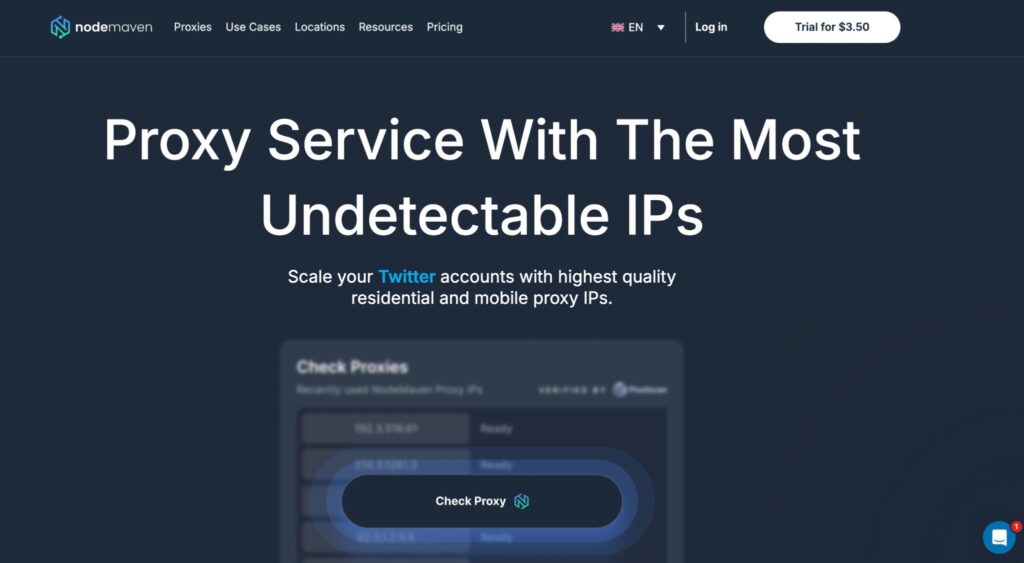
NodeMaven has been getting attention because it focuses heavily on IP quality. Its website mentions 30M plus residential IPs, 250K mobile IPs, sticky sessions up to 7 days, traffic rollover, ISP targeting, and an IP quality filter.
That IP quality angle is important for Twitter. Many cheap proxy providers sell access to huge pools, but a large pool does not help if too many IPs are already abused. NodeMaven’s clean IP positioning makes it interesting for social media workflows.
The provider is not as famous as Bright Data or Decodo, but it has the right feature set for multi account work: sticky sessions, targeting, rollover traffic, and mobile or residential access.
Best for: Users who care more about IP quality than brand name.
Pros
- Strong focus on clean IPs
- Sticky sessions up to 7 days
- Residential and mobile IPs
- Traffic rollover
- Good targeting options
Cons
- Less widely known than major providers
- Pricing may not be the cheapest
- Fewer third party benchmarks than older brands
Pro Tip: NodeMaven is worth testing if you are tired of cheap pools with poor IP reputation.
7. DataImpulse: Best Ultra Budget Option
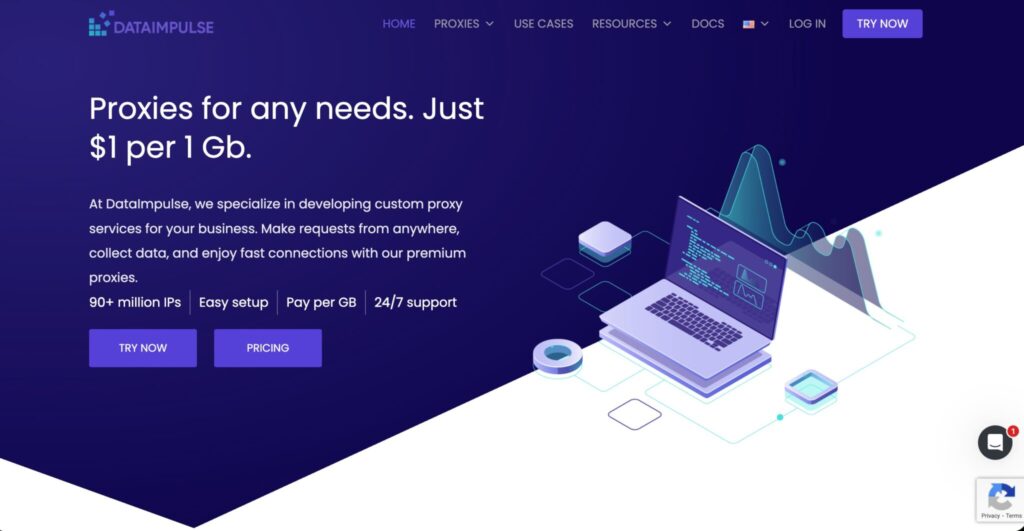
DataImpulse is one of the most affordable options on this list. Its site lists residential proxy pricing from $1 per GB, pay as you go billing, non expiring traffic, free country targeting, HTTP(S) and SOCKS5 support, rotating sessions, sticky sessions, and API access.
That is hard to ignore. For users testing Twitter proxies on a tight budget, DataImpulse is a practical starting point. You can buy small amounts of bandwidth without committing to a large monthly plan.
The tradeoff is that ultra budget providers need more testing. Do not move your most valuable accounts to the cheapest IP pool without warming things up first. Test login consistency, speed, region accuracy, and replacement quality.
Best for: Budget testing, small projects, and users who want low entry cost.
Pros
- Very low starting price
- Pay as you go model
- Traffic never expires
- Supports sticky and rotating sessions
- Low minimum entry
Cons
- Not as premium as enterprise providers
- May require more manual testing
- Support and consistency can vary by use case
Pro Tip: Use DataImpulse for low risk testing first. If it performs well for your target region, then scale slowly.
8. ProxyEmpire: Best Twitter Proxy for Rollover Bandwidth
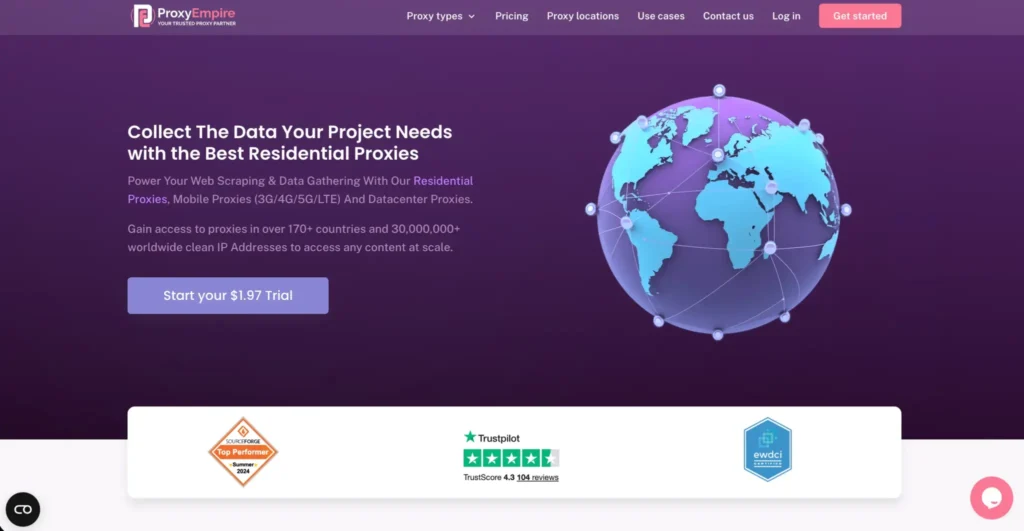
ProxyEmpire stands out because of its rollover bandwidth model. Its site highlights 30M plus clean IPs, 99.9% uptime, 24/7 support, datacenter proxies from $0.35, and unlimited residential proxy plans from $200.
For Twitter users with inconsistent workloads, rollover bandwidth is useful. Some months you may run heavy monitoring or ad checks. Other months, you may barely use your proxies. Rollover bandwidth reduces waste.
ProxyEmpire can fit agencies that need residential and mobile proxies for social media management, regional testing, and research workflows. It is not always the cheapest per GB, but the rollover model can make the real cost more attractive.
Best for: Agencies with uneven monthly usage and teams that hate losing unused bandwidth.
Pros
- Rollover bandwidth model
- Residential and mobile proxy options
- Good for regional workflows
- Useful for social media agencies
- 24/7 support
Cons
- Base pricing may feel higher than budget options
- Trial bandwidth is limited
- Not as polished as some larger providers
Pro Tip: If your Twitter work happens in bursts, rollover bandwidth can be more valuable than a slightly cheaper per GB rate.
9. ProxyCheap: Best Budget Twitter Proxy

ProxyCheap is built around affordability. Its main site lists static residential, rotating residential, datacenter, IPv6, and static mobile proxies. It also lists rotating residential pricing from around $4.99 per GB and static residential options starting around a few dollars per month, depending on plan and discount.
ProxyCheap also has a Twitter use case page focused on ad verification, event promotions, and social media workflows.
For Twitter, ProxyCheap is best for users who need low cost access and are willing to test quality carefully. It is not the provider I would pick for high value accounts on day one, but it can be useful for budget conscious marketers.
Best for: Budget users, basic social workflows, and testing.
Pros
- Affordable entry pricing
- Multiple proxy types
- Twitter specific use case page
- Static residential and mobile options
- Simple setup
Cons
- Quality depends on proxy type and location
- Not as enterprise ready as Bright Data
- Rotating residential pricing is not the lowest on this list
Pro Tip: For account management, static residential or mobile proxies are usually better than fast rotating residential sessions.
Best Twitter Proxy Providers 2026: Quick Comparison Table
| Provider | Best For | Main Proxy Types | Starting Price Snapshot | Sticky Sessions | Best Use Case |
| Decodo | Best overall value | Residential, ISP, mobile, datacenter | Residential from around $3.75 per GB on small plans | Yes | Account management, social monitoring |
| Bright Data | Enterprise scale | Residential, mobile, ISP, datacenter | Residential from around $5.88 per GB | Yes | Large scale public data collection |
| SOAX | Advanced targeting | Residential, mobile, ISP, datacenter | Starter around $3.60 per GB with 25 GB plan | Yes | Geo targeted social workflows |
| IPRoyal | Budget teams | Residential, ISP, datacenter, mobile | Residential from around $1.75 per GB at scale | Yes | Small teams, flexible usage |
| Rayobyte | Pay as you go flexibility | Residential, ISP, datacenter, mobile | Residential starter around $3.50 per GB | Yes | Mixed proxy workflows |
| NodeMaven | Clean IP focus | Residential, mobile, ISP | Usage based pricing | Up to 7 days | High quality social media setups |
| DataImpulse | Ultra budget | Residential, mobile, datacenter | Residential from $1 per GB | Yes | Low cost testing |
| ProxyEmpire | Rollover bandwidth | Residential, mobile, datacenter | Unlimited residential from $200 | Yes | Agencies with uneven usage |
| ProxyCheap | Cheap Twitter proxies | Static residential, rotating residential, mobile, datacenter | Rotating residential from around $4.99 per GB | Yes | Budget social media tasks |
Which Proxy Type Should You Use for Twitter?
Residential Proxies
Residential proxies are usually the safest general choice for Twitter. They route traffic through real residential IP addresses, which makes them more natural than datacenter IPs. Use them for account management, location testing, and light automation where compliance is maintained.
ISP Proxies
ISP proxies are often the best choice for long term Twitter accounts. They are static like datacenter proxies but have residential like legitimacy because they are assigned by internet service providers. Use ISP proxies when one account needs one stable IP for a long period.
Mobile Proxies
Mobile proxies can be strong for social platforms because mobile carrier IPs are common and often shared by many real users. They are expensive, but useful for high trust workflows, mobile first testing, and sensitive accounts.
Datacenter Proxies
Datacenter proxies are fast and cheap, but risky for Twitter account management. They can work for public page checks, testing, and low sensitivity tasks, but I would not use them for valuable accounts.
How to Choose the Best Twitter Proxy Provider
Start with the workflow, not the price.
If you manage five client accounts, buy quality residential or ISP proxies. Saving $10 on proxies is pointless if one client account gets locked.
If you collect public Twitter data at scale, look at Bright Data, SOAX, Decodo, or Rayobyte.
If you are testing on a small budget, DataImpulse, IPRoyal, or ProxyCheap make sense.
If your usage changes monthly, ProxyEmpire or IPRoyal’s non expiring traffic style can reduce waste.
If you need better IP hygiene, test NodeMaven.
The best setup for most serious users is simple: one account, one stable region, one sticky IP session, clean browser fingerprinting, and normal human activity patterns. Proxies help with network identity, but they do not fix bad behavior.
FAQs: Best Twitter Proxy Providers 2026
Can Twitter ban me for using a proxy?
Yes. A proxy alone is not always the reason, but suspicious login patterns, automation abuse, spam behavior, rapid account switching, and policy violations can trigger restrictions. X states that automated activity is subject to its platform rules and developer policies.
What is the difference between rotating and sticky proxies?
Rotating proxies change IPs automatically after a set time or request. Sticky proxies keep the same IP for a longer session. For Twitter account management, sticky sessions are usually better because they reduce sudden location changes.
Is the Twitter API not enough?
For compliant publishing, analytics, and app development, the X API is often the proper route. Proxies are more useful for ad verification, regional testing, browser based account access, public monitoring, and workflows where IP location matters. Always follow X’s developer policies if you use the API.
Which proxy is best for managing multiple Twitter accounts?
Decodo is the best value pick for most users. SOAX is better if you need advanced targeting. NodeMaven is worth testing if IP cleanliness is your top concern. For premium enterprise workflows, Bright Data is the stronger option.
How many Twitter accounts can I manage per proxy IP?
There is no safe universal number. The cleaner approach is one important account per stable proxy IP or sticky session. Sharing one IP across too many accounts increases risk, especially if those accounts behave similarly.
Are free Twitter proxies safe to use?
No. Free proxies are usually slow, abused, unstable, and risky for account security. Never log into valuable Twitter accounts through free public proxies.
Are residential proxies better than datacenter proxies for Twitter?
Yes, in most account based workflows. Residential proxies usually look more natural. Datacenter proxies are faster and cheaper, but they are easier to detect and classify.
What is the best cheap Twitter proxy provider?
DataImpulse is the best ultra budget option if you want residential traffic from around $1 per GB. IPRoyal is also strong for budget users because of flexible pricing and non expiring residential traffic.
Final Verdict: Best Twitter Proxy Providers 2026
If you want the best overall Twitter proxy provider, start with Decodo. It gives the best mix of price, usability, proxy pool size, and social media practicality.
- If you need enterprise level data collection, choose Bright Data.
- If targeting matters most, choose SOAX.
- If budget matters, test IPRoyal or DataImpulse.
- If clean IP quality is your biggest concern, try NodeMaven.
For most Twitter workflows, the winning setup is not the cheapest proxy. It is a stable residential or ISP IP, matched to the right location, used with sticky sessions, and paired with normal account behavior. That is what keeps your workflow cleaner, smoother, and far less stressful.