
Facebook is not gentle with suspicious traffic. Login from one country today, another country tomorrow, change devices too often, use a noisy datacenter IP, and the platform may ask for verification or lock the session. That is why Facebook proxy selection needs more care than normal browsing proxies.
For Facebook, the best proxies are usually residential, mobile, or ISP proxies with clean IP history, sticky sessions, city level targeting, and controlled rotation. Datacenter proxies can work for basic browsing or scraping public pages, but they are riskier for account management.
Below is a detailed buyer’s guide based on current provider positioning, proxy pools, pricing, session control, and practical Facebook use cases. Oxylabs lists 175M plus residential IPs and 195 location coverage, while Decodo lists residential pricing from $2 per GB and 115M plus IPs across 195 plus locations.
What Makes a Proxy Great for Facebook?
A good Facebook proxy is not only about speed. Speed matters, yes, but Facebook looks at trust signals. Your IP address is one of the biggest signals.
A solid Facebook proxy should offer:
| Factor | Why It Matters for Facebook |
| Residential or mobile IPs | These look closer to real user traffic than datacenter IPs |
| Sticky sessions | Helps keep the same IP during login and account activity |
| City or country targeting | Keeps location signals consistent |
| Clean IP history | Reduces checkpoint and verification issues |
| SOCKS5 or HTTPS support | Better compatibility with browsers and account tools |
| Controlled rotation | Avoids sudden IP changes during active sessions |
| Ethical sourcing | Important for long term stability and compliance |
Pro Tip: For Facebook account management, avoid rotating IPs every few minutes. Use sticky sessions for each account and keep location, device fingerprint, browser profile, and activity pattern consistent.
9 Best Proxies for Facebook in 2026
1. Oxylabs: Best Overall Facebook Proxy
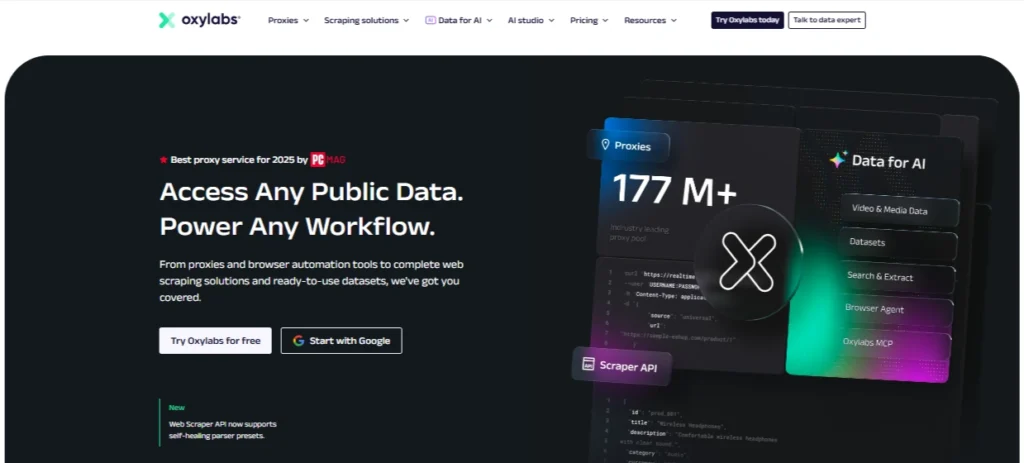
Oxylabs is the strongest overall pick for serious Facebook workflows. It is built for businesses that need scale, stability, and strong geo targeting. The company lists a large residential proxy pool, flexible session control, unlimited concurrent sessions, and coverage across 195 locations.
For Facebook, Oxylabs works best if you are managing multiple ad accounts, checking regional ad placements, monitoring brand pages, or running social media research. The mobile proxy product also supports advanced geo targeting and lists 99.9 percent uptime, which is useful when you need stable sessions.
Best for: Agencies, enterprise teams, Facebook ad verification, social media intelligence
Proxy types: Residential, mobile, datacenter, ISP
Key strength: Huge IP pool and enterprise grade reliability
Possible drawback: More expensive than budget providers
Oxylabs is not the cheapest choice, but it is one of the safest choices when Facebook stability matters more than saving a few dollars.
2. Decodo: Best Value Facebook Proxy

Decodo, formerly Smartproxy, is a great balance between price, usability, and performance. Its residential plans currently start from $2 per GB, with smaller monthly packages also available. It lists 115M plus IPs from 195 plus locations and offers a 3 day free trial.
For Facebook users, Decodo is attractive because it is easier to use than many enterprise proxy dashboards. You can set up residential proxies, choose locations, and use sessions without needing a technical team.
Best for: Small agencies, affiliate marketers, social media managers
Proxy types: Residential, mobile, ISP, datacenter
Key strength: Strong value with easy setup
Possible drawback: High volume users may still prefer enterprise providers
If you need a Facebook proxy that feels powerful but not overly complicated, Decodo is one of the best picks.
3. Webshare: Best Free Facebook Proxy Tier

Webshare is popular because it offers affordable plans and a free proxy tier. Its site mentions 10 free proxies with no credit card required, while residential proxies start from $1.40 per GB.
For Facebook, the free tier is useful for testing, not serious account management. Free or shared proxies can be abused by other users, which increases the risk of blocks. Still, Webshare’s paid residential and static residential options make it useful for low budget users.
Best for: Testing, small projects, budget users
Proxy types: Residential, static residential, datacenter
Key strength: Free tier and low entry cost
Possible drawback: Free proxies are not ideal for Facebook logins
Use Webshare if you are learning proxy setup or need a low cost option. For valuable Facebook accounts, upgrade to cleaner paid IPs.
4. NodeMaven: Best Facebook Proxy for Account Warming
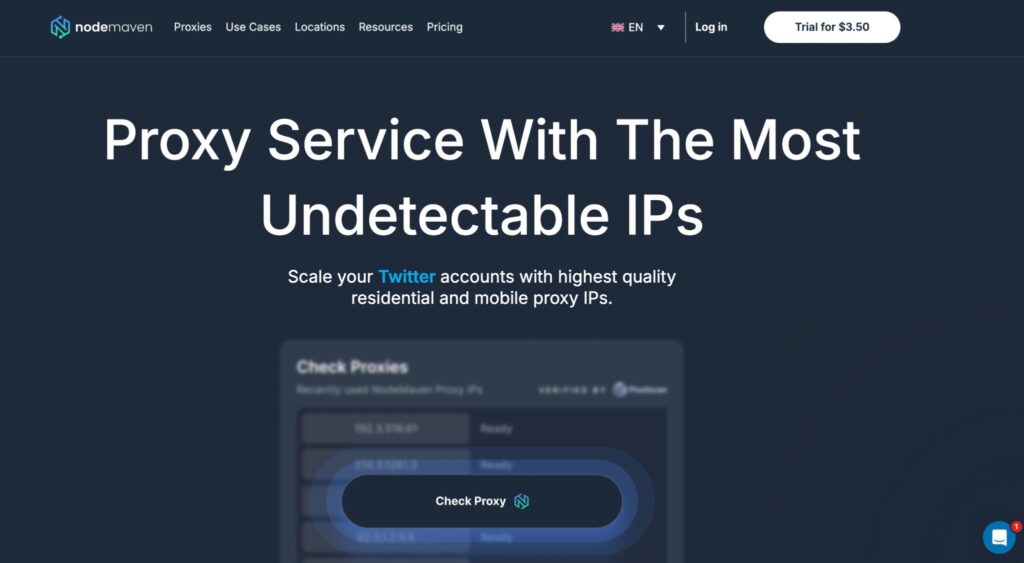
NodeMaven stands out because of its IP quality filtering and long sticky sessions. The provider lists 30M plus residential IPs, 250K mobile IPs, 95 percent IP clean rate, less than 0.6 second average speed, sticky sessions up to 7 days, traffic rollover, and city or ISP targeting.
That makes it a strong option for Facebook account warming. When warming accounts, you need consistency. A proxy that changes too often can make the account look suspicious.
Best for: Account warming, profile management, browser profiles
Proxy types: Residential, mobile, ISP
Key strength: IP quality filter and long sticky sessions
Possible drawback: Smaller pool than Oxylabs or Bright Data
NodeMaven is a smart pick if your main problem is not price, but avoiding bad IPs.
5. SOAX: Best Facebook Proxy for Mobile IP Quality

SOAX is one of the better options for mobile proxy quality. Its bundled plans list residential, mobile, US datacenter proxies, and Web Data API access, with starter pricing shown at $3.60 per GB for 25 GB. It also offers a 3 day 400 MB trial for $1.99.
Mobile proxies are often safer for Facebook because mobile carrier IPs are shared naturally by many real users. That does not mean they are magic, but they can reduce friction compared with cheap datacenter IPs.
Best for: Facebook mobile account activity, social testing, regional checks
Proxy types: Residential, mobile, datacenter
Key strength: Strong mobile proxy focus
Possible drawback: Not the cheapest for small users
SOAX is especially useful if you want mobile IPs with controlled targeting and a clean dashboard.
6. DataImpulse: Best Budget Facebook Proxy
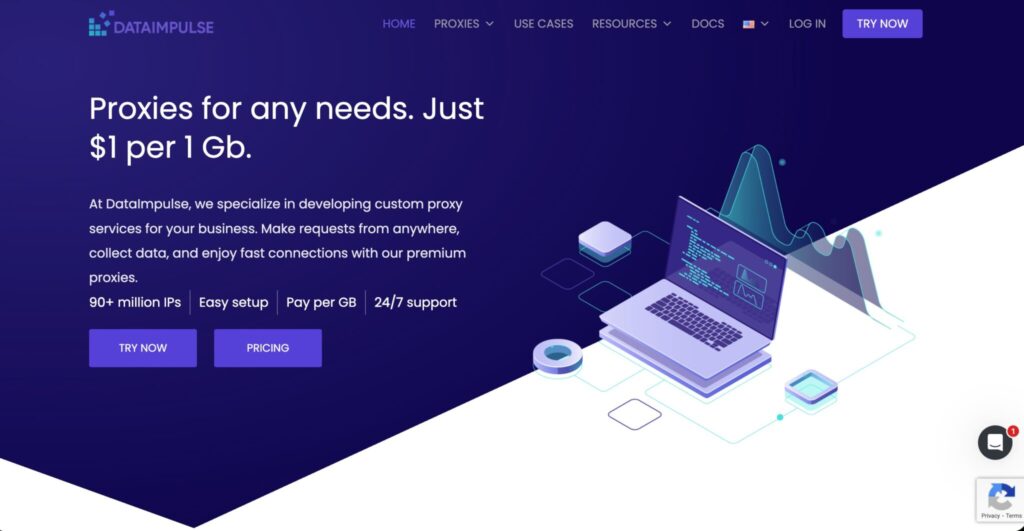
DataImpulse is one of the most affordable residential proxy providers right now. Its residential proxies are listed from $1 per GB, with 90M plus residential IPs, pay as you go pricing, no time limits, country targeting, and 24/7 support.
For Facebook, DataImpulse is best for users who need volume without a large monthly bill. It works well for lighter tasks, testing, market research, and basic Facebook browsing.
Best for: Budget users, entry level social media research, lightweight automation
Proxy types: Residential, datacenter
Key strength: Low cost residential bandwidth
Possible drawback: Less premium than enterprise grade providers
If you are price sensitive, DataImpulse deserves a serious look.
7. IPRoyal: Best Facebook Proxy for Non Expiring Bandwidth

IPRoyal is popular because of its non expiring residential traffic. Its pricing page lists residential proxies from $1.75 per GB and highlights traffic that never expires.
This is useful for Facebook users who do not need proxies every day. Many providers reset unused bandwidth monthly. With IPRoyal, you can buy traffic and use it when needed.
Best for: Occasional Facebook tasks, small teams, low usage buyers
Proxy types: Residential, ISP, datacenter, mobile
Key strength: Non expiring bandwidth
Possible drawback: Smaller pool than top enterprise providers
IPRoyal is a practical choice if your usage is irregular and you hate wasting unused GBs.
8. Bright Data: Best Facebook Proxy for Enterprise Ad Operations

Bright Data is built for enterprise data collection and proxy operations. Its residential proxy pricing page lists plans starting from $5.88 per GB, and its broader proxy network page mentions 150M plus premium residential, datacenter, mobile, and ISP proxies.
For Facebook, Bright Data is best for large teams that need compliance controls, reporting, APIs, dedicated infrastructure, and wide geo coverage. It is not the simplest option for beginners, but it is powerful.
Best for: Enterprise ad verification, brand protection, large scale research
Proxy types: Residential, mobile, ISP, datacenter
Key strength: Advanced proxy infrastructure
Possible drawback: Higher cost and more complex setup
Choose Bright Data if you are running serious Facebook ad intelligence or large scale social data operations.
9. ProxyEmpire: Best Facebook Proxy for Rollover Flexibility
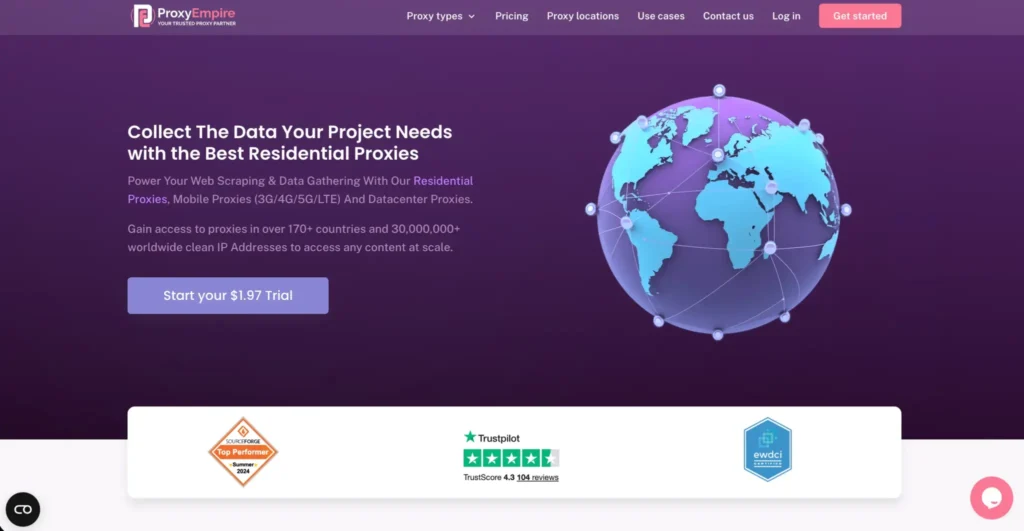
ProxyEmpire is worth considering if you care about unused data rollover. Its own comparison page highlights data rollover and transparent pricing as advantages.
For Facebook, that flexibility helps when your usage changes month to month. You may run a heavy campaign one month and barely touch proxies the next. Rollover bandwidth makes that easier to manage.
Best for: Flexible monthly usage, agencies, testing multiple regions
Proxy types: Residential, mobile, datacenter
Key strength: Rollover flexibility
Possible drawback: Less recognized than Oxylabs, Bright Data, or Decodo
ProxyEmpire is a good fit for users who want flexibility more than massive enterprise tooling.
Quick Comparison for Facebook Proxies
| Provider | Best For | Proxy Types | Starting Price or Key Pricing Note | Facebook Suitability |
| Oxylabs | Best overall | Residential, mobile, ISP, datacenter | Large residential pool, premium pricing | Excellent |
| Decodo | Best value | Residential, mobile, ISP, datacenter | Residential from $2 per GB | Excellent |
| Webshare | Best free tier | Residential, static residential, datacenter | 10 free proxies, residential from $1.40 per GB | Good for testing |
| NodeMaven | Account warming | Residential, mobile, ISP | Sticky sessions up to 7 days | Excellent |
| SOAX | Mobile IP quality | Residential, mobile, datacenter | Starter plan from $3.60 per GB | Very good |
| DataImpulse | Budget users | Residential, datacenter | Residential from $1 per GB | Good |
| IPRoyal | Non expiring bandwidth | Residential, mobile, ISP, datacenter | Residential from $1.75 per GB | Very good |
| Bright Data | Enterprise ad ops | Residential, mobile, ISP, datacenter | Residential from $5.88 per GB | Excellent |
| ProxyEmpire | Rollover flexibility | Residential, mobile, datacenter | Rollover bandwidth model | Very good |
How to Choose the Best Facebook Proxy
Choose Residential or Mobile First
For Facebook logins, residential and mobile proxies are safer than datacenter proxies. Residential IPs come from real internet service providers, while mobile proxies route through carrier networks.
Use residential proxies for:
- Facebook account management
- Marketplace browsing
- Regional content checking
- Brand monitoring
- Social listening
Use mobile proxies for:
- Higher trust account activity
- Mobile first Facebook workflows
- Ad checks from mobile networks
- Sensitive account warming
Use datacenter proxies only for:
- Public page checks
- Non login tasks
- Basic testing
- Low risk scraping
Match One Account to One Proxy
A common mistake is using one proxy for too many Facebook accounts. That creates a pattern. A safer setup is one account, one browser profile, one stable proxy, and one location.
For high value accounts, use one dedicated residential, ISP, or mobile proxy per account.
Use Sticky Sessions
Facebook does not like sudden IP jumps. If you log in from Mumbai, then 10 minutes later from London, then again from New York, it looks unnatural.
Sticky sessions help keep the same IP for a longer period. NodeMaven, Oxylabs, Decodo, and other premium providers offer session controls that are useful for this.
Keep Location Signals Consistent
Your proxy location should match the account’s normal behavior. If the Facebook account was created in the United States, use a US proxy. If the account normally logs in from Delhi, use an Indian proxy when possible.
Also keep the browser timezone, language, device fingerprint, and activity pattern aligned.
Avoid Free Proxies for Important Accounts
Free proxies are fine for testing. They are not ideal for Facebook accounts you care about. Many free IPs are recycled, abused, or already flagged.
If your Facebook account is linked to ads, pages, business managers, or client assets, do not risk it with random free proxies.
Pro Tips for Facebook Proxy Setup
Pro Tip 1: Warm up new accounts slowly. Do not log in, join groups, add friends, run ads, and post links on the same day.
Pro Tip 2: Use anti detect browsers carefully. A proxy alone is not enough. Browser fingerprint, cookies, canvas, WebRTC, timezone, and user agent also matter.
Pro Tip 3: Avoid aggressive rotation. Rotating proxies are great for scraping, but sticky proxies are better for logged in Facebook sessions.
Pro Tip 4: Use clean IPs for ad accounts. If you manage Meta Ads, use higher quality residential, ISP, or mobile IPs. Cheap shared IPs can create verification headaches.
Pro Tip 5: Track proxy performance. If one provider causes repeated checkpoints, switch IP type, location, or provider.
FAQs: Best Proxies for Facebook 2026
What proxy type is best for Facebook?
Residential and mobile proxies are usually best for Facebook. Residential proxies work well for account management, browsing, and region based checks. Mobile proxies are even stronger for sensitive accounts because mobile carrier IPs often look more natural.
How many Facebook accounts per proxy?
For safer use, keep one Facebook account per proxy. If the accounts are valuable, use one account, one browser profile, one proxy, and one stable location. Running many accounts through the same IP increases risk.
Can Facebook detect proxies?
Yes, Facebook can detect suspicious IP behavior, poor quality datacenter ranges, abnormal logins, and inconsistent location signals. A good proxy reduces risk, but it does not make an account invisible.
Is using proxies for Facebook allowed?
Using proxies may conflict with Facebook or Meta policies depending on how they are used. Proxies should not be used for spam, fake engagement, ban evasion, or deceptive activity. For legitimate use cases like ad verification, account security, testing, and regional QA, use ethical providers and follow platform rules.
Are datacenter proxies good for Facebook?
Datacenter proxies are fast and cheap, but they are not the safest for logged in Facebook accounts. They are better for basic browsing, public page checking, or testing. For account management, residential, ISP, or mobile proxies are safer.
Which Facebook proxy is best for agencies?
Oxylabs, Decodo, Bright Data, and NodeMaven are strong agency choices. Oxylabs and Bright Data are better for enterprise teams. Decodo is easier for mid sized teams. NodeMaven is strong for account warming because of its IP quality focus.
Which is the cheapest Facebook proxy provider?
DataImpulse is one of the cheapest residential proxy providers, with residential proxies listed from $1 per GB. Webshare is also budget friendly and offers a free proxy tier for testing.
Conclusion | Best Proxies for Facebook 2026
The best Facebook proxy depends on what you are doing.
- For the safest overall choice, pick Oxylabs.
- For best value, pick Decodo.
- For account warming, pick NodeMaven.
- For mobile IP quality, pick SOAX.
- For budget use, pick DataImpulse.
- For non expiring bandwidth, pick IPRoyal.
- For enterprise ad operations, pick Bright Data.
For most users, the sweet spot is a clean residential or mobile proxy with sticky sessions, stable geo targeting, and one account per IP. That setup costs more than random shared proxies, but it saves you from checkpoints, locks, wasted ad account time, and the kind of stress nobody wants before coffee.