
Telegram looks simple from the outside. Open the app, send messages, join channels, manage communities, run a few bots, done.
But anyone who has handled Telegram at scale knows the messy part sits underneath: IP reputation, session stability, country targeting, device fingerprints, proxy protocol support, and account safety.
A cheap proxy that works for browsing may fail badly on Telegram. A fast datacenter IP may load instantly today and get flagged tomorrow. A free MTProto proxy may connect once, then disappear when you actually need it. For regular personal use, that might be fine. For account management, regional testing, bot monitoring, customer support workflows, or Telegram access in restricted regions, it is not.
Telegram officially supports MTProxy for censorship circumvention, and MTProxy is designed to mask Telegram traffic and make it harder for ISPs or governments to identify outgoing Telegram connections. Users can connect to public MTProxy nodes or run their own.
For business and automation use, though, most teams look beyond random public proxies. They need cleaner IPs, better uptime, SOCKS5 support, sticky sessions, geo-targeting, and predictable rotation.
Below is a practical buyer’s guide to the 9 best Telegram proxy providers in 2026, ranked for serious users who care about reliability more than cheap promises.
9 Best Telegram Proxy Providers 2026
| Rank | Provider | Best For | Proxy Types Useful for Telegram | IP Pool / Coverage | Starting Price Snapshot | Main Strength | Main Weakness |
|---|---|---|---|---|---|---|---|
| 1 | Oxylabs | Large-scale Telegram use | Residential, SOCKS5, datacenter, mobile | 175M+ residential IPs, 195 locations | SOCKS5 dedicated plans from around $1.80/IP on listed tiers | Enterprise-grade stability | Expensive for small users |
| 2 | Decodo | Mid-scale automation | Residential, datacenter, mobile SOCKS5 | 125M+ IPs, 195+ locations | SOCKS5 residential plans shown from $3.75/GB | Strong value and easy setup | Not as enterprise-heavy as Oxylabs |
| 3 | Webshare | Beginners and testing | Datacenter, static residential, residential | 400K+ proxy servers listed for proxy server product | Proxy server plans start free, paid from low monthly tiers | Very affordable | Less advanced than premium platforms |
| 4 | Bright Data | High-trust mobile and residential IPs | Residential, ISP, datacenter SOCKS5 | 400M+ monthly SOCKS5 proxy IPs, 195 countries | Residential pricing listed from $5.88/GB | Huge network and advanced controls | Can be complex and costly |
| 5 | SOAX | Fast rotating residential proxies | Residential, mobile, SOCKS5 | 155M+ residential IPs, 195+ locations | Residential bundled plans from $3.60/GB | Clean filtering and rotation | Entry plan is not tiny-budget friendly |
| 6 | IPRoyal | Cheap residential for small teams | Residential, ISP, mobile, SOCKS5 | 32M+ residential pool, 195+ SOCKS5 locations | Residential from $1.75/GB at scale | Affordable and flexible | Smaller network than top-tier giants |
| 7 | ProxyEmpire | Rollover bandwidth workflows | Residential, static residential, mobile | Global residential and mobile options | Residential proxies from $0.75/GB on high-volume tiers | Rollover-friendly pricing | Trial data is limited |
| 8 | NodeMaven | Clean account management | Residential, mobile, ISP | Residential and mobile access from same plans | Residential from $2.20/GB | Focus on clean IP quality | Newer compared with legacy brands |
| 9 | ProxyCheap | Entry-level Telegram proxy use | SOCKS5, residential, datacenter, mobile | 50M+ residential IPs, 195+ countries | SOCKS5 datacenter from $1.99/proxy/month | Cheap starting point | Quality may vary by proxy type |
1. Oxylabs: Best Overall for Serious / Large-Scale Telegram Use
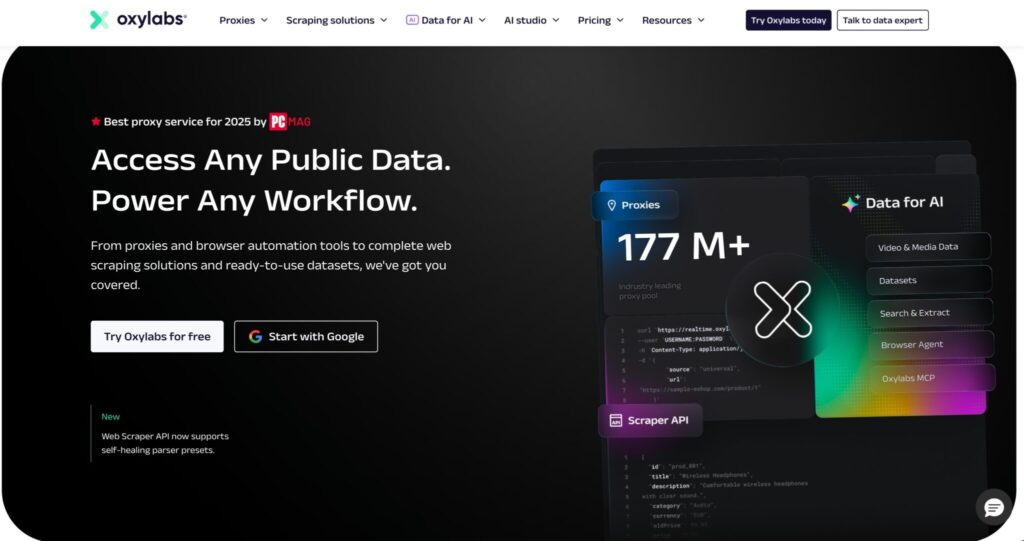
Oxylabs is the provider I would put first for users who cannot afford unstable IPs. If you are managing Telegram workflows across multiple markets, testing access from different regions, monitoring channels, or handling customer communication accounts, Oxylabs gives you the infrastructure depth that cheaper tools usually cannot match.
Its residential proxy network is listed at 175M+ IPs across 195 locations, with support for session control, unlimited concurrent sessions, and geo-targeting down to country, city, state, and ZIP-code level. Oxylabs also confirms that its residential proxies and dedicated datacenter proxies can be used through SOCKS5.
For Telegram, SOCKS5 support matters because Telegram clients can work with SOCKS5 proxy settings, while Telegram-specific MTProto proxies are more focused on access and censorship circumvention. If your use case involves automation tools, browser profiles, session management, or account testing, SOCKS5 gives you wider compatibility.
Oxylabs also offers dedicated SOCKS5 proxies, with plans showing a 2M+ proxy network, 188 available countries, dedicated IPs, and listed business tiers starting from around $1.80/IP depending on package size.
Why it works well for Telegram
Oxylabs is not the cheapest option, but Telegram proxy work is rarely just about price. The real question is whether your IPs look stable, whether sessions hold, whether the provider can handle concurrent usage, and whether you can scale without constantly replacing bad endpoints.
For larger Telegram operations, rotating residential IPs are useful for location diversity, while dedicated SOCKS5 or ISP-style IPs can help when you need longer, more predictable sessions.
Pro-Tip: For Telegram account management, do not rotate IPs too aggressively. A stable sticky session often looks more natural than switching locations every few minutes. Use rotation for research or access testing, not for every login event.
Best for: Agencies, enterprise users, large Telegram monitoring projects, and serious automation teams.
Not ideal for: Beginners who only need one or two low-cost proxies.
2. Decodo: Best Value for Mid-Scale Bots & Automation
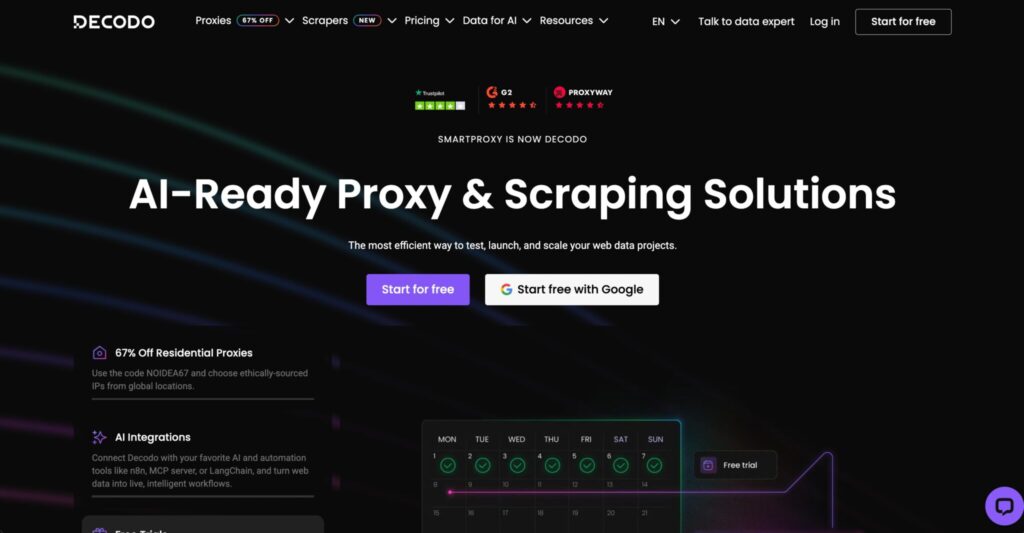
Decodo, formerly Smartproxy, has become one of the strongest value picks in the proxy market. It sits nicely between expensive enterprise providers and low-cost proxy shops.
The company states that Smartproxy has officially rebranded to Decodo, and its homepage lists 125M+ IPs, 195+ locations, 99.99% uptime, and average speed below 0.2 seconds.
For SOCKS5, Decodo lists residential, datacenter, and mobile options. Its SOCKS5 page shows flexible pricing, including residential SOCKS5 from $3.75/GB, datacenter from $0.60/GB, and mobile from $3.75/GB on the displayed plans.
That makes Decodo very attractive for Telegram users who need more than a free proxy but do not want the enterprise spend of Oxylabs or Bright Data.
Why it works well for Telegram
Decodo is good for mid-scale Telegram workflows: bot monitoring, Telegram web testing, multi-location checks, account warm-up processes, and regional access testing. The dashboard is easier to understand than many enterprise platforms, and the pricing is friendlier for users who want to test before scaling.
The key advantage is balance. You get a large IP pool, multiple proxy types, SOCKS5 support, and decent pricing without needing a complex enterprise onboarding process.
Pro-Tip: If you are running Telegram bots for legitimate notifications, support, or community workflows, separate your bot sessions by region and account purpose. Do not use one proxy pool randomly across every account.
Best for: Mid-size teams, automation users, marketers, Telegram bot operators, and developers.
Not ideal for: Users who only want a single free Telegram proxy link.
3. Webshare: Best Free & Budget Option for Beginners & Testing
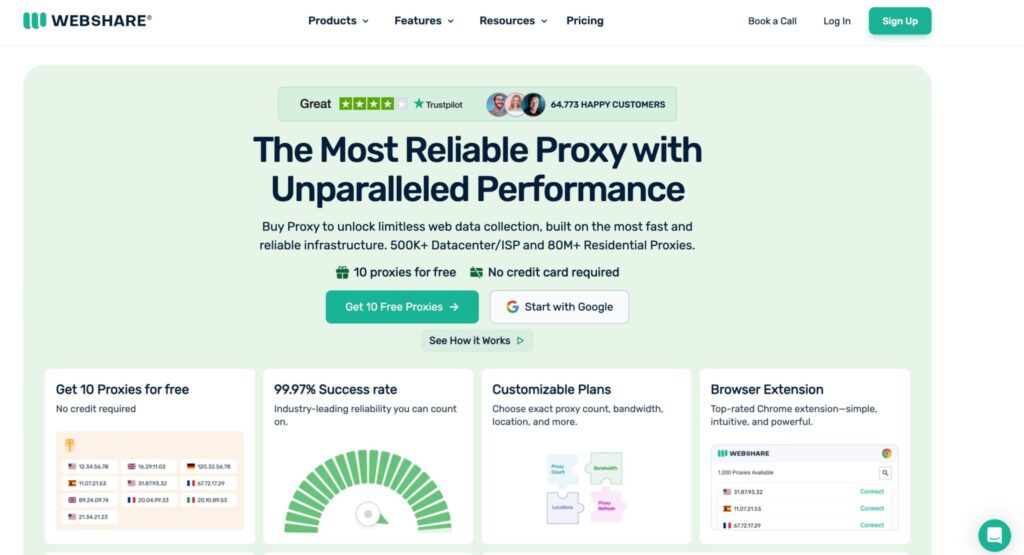
Webshare is the budget-friendly name in this list. It is not trying to be the most advanced enterprise proxy provider. Its appeal is simple: low pricing, easy setup, and enough flexibility for testing.
Webshare offers three main proxy product types: Proxy Server, Static Residential, and Residential Proxy. Its homepage lists proxy servers from $2.99/month, static residential from $6/month, and a free starting option.
Its proxy server product page lists HTTP and SOCKS5 support, a free start option, pricing as low as $0.0179 per proxy, and 99.97% uptime for that product line.
For Telegram beginners, Webshare is one of the easiest ways to test SOCKS5 behavior without committing to a large proxy contract.
Why it works well for Telegram
If you only need proxies for Telegram testing, light account access, regional checks, or learning how SOCKS5 works inside Telegram, Webshare is hard to ignore.
The dashboard is simple, the pricing is beginner-friendly, and the free or low-cost entry point reduces risk. You can test connection quality before moving to premium residential or mobile proxies.
The trade-off is that datacenter proxies are easier to detect on sensitive platforms than strong residential or mobile IPs. For casual testing, that may not matter. For serious multi-account workflows, it can matter a lot.
Pro-Tip: Use Webshare for testing your setup, scripts, and Telegram proxy configuration. Once the workflow is proven, move high-value accounts to residential, ISP, or mobile proxies.
Best for: Beginners, testers, students, small projects, and low-budget Telegram proxy use.
Not ideal for: High-trust account management or heavy automation.
4. Bright Data: Best for High-Trust Mobile & Residential IPs
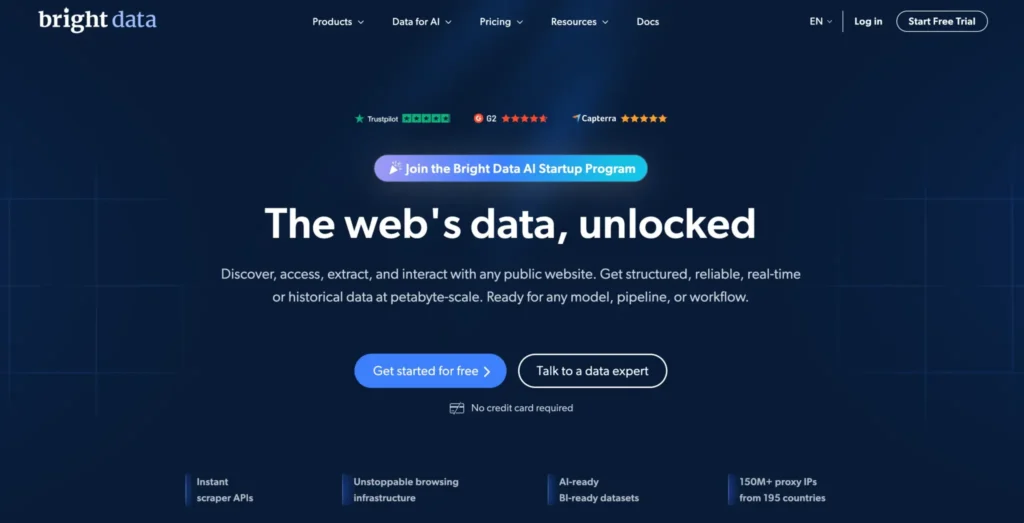
Bright Data is one of the biggest names in the proxy industry, and it is built more for serious data teams than casual users.
Its SOCKS5 proxy page lists 400M+ monthly SOCKS5 proxy IPs from 195 countries, support for residential, ISP, and datacenter SOCKS5 proxies, unlimited concurrent sessions, geo-location targeting, and a listed 99.95% success rate.
Bright Data’s residential pricing page shows residential proxies starting from $5.88/GB.
For Telegram use, Bright Data is especially interesting when you need premium residential or mobile-quality IP behavior. This can matter for regional testing, high-trust account access, QA, and research workflows where IP quality is more important than the lowest price.
Why it works well for Telegram
Bright Data gives you strong targeting, deep proxy inventory, and mature infrastructure. If your Telegram work involves international markets, testing restrictions, or maintaining access quality across regions, it is one of the safest premium choices.
The downside is complexity. Bright Data can feel like too much if you only need one SOCKS5 proxy for Telegram. The platform has many products, controls, compliance checks, and pricing options.
Pro-Tip: Bright Data is best when you know your use case clearly. Before buying, decide whether you need residential, mobile, ISP, or datacenter IPs. Buying the wrong type can burn budget quickly.
Best for: Enterprise QA, market research, regional testing, and high-trust Telegram workflows.
Not ideal for: Users looking for a cheap plug-and-play proxy.
5. SOAX: Best for Fast Rotating Residential Proxies
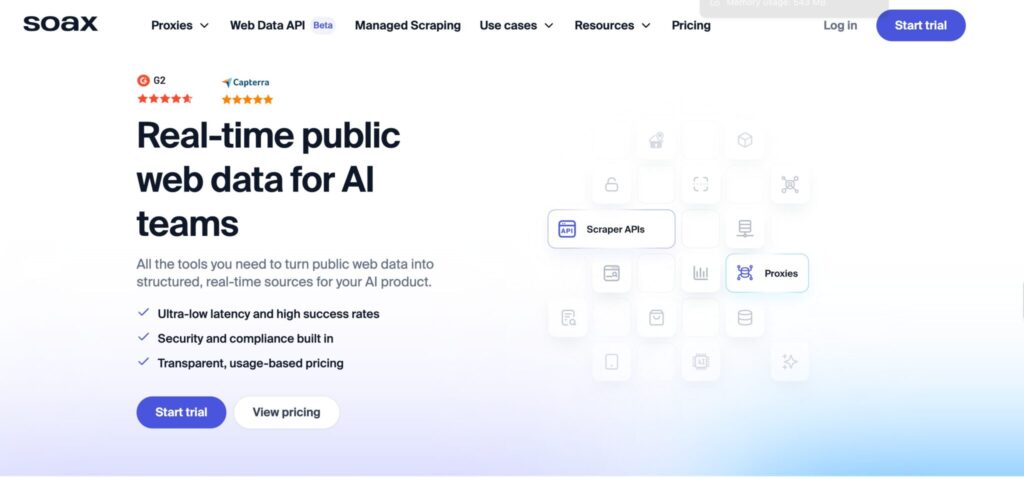
SOAX is a strong pick for users who want rotating residential proxies with tight filtering and global coverage.
Its residential proxy page lists 155M+ residential IPs across 195+ locations, and its pricing page shows bundled plans starting with a $1.99 three-day trial for 400MB. Residential plans are listed from $3.60/GB on the Starter tier with 25GB included.
SOAX also has a SOCKS5 page where it lists access to proxies and scraping APIs through bundled plans, again showing Starter pricing from $3.60/GB with 25GB included.
Why it works well for Telegram
SOAX is a good match when you need clean residential rotation with predictable targeting. For Telegram, that can help with regional testing, access checks, bot monitoring, and market-specific account workflows.
It is not the cheapest tool for tiny projects, but it gives better structure than many low-cost proxy providers. The filtering options are useful when your Telegram workflow depends on specific countries or cities.
Pro-Tip: For Telegram, pick fewer high-quality residential locations instead of scattering accounts across too many countries. Sudden region switching can create unnecessary account risk.
Best for: Rotating residential use, geo-testing, and mid-to-large Telegram workflows.
Not ideal for: Very small users who only need a few hundred MB per month.
6. IPRoyal: Best Cheap Residential for Beginners & Small Projects
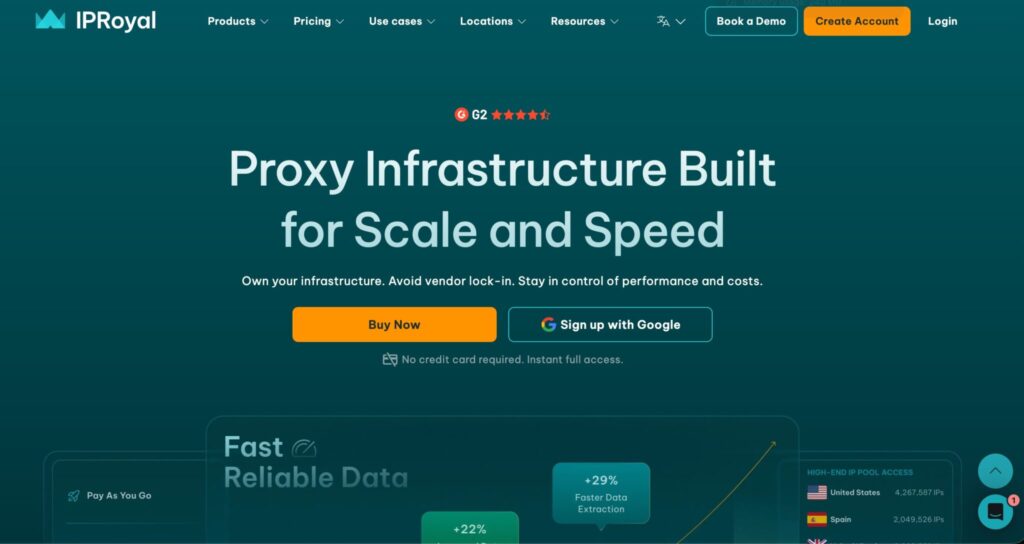
IPRoyal is one of the more budget-friendly residential proxy providers, and it has become popular with smaller teams because the pricing is easier to approach.
The company lists residential proxies from $1.75/GB, a 32M+ proxy pool, ISP proxies, datacenter proxies, and mobile proxies.
Its residential proxy page says plans start at $7/GB, with bulk discounts going as low as $1.75/GB, and purchased traffic never expires.
For SOCKS5, IPRoyal lists dedicated residential SOCKS5 proxies with 195+ locations and sticky SOCKS sessions that can retain the same IP address for up to seven days.
Why it works well for Telegram
IPRoyal is useful when you want residential IPs without paying premium enterprise prices. The non-expiring traffic model is especially attractive for Telegram users who do not use proxies heavily every day.
Sticky SOCKS5 sessions are also useful for account access. Telegram sessions generally benefit from consistency, especially when you are logging in from the same profile or device environment.
Pro-Tip: If you manage only a few Telegram accounts, do not buy a huge plan just because the per-GB price is lower. Non-expiring traffic helps, but account quality matters more than stockpiling bandwidth.
Best for: Small teams, low-budget residential use, and users who want non-expiring traffic.
Not ideal for: Enterprise workloads requiring the largest possible pool.
7. ProxyEmpire: Best Telegram Proxy for Bot Farms with Rollover
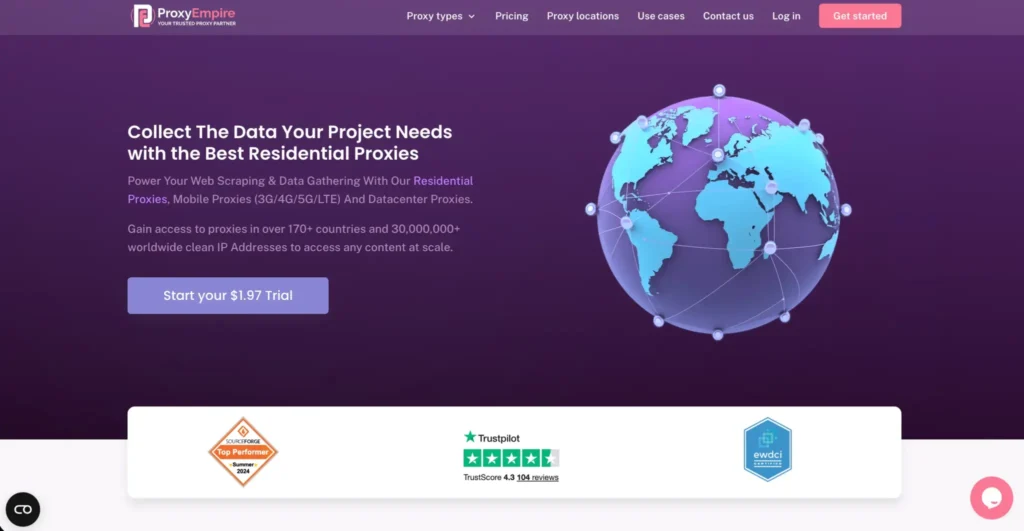
ProxyEmpire is a strong fit for users who care about bandwidth rollover and flexible proxy types. It offers residential, static residential, mobile, and datacenter options.
The company’s homepage lists residential proxies from $0.75, static residential proxies from $0.75, mobile proxies from $1.25, and datacenter proxies from $0.35.
Its pricing table also shows high-volume custom pricing from $0.75/GB, along with a $1.97 trial option on some pages.
A 2026 HostAdvice review highlights ProxyEmpire’s data rollover model and $1.97 trial as notable advantages, while also noting that trial allocations are small for deep testing.
Why it works well for Telegram
ProxyEmpire is useful for Telegram teams that do not consume bandwidth evenly every month. If your usage spikes during launches, campaigns, research windows, or regional checks, rollover can reduce wasted spend.
For legitimate bot operations, such as customer notifications, community moderation, alerts, or internal workflow bots, ProxyEmpire can be a practical option. It should not be used for spam, scraping private data, impersonation, or platform abuse.
Pro-Tip: If your Telegram workload is uneven, rollover bandwidth can matter more than the lowest advertised per-GB rate. Wasted bandwidth is still wasted money.
Best for: Uneven usage, campaign-based Telegram projects, and users who value rollover.
Not ideal for: Buyers who need large free trials before deciding.
8. NodeMaven: Best Telegram Proxy for Clean Account Management
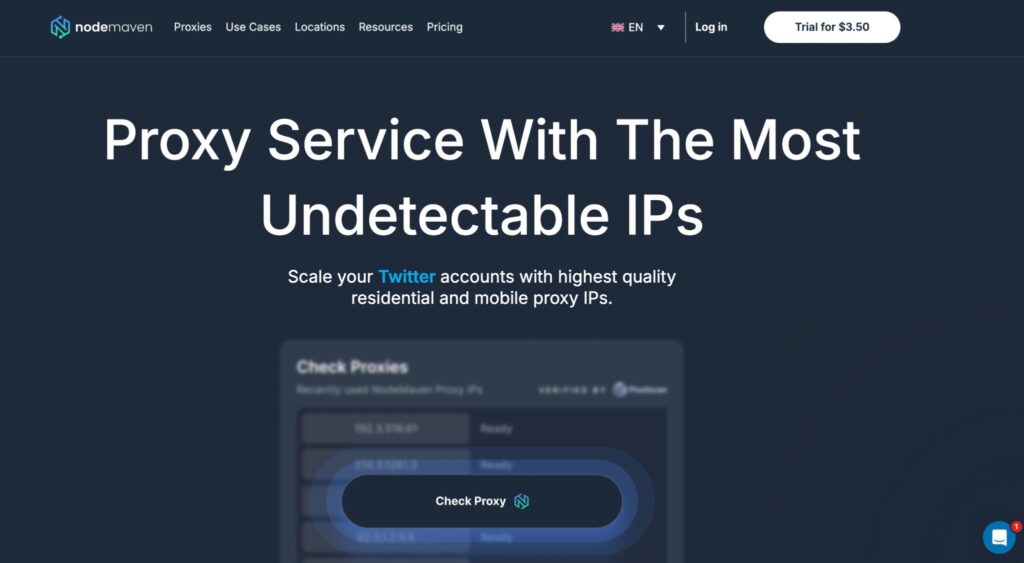
NodeMaven is newer than some legacy proxy brands, but it has positioned itself around clean IP quality and practical pricing.
Its pricing page says residential proxies start from $2.20/GB on monthly plans, with pay-as-you-go available. It also says all plans include access to both residential and mobile proxy pools, traffic rollover, and cashback on used bandwidth.
Its residential proxy page mentions SOCKS5 and HTTPS support, stable residential proxies, consistent IP behavior, and session control.
That combination makes NodeMaven interesting for Telegram account management, especially when you want cleaner residential or mobile access without jumping straight to a more expensive enterprise platform.
Why it works well for Telegram
Clean IPs matter. A proxy can be fast and still be bad for Telegram if the IP has a messy reputation. NodeMaven’s messaging around filtered IPs, session quality, and performance guarantees makes it appealing for account-heavy workflows.
It is also useful that residential and mobile pools are included in plans. Mobile IPs can be valuable for Telegram because many normal Telegram users connect from mobile networks.
Pro-Tip: Use mobile proxies only where they make sense. They are often more expensive, so reserve them for high-trust sessions, app testing, or country-specific workflows.
Best for: Clean account access, residential and mobile testing, and users who care about IP quality.
Not ideal for: Users who prefer older, more established proxy brands.
9. ProxyCheap: Best Entry-Level Telegram Proxy

ProxyCheap is the budget entry in this ranking. It is not the most advanced provider here, but it can work for users who want affordable SOCKS5 or residential access without a steep learning curve.
Its SOCKS5 proxy page says it offers unlimited bandwidth SOCKS5 proxies starting at $1.99 per proxy per month for datacenter proxies, with pricing varying by proxy type.
Its residential proxy page lists 50M+ residential IPs across 195+ countries, SOCKS5/HTTPS support, 99.9% uptime, and rotating IP functionality.
Why it works well for Telegram
ProxyCheap is best for entry-level use: testing Telegram proxy settings, accessing Telegram from a different region, trying SOCKS5 tools, or running light workflows.
For heavier account management, I would still prefer Oxylabs, Decodo, Bright Data, SOAX, IPRoyal, ProxyEmpire, or NodeMaven. ProxyCheap’s main advantage is accessibility, not elite infrastructure.
Pro-Tip: Start with one proxy type and test connection stability for several days. Do not buy a large plan until you know how the provider performs with Telegram specifically.
Best for: Beginners, low-budget users, and basic SOCKS5 Telegram setup.
Not ideal for: High-volume, high-risk, or business-critical Telegram operations.
How to Choose the Best Telegram Proxy Provider
Choosing a Telegram proxy is not just about buying the biggest IP pool. The right proxy depends on what you are doing inside Telegram.
1. Pick the Right Proxy Type
For Telegram, the two most common proxy categories are MTProto and SOCKS5.
MTProto is Telegram-specific and built for helping users connect to Telegram where access is restricted. Telegram’s own MTProxy documentation describes it as a way to mask Telegram IPs and obfuscate traffic, making censorship harder.
SOCKS5 is broader. It works with more tools, browsers, apps, automation stacks, and proxy managers. If you are using Telegram Desktop, account management tools, browser profiles, or custom software, SOCKS5 is usually more flexible.
2. Match IP Type to Risk Level
Datacenter proxies are cheap and fast, but they are easier to identify as proxy infrastructure.
Residential proxies look more like normal home-user traffic. They are better for account trust and regional testing.
Mobile proxies can be even more natural for mobile-heavy apps like Telegram, but they cost more and can rotate unpredictably if not configured properly.
ISP proxies sit between datacenter and residential. They are stable like datacenter proxies but registered through internet service providers, which can make them useful for long sessions.
3. Understand Rotation Protocols
Rotation can happen per request, per session, after a fixed time window, or manually.
For Telegram, per-request rotation is usually not ideal for account login or account management. It can make one session appear to jump between IPs too often.
Sticky sessions are better when you want the same Telegram account to keep a stable IP for a set period. For research or access testing, faster rotation may be fine.
4. Check IP Pool Quality, Not Just Size
A 175M IP pool sounds impressive, and it is useful at scale. But for Telegram, the better question is: how clean are the IPs in the countries you need?
A smaller provider with cleaner IPs in your target country may perform better than a huge provider with overloaded endpoints.
5. Avoid Free Public Proxies for Serious Use
Free proxies can work for quick access, but they are unreliable for anything tied to accounts, business communication, or automation. They may be slow, unstable, overloaded, or unsafe.
Use free MTProto proxies only for basic access needs. For account-related workflows, choose a paid provider with clear authentication, support, and session controls.
FAQs: Best Telegram Proxy Providers 2026
What is the best proxy type for Telegram?
For simple access in restricted regions, MTProto is the most Telegram-specific option. For account management, automation tools, browser profiles, and multi-platform setups, SOCKS5 is usually more flexible.
Is Telegram blocked in Russia in 2026?
Russia has renewed restrictions against Telegram in 2026. Reuters reported in February 2026 that Russian authorities were weighing a Telegram block from early April, and OSW reported in April 2026 that Russia had almost completely blocked access to Telegram for citizens while also cracking down on circumvention tools.
Can I use a free proxy for Telegram?
Yes, but only for low-risk access. Free proxies are often unstable, overloaded, and short-lived. For business accounts, Telegram bots, or long-term sessions, paid SOCKS5, residential, ISP, or mobile proxies are safer.
How many proxies do I need for Telegram bots?
For legitimate bots, you usually do not need one proxy per bot unless the bots operate from separate accounts, regions, or environments. A safer rule is to separate proxies by account group, use sticky sessions, and avoid sudden IP changes. Always follow Telegram’s rules and avoid spam or abusive automation.
Does Telegram detect and block proxies?
Telegram can restrict suspicious activity, and poor-quality proxies can increase account risk. The bigger issue is usually not the proxy itself, but unnatural behavior: repeated logins, fast account switching, spam-like messaging, strange location changes, and reused device fingerprints.
What is the difference between SOCKS5 and MTProto for Telegram?
MTProto is Telegram’s dedicated proxy protocol for connecting to Telegram under network restrictions. SOCKS5 is a general proxy protocol that works across many apps and tools, making it better for automation stacks, browser profiles, and broader traffic routing.
Are residential proxies better than datacenter proxies for Telegram?
Usually, yes. Residential proxies look closer to normal user connections. Datacenter proxies are faster and cheaper, but they can be easier to flag. For casual testing, datacenter proxies are fine. For account-sensitive work, residential, ISP, or mobile proxies are better.
Which Telegram proxy provider is best for beginners?
Webshare, IPRoyal, and ProxyCheap are good beginner options because they are affordable and easier to start with. Webshare is best for testing, IPRoyal is better for cheap residential traffic, and ProxyCheap is useful for entry-level SOCKS5 access.
Which Telegram proxy provider is best for serious business use?
Oxylabs, Bright Data, Decodo, and SOAX are stronger for serious business use. Oxylabs is best for enterprise stability, Bright Data is best for premium network depth, Decodo is best for value, and SOAX is strong for rotating residential workflows.
Conclusion: Best Telegram Proxy Providers 2026
The best Telegram proxy provider depends on your workload.
If you want the strongest overall option, Oxylabs is the safest premium pick. It has the scale, SOCKS5 support, residential depth, and enterprise reliability serious teams expect.
If you want the best balance between price and performance, Decodo is the smart middle-ground choice. It gives you a large network, SOCKS5 support, and friendly pricing without feeling too basic.
If you are just testing, Webshare is the easiest low-cost starting point.
For premium residential and mobile trust, Bright Data is hard to beat. For rotating residential workflows, SOAX is excellent. For budget residential traffic, IPRoyal makes sense. For rollover bandwidth, ProxyEmpire deserves attention. For cleaner account-focused workflows, NodeMaven is worth testing. For the cheapest entry point, ProxyCheap does the job.
My practical pick?
Use Webshare to test your setup, Decodo or IPRoyal for affordable scaling, and Oxylabs or Bright Data when Telegram becomes business-critical. That path keeps your costs controlled without putting important accounts behind weak proxy infrastructure.