
Price monitoring looks simple from the outside. You collect product prices, compare them with competitors, and adjust your strategy.
Then reality walks in.
Retailers show different prices by country, city, device, stock status, account type, delivery address, and sometimes even browsing behavior. A product that shows at $79 in New York might show a different price in London, Berlin, or Mumbai. A marketplace seller may change prices five times a day. A travel site may display location based fare differences. An eCommerce competitor may block your scraper after 300 requests because all traffic is coming from the same IP range.
That is where proxies become the backbone of serious price monitoring.
The right proxy setup lets your pricing system check pages from different locations, rotate IPs naturally, reduce blocks, and collect cleaner price data. The wrong setup gives you fake gaps, missing prices, CAPTCHA walls, and messy dashboards that make your revenue team lose trust in the data.
For price monitoring, residential proxies are usually the safest starting point because they route requests through real user type IPs. ISP proxies can work well for stable sessions. Datacenter proxies are useful for low risk targets where speed matters more than stealth. The best setup often blends all three depending on the websites you monitor.
Here are the 9 best proxies for price monitoring in 2026, based on IP pool strength, rotation control, targeting, pricing flexibility, reliability, and practical use for eCommerce, travel, marketplaces, SaaS, ticketing, and retail intelligence.
Quick Picks: Best Price Monitoring Proxies
Oxylabs
Oxylabs is the strongest choice for large scale price monitoring where accuracy, uptime, and global coverage matter more than finding the cheapest per GB rate. Its residential proxy pool is listed at 175M+ IPs with support for 195 locations and granular geo targeting, including city, state, and ZIP level options.
Decodo
Decodo, formerly Smartproxy, is one of the best value options for teams that want strong residential coverage without jumping straight into enterprise pricing. Its residential proxies include access to a 115M+ IP pool, unlimited concurrent sessions, and geo targeting down to city and ZIP level on supported plans.
DataImpulse
DataImpulse is the budget friendly option for teams that need low cost residential proxy traffic for price comparison and price intelligence tasks. It lists 90M+ residential IPs, coverage across 195 countries, and residential proxy pricing starting at $1 per GB.
What Makes a Proxy Ideal for Price Monitoring?
A price monitoring proxy is not just any proxy that “works.” It needs to collect pricing pages repeatedly without poisoning the data.
The first thing to check is IP quality. Price monitoring tools often hit the same domains every hour, sometimes every few minutes. If your IPs are already abused, blacklisted, or heavily shared, target sites will respond with blocks, empty pages, fake prices, or CAPTCHA checks. Residential and ISP proxies usually perform better here than cheap public datacenter proxies.
The second factor is geo targeting. Pricing is often location sensitive. A retailer may show different product prices by country. Travel platforms may vary pricing by departure market. Grocery, delivery, and local retail platforms can change prices by city or ZIP code. So, a good proxy provider should support country level targeting at minimum. City, state, ASN, carrier, or ZIP targeting is better for advanced monitoring.
The third factor is rotation control. For search result checks, rotating every request can work. For cart checks, account based pricing, shipping fee checks, or multi step flows, you may need sticky sessions that hold the same IP for 5, 10, 30, or 60 minutes. The best providers let you choose both modes.
The fourth factor is scale without chaos. If you monitor 2,000 products once a day, almost any decent provider can help. If you monitor 500,000 SKUs across 30 countries and 50 domains, you need stronger concurrency, cleaner routing, session handling, retry logic, and reliable dashboards.
The fifth factor is cost control. Price monitoring can burn bandwidth quickly because product pages are heavier than people expect. Images, scripts, reviews, tracking code, and recommendation widgets all add weight. A smart setup blocks unnecessary assets, uses caching where allowed, and sends only high risk targets through expensive residential pools.
Pro Tip: Do not use the same proxy type for every target. Use datacenter proxies for easy websites, ISP proxies for stable repeated checks, and residential proxies for aggressive retailers, marketplaces, travel sites, and region sensitive pricing.
9 Best Proxies For Price Monitoring 2026
| Rank | Proxy Provider | Best For | Proxy Strength | Starting Price Snapshot | Best Fit |
|---|---|---|---|---|---|
| 1 | Oxylabs | Enterprise scale price monitoring | 175M+ residential IPs, 195 locations, advanced targeting | Residential pricing varies by plan | Large eCommerce, marketplaces, retail intelligence |
| 2 | Decodo | Value and usability | 115M+ residential IP pool, city and ZIP targeting | Residential plans from $3.75 per GB on small plans, lower with volume | Mid sized teams, agencies, growing scrapers |
| 3 | DataImpulse | Budget residential traffic | 90M+ residential IPs, 195 countries | From $1 per GB | Startups, low cost monitoring, testing |
| 4 | Bright Data | Multi retailer coverage | 400M+ monthly residential IPs, 195 countries, advanced tools | Residential pricing starts from $5.88 per GB | Enterprise data teams, complex scraping stacks |
| 5 | SOAX | Location specific pricing | 155M+ residential proxies, 195+ locations | Starter plan listed at $3.60 per GB with 25 GB included | Geo based retail and travel price tracking |
| 6 | IPRoyal | Continuous operations | 32M+ residential proxy pool, 195+ countries | Residential plans from $7 per GB for 1 GB, lower at higher volumes | Small teams, long running monitoring jobs |
| 7 | Proxy Cheap | Budget monitoring | Rotating residential plans, SOCKS5 and HTTPS support | Rotating residential from $4.99 per GB | Lean teams, simple competitor price checks |
| 8 | ProxyEmpire | Continuous operations | Residential and mobile proxy options, price monitoring use case pages | Rotating residential from $7 per GB before listed discounts | Multi country monitoring, rollover style usage |
| 9 | Webshare | Growing teams | 80M+ residential IPs, HTTP and SOCKS5 support | Residential from $1.40 per GB | Teams wanting affordable dashboard based proxy control |
#1: Oxylabs: Best Price Monitoring Proxy for Scale and Accuracy
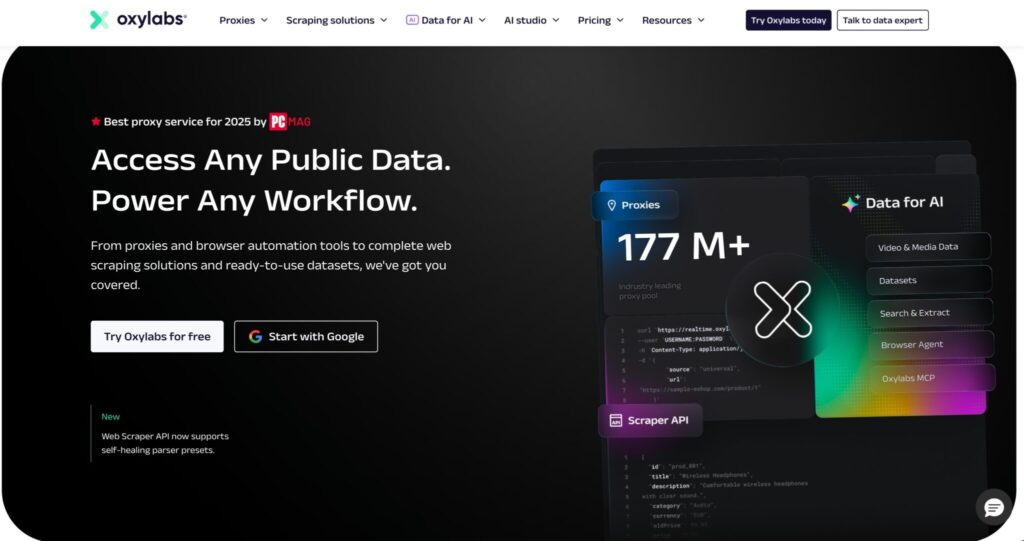
Oxylabs is the provider I would look at first if price monitoring is tied directly to revenue decisions. Think large product catalogs, marketplace price tracking, MAP monitoring, travel fare intelligence, retailer benchmarking, and global eCommerce data collection.
Its biggest advantage is infrastructure depth. Oxylabs lists 175M+ residential IPs, 195 location coverage, and granular targeting options including continent, country, city, state, and ZIP code. That matters when your pricing team does not just want to know “what is the price in the US?” They may want to know what a shopper sees in California versus Texas, or what pricing appears in a specific metro area.
Oxylabs is also strong for teams that need more than raw proxy access. If your developers are building a serious price intelligence pipeline, you will care about session control, concurrency, scraping APIs, data collection tooling, and reliability under load. Oxylabs fits that kind of environment better than most low cost providers.
For price monitoring, the residential pool is the main attraction. Datacenter proxies may still be useful for light targets, but residential proxies are safer when retailers use bot detection, IP reputation checks, and geo based content rules.
Best use cases:
| Use Case | Why Oxylabs Fits |
|---|---|
| Enterprise retail tracking | Strong IP depth and location targeting |
| Marketplace price monitoring | Better resilience against blocks |
| Travel fare monitoring | Useful for region based price checks |
| MAP monitoring | Helps check reseller prices across locations |
| Large SKU catalogs | Built for higher volume workflows |
Where Oxylabs may not fit:
It may be too much if you only monitor a few hundred products once per week. Smaller teams may find Decodo, DataImpulse, Webshare, or IPRoyal easier to justify from a budget angle.
Pro Tip: For Oxylabs, use sticky sessions when checking multi step flows like product page, cart, shipping, and checkout estimates. Use rotating sessions when collecting simple product page prices at scale.
#2: Decodo: Best Value Price Monitoring Proxy
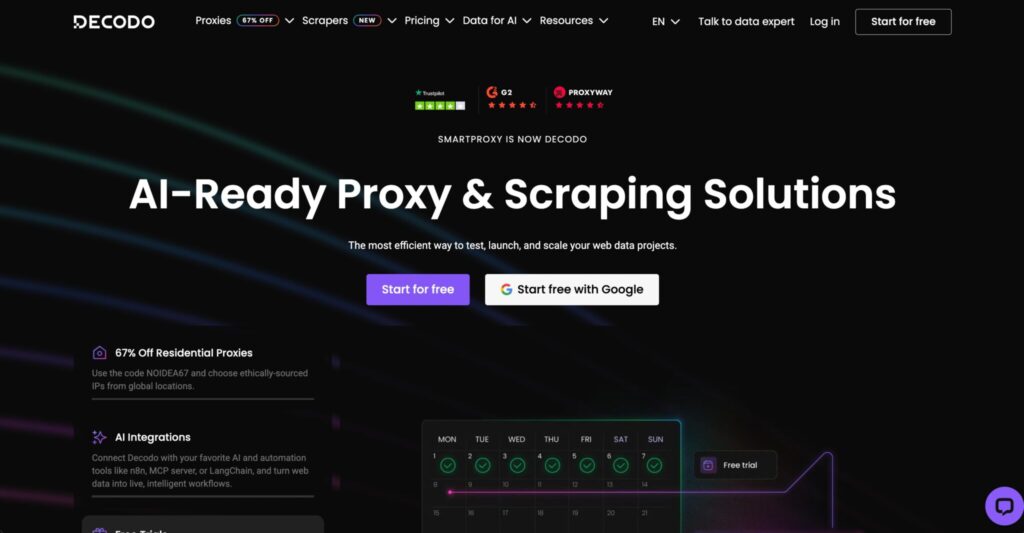
Decodo is a strong middle ground between enterprise grade proxy networks and cheaper budget pools. It gives teams a clean dashboard, solid residential coverage, easy integrations, and flexible pricing without feeling overly complex.
Its residential proxy plans include access to a 115M+ IP pool, advanced geo targeting at country, continent, state, city, and ZIP code level, and unlimited concurrent sessions. Pricing on the official residential page starts at $3.75 per GB for the 3 GB plan, with lower per GB rates at higher monthly volumes.
For price monitoring, Decodo makes sense for agencies, mid sized retailers, SaaS data teams, and eCommerce operators that want dependable proxy performance without immediately moving into heavy enterprise contracts.
It works especially well when you need to monitor competitors across multiple locations but still care about cost. You can run regular checks through residential proxies, then reserve higher cost setups for the sites that are more sensitive.
Best use cases:
| Use Case | Why Decodo Fits |
|---|---|
| Mid sized price tracking | Good balance of pool size and cost |
| Geo specific retail checks | City and ZIP targeting available |
| Agency client reporting | Easy to manage multiple projects |
| Competitor monitoring | Flexible residential setup |
| Product catalog monitoring | Unlimited concurrent sessions help scaling |
Where Decodo may not fit:
Very large companies with strict procurement, advanced compliance needs, or custom data delivery may prefer Oxylabs or Bright Data. Smaller hobby projects may still find DataImpulse or Webshare cheaper.
Pro Tip: Segment your competitors into easy, medium, and hard targets. Use Decodo residential proxies for medium and hard sites, while routing simple pages through cheaper datacenter or ISP proxies.
#3: DataImpulse: Best Budget Price Monitoring Proxy
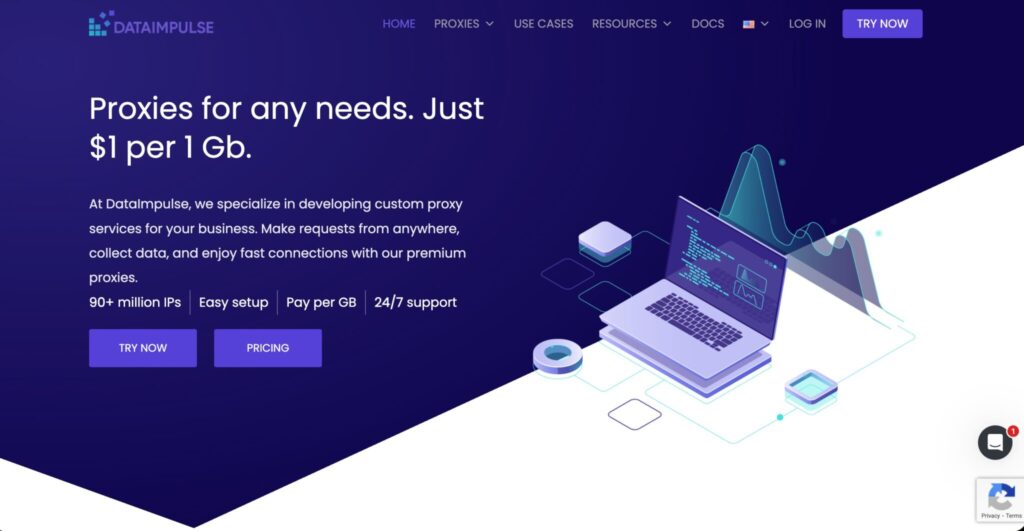
DataImpulse is a practical option for teams that need price monitoring proxies but want to control spend tightly. Its pitch is simple: large residential pool, global coverage, and low per GB pricing.
The provider lists 90M+ ethical residential IPs, coverage across 195 countries, and pricing starting from $1 per GB. Its use case page for price comparison also mentions no subscription requirement and traffic that does not expire, which can be useful for teams with irregular monitoring schedules.
That makes DataImpulse attractive for startups, SEO teams, affiliate sites, small eCommerce stores, and analysts who want to test price monitoring before investing in more expensive infrastructure.
For example, if you are tracking 20 competitor stores across 5 countries, you may not need an enterprise proxy contract. You need enough IP diversity to avoid basic blocks, country level targeting, and a pricing model that does not punish low volume use.
Best use cases:
| Use Case | Why DataImpulse Fits |
|---|---|
| Budget competitor checks | Low starting per GB cost |
| Startup price monitoring | Easy entry point |
| Small eCommerce stores | Good for testing workflows |
| Irregular data collection | No subscription can be helpful |
| Price comparison projects | Built around this use case |
Where DataImpulse may not fit:
If your targets are heavily protected, you may need stronger tooling, more advanced unblocking, or managed scraping support from providers like Oxylabs, Bright Data, or Decodo.
Pro Tip: DataImpulse is a good testing pool. Use it to validate your monitoring logic, estimate bandwidth usage, and identify blocked domains before committing to a premium provider.
#4: Bright Data: Best Price Monitoring Proxy for Multi Retailer Coverage
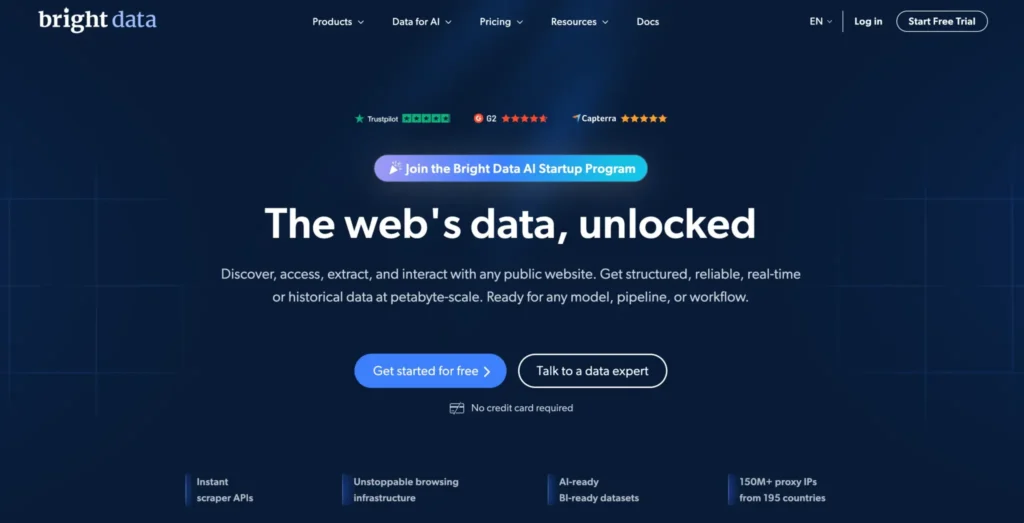
Bright Data is built for serious data collection teams. It is not just a proxy provider. It offers proxy networks, scraping APIs, datasets, browser automation support, and a control panel built for managing usage, access, spend, and teams.
Its residential proxy page lists over 400M+ monthly ethical residential IPs from 195 countries, sticky and rotating sessions, free geo targeting, and performance metrics such as around 0.7 second response time and 99.95% success rate on the page.
That kind of setup is useful when you monitor many retailers, marketplaces, travel platforms, or dynamic websites where basic proxy rotation is not enough. Bright Data is also a strong fit when you want a more complete data collection stack, not just IP access.
For price monitoring, Bright Data is especially useful when your workflow includes hard targets, structured scraping, regional price validation, and large scale automation. The pricing is higher than many budget options, but the tooling can reduce engineering work if your team uses it properly.
Best use cases:
| Use Case | Why Bright Data Fits |
|---|---|
| Multi retailer price intelligence | Large IP pool and advanced controls |
| Enterprise data operations | Strong dashboard and team management |
| Complex scraping workflows | APIs and data tools available |
| Global price tracking | 195 country coverage |
| Hard to access websites | Better unblocking ecosystem |
Where Bright Data may not fit:
It can be overkill for smaller teams that only need simple price checks. If your main concern is lowest cost per GB, DataImpulse, Webshare, or ProxyEmpire may look more attractive.
Pro Tip: Bright Data is strongest when you treat it as part of your data infrastructure, not as a cheap proxy pipe. Use its controls to cap spend, segment projects, and track which targets consume the most bandwidth.
#5: SOAX: Best Price Monitoring Proxy for Location Specific Pricing
SOAX is a strong pick when location accuracy is central to your price monitoring strategy. This matters for retail, delivery, travel, ticketing, classified sites, and any business where prices change based on the buyer’s region.
SOAX lists 155M+ residential proxies and 195+ locations, with flexible rotation settings. Its pricing page says users can configure rotation through the dashboard, including IP rotation on each new request or at set intervals. Residential and mobile proxies can refresh up to a maximum interval of one hour, while datacenter and ISP proxies can hold longer sessions up to 24 hours.
The official residential proxy page lists a Starter plan at $3.60 per GB with 25 GB included, billed monthly at $90.
For price monitoring, SOAX works well when your data needs to mirror real local browsing. If you want to compare prices by country, city, or region, you need more than a random global IP pool. You need targeting that stays consistent.
Best use cases:
| Use Case | Why SOAX Fits |
|---|---|
| Local retail price tracking | Strong location based routing |
| Delivery pricing | Useful for city level checks |
| Travel price monitoring | Good for region based testing |
| Ticketing and events | Location sensitive pricing checks |
| Marketplace intelligence | Flexible rotation controls |
Where SOAX may not fit:
If your price monitoring is extremely high volume and cost sensitive, you may need to compare SOAX against lower priced residential traffic from DataImpulse or Webshare.
Pro Tip: For local price checks, keep your proxy location, browser locale, currency, timezone, and delivery ZIP aligned. A US proxy with a mismatched timezone and foreign browser language can still look suspicious.
#6: IPRoyal: Best Price Monitoring Proxy for Continuous Operations
IPRoyal is a solid option for teams that want a straightforward residential proxy setup for long running price monitoring jobs. It is not as enterprise heavy as Oxylabs or Bright Data, but it gives you enough flexibility for scraping, research, geo targeted checks, and continuous monitoring.
Its pricing page lists residential plans starting at $7 per GB for 1 GB, with lower per GB pricing as volume increases. The 10 GB tier mentions access to a 32M+ IP pool in 195+ countries.
IPRoyal’s homepage also positions its residential proxies as useful for high volume scraping, SEO monitoring, and geo targeted research, with residential pricing shown from $1.75 per GB on custom style packages.
For price monitoring, IPRoyal works best when you want a simple and affordable setup that can run regularly without a complicated learning curve. It is suitable for SMBs, smaller data teams, affiliate comparison sites, and eCommerce operators who monitor competitors daily.
Best use cases:
| Use Case | Why IPRoyal Fits |
|---|---|
| Daily competitor checks | Simple residential proxy setup |
| Geo targeted research | 195+ country coverage |
| Smaller price monitoring teams | Easier to manage than enterprise tools |
| Long running workflows | Good fit for regular jobs |
| Mixed scraping tasks | Useful beyond pricing only |
Where IPRoyal may not fit:
Its residential IP pool is smaller than providers like Oxylabs, Bright Data, SOAX, and Decodo. For very large catalogs or highly protected retailers, you may need a bigger provider or a hybrid setup.
Pro Tip: IPRoyal can work well as your “always on” pool for moderate targets. Keep a premium backup provider for high value websites that block more aggressively.
#7: Proxy Cheap: Best Budget Price Monitoring Proxy

Proxy Cheap is built for users who want affordable proxy access without a heavy enterprise buying process. It offers multiple proxy types, including rotating residential, datacenter, static residential, and mobile options.
Its rotating residential proxy page lists pricing from $4.99 per GB for 1 GB, along with HTTP and SOCKS5 support. Its main site also positions rotating residential access as a budget friendly option for connecting to global content.
For price monitoring, Proxy Cheap is best suited for smaller projects, starter competitor tracking, light marketplace checks, or early stage testing. It may not be the first provider I would choose for high stakes enterprise price intelligence, but it can be useful when budget is tight.
Best use cases:
| Use Case | Why Proxy Cheap Fits |
|---|---|
| Starter price monitoring | Easy entry pricing |
| Small competitor lists | Good enough for basic checks |
| Budget scraping projects | Multiple proxy types available |
| Simple product pages | Works for lighter targets |
| Testing proxy workflows | Useful before scaling |
Where Proxy Cheap may not fit:
For heavy retail monitoring, you may run into more variability than with premium enterprise providers. If pricing accuracy directly affects revenue decisions, test thoroughly before relying on it as your only provider.
Pro Tip: Use Proxy Cheap for lower priority competitors and easy product pages. Save premium residential bandwidth for domains where blocks, wrong prices, or missed updates cost real money.
#8: ProxyEmpire: Best Price Monitoring Proxy for Continuous Operations
ProxyEmpire is another strong option for price monitoring teams that care about flexible residential and mobile proxy access. It has specific pages around price monitoring and price comparison, which makes it relevant for this use case rather than being a generic proxy mention.
Its price monitoring page explains the use of rotating residential proxies for collecting pricing data across restricted websites. Its pricing table lists rotating residential pay as you go at $7 per GB before a listed promo discount, with plans scaling by included bandwidth.
ProxyEmpire also promotes residential, static residential, mobile, and datacenter options on its main site, with starting prices shown for different proxy categories.
For price monitoring, ProxyEmpire is useful when you need ongoing monitoring across several countries and want flexibility between proxy types. Mobile proxies can also be useful for app based price checks or platforms that behave differently on mobile networks.
Best use cases:
| Use Case | Why ProxyEmpire Fits |
|---|---|
| Continuous price checks | Designed for recurring data collection |
| Multi country monitoring | Useful for regional price comparison |
| Mobile price checks | Mobile proxy options available |
| Retail intelligence | Relevant price monitoring use cases |
| Flexible proxy mix | Residential, static, mobile, datacenter |
Where ProxyEmpire may not fit:
You should compare effective pricing carefully because discounts, promos, and plan structures can change. Also test target performance before using it for mission critical monitoring.
Pro Tip: If your target shows different prices on mobile and desktop, run separate monitoring flows. Mobile proxy data and residential desktop data should not be mixed in the same pricing report unless you label them clearly.
#9: Webshare: Best Price Monitoring Proxy for Growing Teams
Webshare is a strong choice for growing teams that want affordable proxies, a clean dashboard, and simple scaling. It is especially attractive for teams moving beyond manual checks but not ready for complex enterprise data infrastructure.
Its pricing page lists rotating residential proxies with 80M+ residential IPs and residential pricing starting at $1.40 per GB. Its residential proxy page also mentions HTTP and SOCKS5 proxy endpoints, 80M+ ethically sourced residential IPs, and 99.97% uptime.
For price monitoring, Webshare can be a practical fit when your team tracks a growing catalog and needs predictable cost control. It is also useful when you want a provider that is easy to set up for developers and operations teams.
It may not have the same advanced scraping ecosystem as Bright Data or Oxylabs, but that can be a good thing for teams that only need reliable proxy access without extra platform complexity.
Best use cases:
| Use Case | Why Webshare Fits |
|---|---|
| Growing price monitoring teams | Affordable residential pricing |
| Product catalog tracking | Good balance of cost and scale |
| Developer friendly setup | Simple dashboard and proxy controls |
| Budget conscious scaling | Low starting residential price |
| Mixed proxy use | Residential and static options available |
Where Webshare may not fit:
For highly protected sites or complex browser based scraping, you may need a more advanced provider with scraping APIs, managed unblocking, or custom support.
Pro Tip: Webshare is a good fit for a two layer setup. Run normal checks through Webshare, then retry failed or blocked pages through a premium pool like Oxylabs, Bright Data, or Decodo.
How to Choose the Best Proxy for Price Monitoring
Picking a proxy provider is not about finding the biggest IP number on a homepage. Bigger can help, but only if the pool quality, location accuracy, and session controls match your use case.
1. Start With Your Target Websites
Before choosing a provider, list your target domains and group them by difficulty.
| Target Type | Proxy Recommendation |
|---|---|
| Simple product pages | Datacenter or affordable residential |
| Large retailers | Residential proxies |
| Marketplaces | Residential plus sticky sessions |
| Travel sites | Residential or mobile with geo targeting |
| Local delivery platforms | City or ZIP targeted residential |
| App based pricing | Mobile proxies |
| Checkout and shipping checks | ISP or sticky residential sessions |
If your targets rarely block traffic, expensive residential proxies may waste money. If your targets use strong bot detection, cheap datacenter proxies will give you incomplete or unreliable data.
2. Match Rotation to the Pricing Flow
Rotation is where many price monitoring setups break.
If you rotate IPs too often during a multi step flow, the website may treat your session as suspicious. If you do not rotate enough during large scale page checks, your IPs may get rate limited.
| Monitoring Task | Ideal Rotation |
|---|---|
| Simple product page checks | Rotate per request or every few requests |
| Search result pricing | Rotate per request |
| Product plus cart checks | Sticky session for 5 to 30 minutes |
| Login based pricing | Long sticky sessions or ISP proxies |
| Shipping fee checks | Sticky session with matching ZIP |
| High frequency monitoring | Controlled rotation with retry rules |
For most price monitoring workflows, you want both rotating and sticky options. Avoid providers that force one rotation model unless your use case is very simple.
3. Prioritize Geo Accuracy Over Raw Location Count
A provider may claim coverage in 190+ countries, but your actual need might be 15 cities in 5 countries. City level accuracy can be more valuable than a huge global list.
For eCommerce, geo accuracy affects:
- Product availability
- Delivery fees
- Currency display
- Promotions
- Taxes
- Local seller visibility
- Estimated shipping date
- Marketplace ranking
- Regional discounts
If you monitor local pricing, choose providers like Oxylabs, Decodo, SOAX, Bright Data, or Webshare depending on budget and targeting needs.
4. Watch Bandwidth Like a Hawk
Price monitoring can become expensive because modern product pages are heavy. A scraper that loads full pages with images, scripts, fonts, analytics, and recommendation widgets can burn proxy traffic quickly.
To reduce bandwidth:
- Block images when they are not needed
- Disable video, fonts, and third party scripts
- Use HTML parsing where possible
- Avoid loading full browser sessions for easy pages
- Cache unchanged product URLs where allowed
- Use conditional monitoring for low priority SKUs
- Send only failed requests to premium pools
Pro Tip: Track cost per successful price point, not just cost per GB. A cheap proxy that fails 35% of the time can be more expensive than a premium proxy with a higher success rate.
5. Use a Hybrid Proxy Stack
The best price monitoring teams rarely use one provider for everything.
A practical setup may look like this:
| Layer | Proxy Type | Purpose |
|---|---|---|
| Layer 1 | Datacenter proxies | Easy targets and low cost checks |
| Layer 2 | Residential proxies | Main competitor monitoring |
| Layer 3 | Premium residential | Hard targets and failed retries |
| Layer 4 | ISP proxies | Sticky sessions and account based checks |
| Layer 5 | Mobile proxies | App pricing and mobile only flows |
This gives you better cost control and higher success rates. It also prevents one provider outage or one burned IP pool from breaking your entire monitoring system.
FAQs: Best Proxies For Price Monitoring 2026
How often should price monitoring proxies rotate IPs?
For simple product page checks, rotating every request or every few requests usually works well. For cart checks, shipping calculations, and checkout flows, use sticky sessions for 5 to 30 minutes so the website sees one consistent visitor. For account based pricing, ISP proxies or longer sticky residential sessions are often safer.
Do I need residential proxies for price monitoring?
You do not always need residential proxies, but they are usually the safest option for serious price monitoring. Datacenter proxies can work on easy websites, but large retailers, marketplaces, travel sites, and local platforms often detect and limit datacenter traffic faster. Residential proxies look closer to normal user traffic, which helps with access and accuracy.
How do I monitor prices across different countries?
Use proxies with country level targeting at minimum. For better accuracy, choose providers that support city, state, ZIP, ASN, or carrier targeting. Also match browser language, currency, timezone, and delivery location to the proxy region. A German proxy with US timezone settings may still produce inconsistent results.
What is the most cost effective price monitoring proxy setup?
The most cost effective setup is usually hybrid. Use datacenter proxies for easy targets, affordable residential proxies for normal competitor checks, and premium residential or ISP proxies only for blocked pages, cart checks, or high value targets. This keeps costs lower without sacrificing data quality.
Are ISP proxies better than residential proxies for price monitoring?
ISP proxies are better when you need stable sessions, faster speeds, and repeated access from the same clean IP. Residential proxies are better when you need large scale rotation and natural looking traffic from many locations. For price monitoring, ISP proxies work well for account based flows, while rotating residential proxies work better for large product catalog checks.
Can proxies help detect location based pricing?
Yes. Proxies help you view websites from different countries, cities, and regions. This is useful for checking location based discounts, shipping fees, currency changes, marketplace availability, local promotions, and travel fare differences. For best results, use accurate geo targeting and keep browser signals aligned with the proxy location.
Which proxy provider is best for enterprise price monitoring?
Oxylabs and Bright Data are the strongest enterprise options. Oxylabs is excellent for large scale proxy driven price collection, while Bright Data is useful when you want proxies plus scraping APIs, datasets, dashboards, and broader data infrastructure. Decodo can also work well for mid market teams that want strong value and easier setup.
Which proxy provider is best for small teams?
DataImpulse, Webshare, IPRoyal, and Decodo are good options for smaller teams. DataImpulse and Webshare are attractive for lower cost residential traffic. IPRoyal is straightforward for regular monitoring. Decodo gives better targeting and usability for teams that want a more polished setup without going fully enterprise.
Can I use free proxies for price monitoring?
Free proxies are a bad idea for price monitoring. They are usually slow, unstable, overused, and risky from a security standpoint. They can also return inconsistent data because websites often block or challenge them. For business pricing data, even a low cost paid residential proxy is a safer choice.
Conclusion: Best Proxies For Price Monitoring 2026
The best proxy for price monitoring depends on how serious your pricing operation is.
If you run enterprise level price intelligence across thousands or millions of pages, Oxylabs is the safest overall pick. It gives you the scale, targeting, and reliability needed for high volume monitoring. Bright Data is the better choice when you want a broader data collection platform with scraping tools and advanced controls.
If you want strong value, Decodo is one of the best balanced options. It gives you a large residential pool, useful geo targeting, unlimited concurrent sessions, and pricing that makes sense for growing teams.
If budget is your main concern, DataImpulse and Webshare are hard to ignore. Both can help teams start price monitoring without heavy upfront costs. IPRoyal, Proxy Cheap, and ProxyEmpire also fit smaller or specialized workflows, especially when you need flexible residential access without enterprise complexity.
For most professional teams, the smartest answer is not one provider. It is a layered stack.
Use cheap proxies where you can. Use residential proxies where accuracy matters. Use sticky sessions where the flow requires trust. Use premium providers for the websites that fight back.
That is how you build a price monitoring system that does not just collect data, but collects data your team can actually trust.