
9. Best Wireless Carrier Proxies.
Wireless carrier proxies sit in that expensive, slightly misunderstood corner of the proxy market where “cheap and good” usually does not exist. You use them when normal datacenter proxies are too easy to flag, residential proxies are too broad, and you specifically need traffic that looks like it is coming from a real mobile carrier network.
That matters for mobile ad verification, app testing, localized SERP checks, mobile-first QA, price monitoring, fraud research, public web data collection, and market intelligence. A wireless carrier proxy routes your requests through IPs assigned by mobile networks such as 3G, 4G LTE, or 5G carriers, so the destination sees traffic from a mobile data network rather than a hosting server or home broadband line.
Oxylabs describes mobile proxies as servers that allocate mobile IP addresses and make connections appear to come from a mobile data network.
The reason these proxies perform differently comes partly from carrier infrastructure. Mobile operators often use Carrier-Grade NAT, or CGNAT, to share public IPv4 addresses across many users, which helps carriers manage IPv4 scarcity.
That shared carrier behavior is one reason wireless carrier IPs often carry higher trust than datacenter IPs. Still, this does not mean they are magic. Bad request patterns, poor fingerprinting, aggressive scraping, or non-compliant use will still get you blocked.
This guide focuses on practical buyer value: IP pool quality, carrier targeting, rotation options, session control, pricing, support, and the use cases where each provider makes sense.
Quick Verdict: Best Wireless Carrier Proxy Providers in 2026
| Rank | Provider | Best For | Mobile Pool / Coverage | Rotation Style | Starting Price Snapshot | Key Strength | Main Limitation |
|---|---|---|---|---|---|---|---|
| 1 | Oxylabs | Enterprise-scale mobile data collection | 20M+ mobile IPs, 140+ countries | Rotating with precise geo and ASN targeting | From $7.50/GB on Starter plan | Large pool, enterprise controls, strong targeting | Can be overkill for small teams |
| 2 | Bright Data | Compliance-heavy teams and advanced targeting | 7M+ mobile IPs, global coverage | Session and geo-targeting controls | Pricing varies by setup | Strong compliance stack, carrier and ASN targeting | Higher learning curve |
| 3 | SOAX | Flexible mobile proxy plans | 33M+ mobile proxies, 195 locations | Rotating and filtered sessions | From $3.60/GB on bundled plans | Clean dashboard, broad locations | May need testing for heavy workloads |
| 4 | Decodo | Best balance of price and usability | Mobile proxies across 3G, 4G LTE, and 5G | Auto-rotate or sticky sessions | From $2.25/GB | Easy setup, flexible plans | Less enterprise-heavy than Oxylabs/Bright Data |
| 5 | NetNut | Businesses needing mobile proxy performance and uptime | 5M mobile proxies noted on its main site | Personalized rotation | Custom-style pricing | Strong speed, uptime, API stats | Pricing transparency varies |
| 6 | IPRoyal | Budget-conscious buyers and smaller teams | Real 3G/4G/5G SIM-based mobile proxies | Rotating per GB or dedicated options | Plan-based and GB-based options | Accessible, simple setup | Smaller ecosystem than top enterprise tools |
| 7 | Proxy-Seller | Dedicated 4G/5G slots | Real 4G/5G carriers | Timer or on-demand rotation | From $10/IP | Good for dedicated mobile setups | Less suited for massive scraping scale |
| 8 | ProxyEmpire | Affordable rotating mobile traffic | Rotating mobile and dedicated mobile options | Per request, sticky, or custom rules | Rotating mobile from $9/GB before discounts | Good pricing variety | Needs careful testing for enterprise use |
| 9 | Airproxy | Dedicated SIM-based European mobile proxies | Dedicated SIM card setup | Custom rotation time | €67/proxy/30 days | Simple dedicated mobile proxy model | Limited compared with global pool providers |
Pricing and pool sizes can change, so treat this table as a buying snapshot rather than a fixed quote. Oxylabs lists 20M+ mobile IPs in 140+ countries with plans starting at $7.50/GB, while SOAX lists 33M+ mobile proxies across 195 locations and bundled pricing from $3.60/GB. Bright Data’s documentation lists 7 million mobile IPs, and Decodo’s mobile proxy page lists plans starting from $2.25/GB with automatic or sticky rotation.
What Are Wireless Carrier Proxies?
Wireless carrier proxies are mobile proxies that route traffic through IP addresses assigned by cellular carriers. Instead of appearing as a server in a data center, your traffic appears to come from a mobile network connection, usually 3G, 4G LTE, or 5G.
This makes them useful when the test environment must match mobile-user conditions. For example, a brand running paid ads may want to confirm that its mobile ad appears correctly in Dallas on a Verizon-like mobile connection. A QA team may want to test how an app landing page loads from a specific country or carrier. A price intelligence team may want to monitor public mobile web pricing from different regions.
The key difference is source quality. A datacenter proxy comes from hosting infrastructure. A residential proxy comes from home internet or consumer ISP ranges. A wireless carrier proxy comes from mobile network infrastructure. That distinction affects trust, speed, price, rotation behavior, and availability.
Why Wireless Carrier Proxies Cost More Than Normal Proxies
Carrier proxies are usually more expensive because the infrastructure is harder to source and maintain. You are not just renting a random IP. You are paying for mobile network access, carrier routing, rotation controls, dashboard management, support, and often compliance screening.
The cost also depends on the model:
GB-based rotating mobile proxies are better for public data workflows, SERP checks, ad verification, and testing at scale.
Dedicated mobile proxies are better when you need one stable mobile connection, custom rotation, or a dedicated SIM-style setup.
Enterprise mobile proxy pools are better for high-volume teams that need ASN targeting, city targeting, concurrency, and account management.
Detailed Reviews of the Best Wireless Carrier Proxy Providers
1. Oxylabs: Best Overall for Enterprise Wireless Carrier Proxy Use

Oxylabs is one of the strongest choices for teams that care about scale, targeting, and infrastructure quality. Its mobile proxy product lists 20M+ mobile IPs, coverage in 140+ countries, 99.9% uptime, and targeting by continent, country, state, city, coordinates, and ASN.
That ASN targeting is a major advantage. If your use case depends on testing how content appears through a certain carrier range, ASN-level filtering gives you more control than basic country targeting. This matters for mobile ad verification, SERP localization, app QA, and competitive research.
Oxylabs also has the kind of documentation, onboarding, and support that larger companies usually need. It is not the cheapest option, but it is one of the safest picks if your project has real volume and you cannot afford unstable infrastructure.
Best use cases: mobile SERP tracking, ad verification, public data collection, app localization testing, enterprise research.
Pro-Tip: Use Oxylabs when targeting depth matters more than saving a few dollars per GB. If you only need casual testing, you may not use half of what Oxylabs offers.
2. Bright Data: Best for Compliance, Targeting, and Advanced Controls

Bright Data is another premium option, especially for companies that need strict compliance processes and fine-grained proxy targeting. Bright Data’s mobile proxy documentation lists 7 million mobile IPs, while its broader proxy infrastructure promotes country, city, ZIP, carrier, and ASN targeting.
The platform is powerful, but it can feel heavy for beginners. Bright Data is not just a proxy seller. It also offers web data tools, APIs, datasets, and proxy management features. That makes it useful for companies that want a full data collection stack rather than only raw proxy ports.
For wireless carrier proxy buyers, the biggest appeal is control. If your workflow needs geo-targeted mobile traffic, compliance screening, and enterprise account management, Bright Data deserves a serious look.
Best use cases: regulated teams, brand protection, ad intelligence, competitive monitoring, mobile web testing.
Pro-Tip: Bright Data is ideal when legal review, auditability, and vendor reputation matter. Smaller teams should test the dashboard first because the platform has more moving parts than simpler providers.
3. SOAX: Best for Flexible Mobile Proxy Plans and Broad Coverage

SOAX has become a popular pick for teams that want mobile proxies without jumping straight into enterprise complexity. Its mobile proxy page lists 33M+ mobile proxies, 195 locations, and support for 3G, 4G, 5G, and LTE mobile proxies.
SOAX also uses a bundled pricing structure where credits can apply across proxy types and Web Data API, with Starter pricing shown at $3.60/GB for 25 GB. That flexibility is useful if you are still testing whether mobile, residential, or datacenter proxies work best for different targets.
The dashboard is one of SOAX’s bigger selling points. It is clean enough for non-engineers but still gives technical teams useful filtering options. For agencies, SEO teams, and mid-market data teams, SOAX often hits a good middle ground.
Best use cases: mobile SEO checks, ad verification, market research, public web monitoring, agency workflows.
Pro-Tip: Start with a mixed testing plan. Run the same target through SOAX mobile, residential, and ISP proxies, then compare success rate, speed, and cost per successful request.
4. Decodo: Best Value-Friendly Wireless Carrier Proxy Option

Decodo, formerly Smartproxy, is a strong choice when you want mobile proxy flexibility without enterprise-level friction. Its mobile proxy page highlights 3G, 4G LTE, and 5G network support, plus automatic rotation or sticky sessions. Decodo also lists mobile plans starting from $2.25/GB, which makes it attractive for teams watching cost.
The big win here is usability. Decodo is generally easier to get started with than Bright Data or Oxylabs. It also offers helpful documentation, browser integrations, and developer-friendly setup paths.
For SEO teams, affiliate marketers, small agencies, and growth teams, Decodo is often the practical choice. You may not get the deepest enterprise controls, but you do get enough rotation and session flexibility for many professional use cases.
Best use cases: SEO monitoring, lightweight scraping of public pages, QA checks, ad previews, smaller agency workflows.
Pro-Tip: Use sticky sessions for login-free multi-step flows where consistency matters. Use rotating sessions when each request can stand alone.
5. NetNut: Best for Performance-Focused Mobile Proxy Buyers

NetNut positions its mobile proxies around speed, anonymity, country-level targeting, personalized IP rotation, real mobile phone IPs, and near real-time API stats. Its mobile proxy page also mentions 99.99% uptime for real 3G/4G mobile proxies.
NetNut’s main site mentions over 85 million residential proxies and 5M mobile proxies, which puts it in the serious provider category. The service is especially interesting for teams that care about performance reporting and stable business usage rather than quick one-off proxy rental.
The main downside is that buyers may need to contact sales or inspect current plans carefully, since pricing visibility can vary by product and volume.
Best use cases: business intelligence, performance-sensitive public data collection, ad verification, brand protection.
Pro-Tip: Ask NetNut for test access with your real target sites. Mobile proxy quality varies by destination, and a practical test will tell you more than any sales page.
6. IPRoyal: Best Budget-Friendly Mobile Proxy Provider

IPRoyal is often a good fit for smaller buyers who want mobile proxies without a large contract. Its documentation says rotating mobile proxies are billed per GB and rotate automatically on each request, while its mobile docs describe real mobile IPs from residential mobile network pools using physical mobile devices with 3G, 4G, or 5G SIM cards.
IPRoyal’s appeal is simplicity. It does not feel as enterprise-heavy as Oxylabs or Bright Data, and that is a good thing for many users. If you need mobile IPs for testing, monitoring, or light data workflows, IPRoyal can be easier to understand and budget around.
TechRadar’s 2025 review also noted that IPRoyal offers mobile proxies with carrier and network-type selection, plus manual or automatic rotation.
Best use cases: small teams, budget-conscious buyers, mobile testing, social listening, localized checks.
Pro-Tip: Watch the difference between rotating GB-based mobile proxies and dedicated mobile slots. They solve different problems, so do not buy dedicated access if your workflow only needs rotating public data requests.
7. Proxy-Seller: Best for Dedicated 4G/5G Mobile Proxy Slots
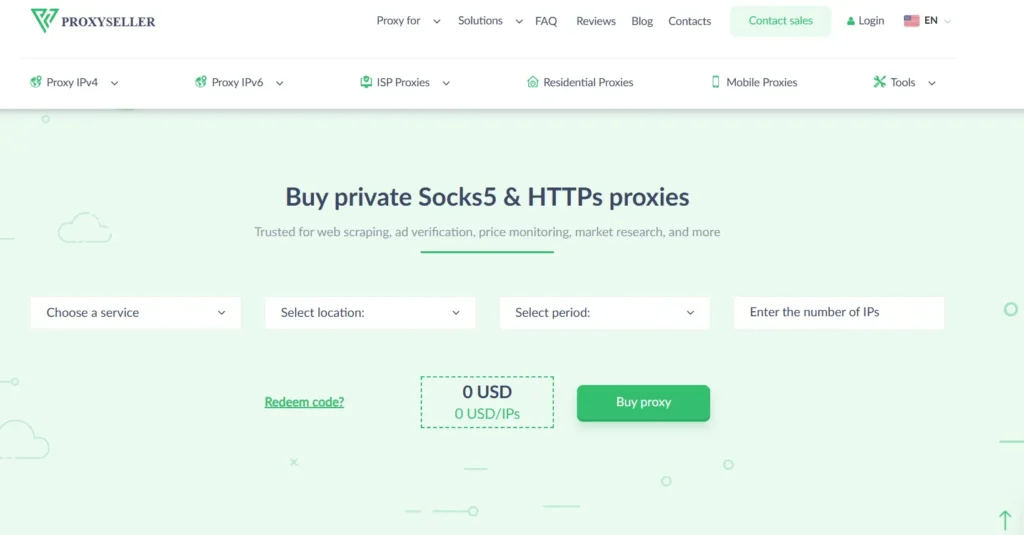
Proxy-Seller is a strong option for buyers who want dedicated or semi-dedicated wireless carrier-style proxies instead of only massive rotating pools. Its mobile proxy page lists pricing from $10/IP and describes premium rotating 5G/4G/LTE proxies with on-demand IP rotation from real mobile carriers.
The provider also mentions dedicated or shared pools, rotation by timer, and on-demand rotation without dropping sessions. That setup can be useful for workflows where you want more control over a smaller number of mobile proxy endpoints.
Proxy-Seller is not the first name I would choose for huge enterprise data operations, but it is useful for dedicated mobile testing, account-safe QA environments, and region-specific checks.
Best use cases: dedicated mobile testing, smaller mobile proxy setups, custom rotation workflows, location-specific QA.
Pro-Tip: If your task needs one stable mobile environment, dedicated mobile proxies can be easier to manage than a giant rotating pool.
8. ProxyEmpire: Best for Affordable Rotating Mobile Traffic
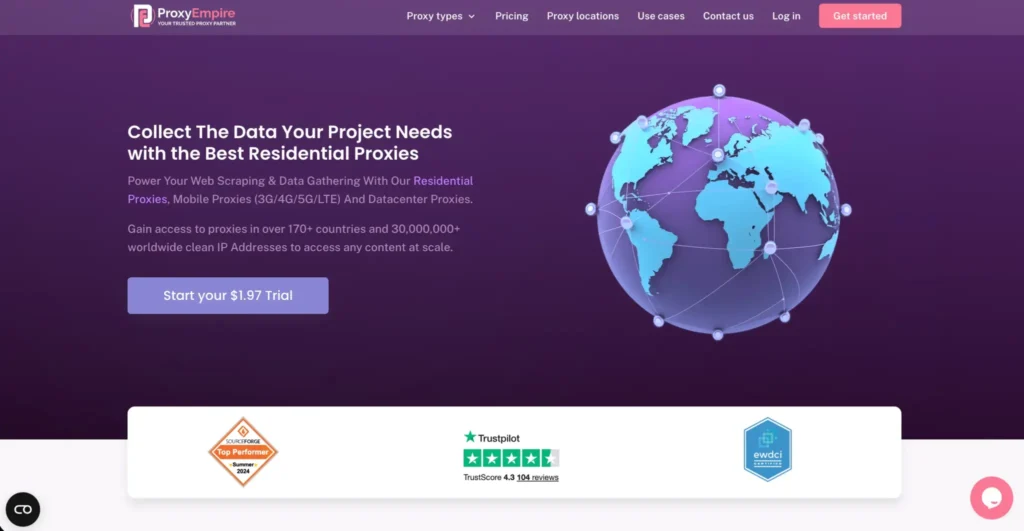
ProxyEmpire offers rotating mobile and dedicated mobile proxy options, with pricing pages showing rotating mobile plans from $9/GB before promotional discounts and dedicated USA 5G mobile proxies at $250/month. Its rotating mobile proxy page also mentions session controls, including per-request rotation, sticky sessions from 30 seconds to 30 minutes, and custom rules.
That makes ProxyEmpire interesting for buyers who want flexibility without immediately entering the premium enterprise tier. The pricing structure is broad, so you can start smaller and scale into larger plans if performance holds up.
The main caution is quality testing. With any lower-cost provider, test your actual destinations before committing. A cheap GB is not cheap if half your requests fail.
Best use cases: budget mobile scraping of public pages, SEO checks, ad verification tests, smaller growth teams.
Pro-Tip: Track “cost per successful request,” not just cost per GB. A provider with a higher GB price can still be cheaper if it produces fewer blocks and retries.
9. Airproxy: Best for Dedicated SIM-Based Mobile Proxies
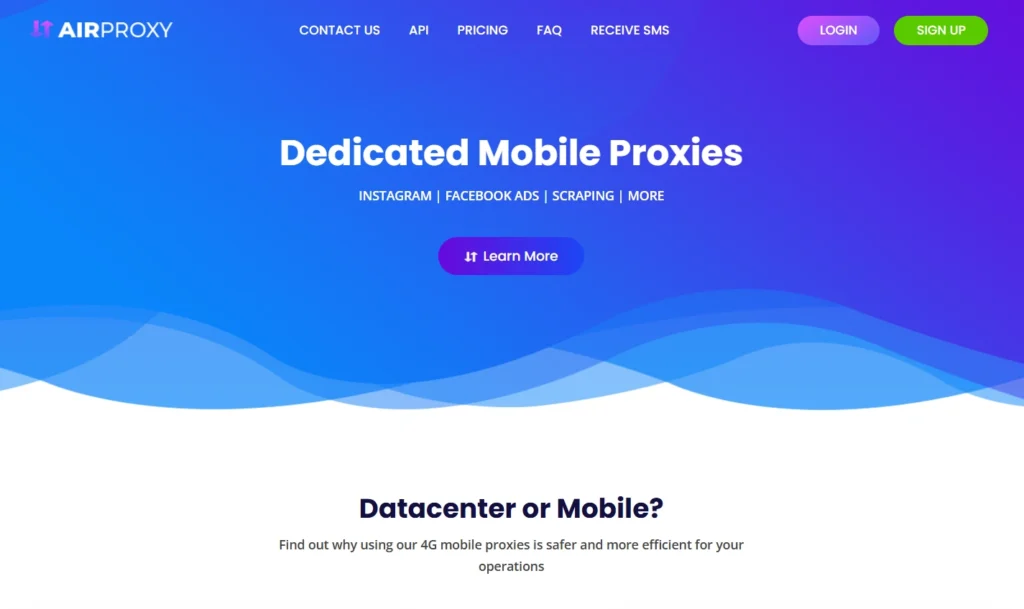
Airproxy takes a more dedicated mobile proxy approach. Its site lists €67 per proxy for 30 days, unlimited bandwidth, dedicated SIM card, limitless IP rotations, custom rotation time, and instant delivery.
This is not the same buying model as Oxylabs or SOAX. Airproxy is better for users who want dedicated mobile proxy access with a simpler per-proxy monthly structure. It can work well for mobile testing, account-safe browsing environments, and small workflows that need predictable access rather than massive IP pool scale.
The trade-off is coverage. If you need hundreds of countries, ASN-level targeting, or huge concurrency, Airproxy will not match the global pool providers.
Best use cases: dedicated mobile sessions, small team testing, European mobile proxy needs, predictable monthly setups.
Pro-Tip: Dedicated SIM-based proxies are useful when session stability matters more than IP diversity. Do not use them for workloads that require thousands of unique IPs.
How to Choose the Best Wireless Carrier Proxy Provider
1. Start With the Use Case, Not the Provider
A lot of buyers choose proxies backward. They compare pool sizes first, then ask what the proxies are good for. That is the wrong order.
Start here:
| Use Case | Best Proxy Type | Rotation Style |
|---|---|---|
| Mobile ad verification | Wireless carrier/mobile proxies | Sticky or location-based rotation |
| Mobile SERP tracking | Mobile or residential proxies | Rotating by location |
| App QA testing | Dedicated mobile proxies | Sticky sessions |
| Public web data collection | Rotating mobile proxies | Per-request or timed rotation |
| Brand protection | Enterprise mobile proxies | Geo and ASN targeting |
| Price monitoring | Residential or mobile proxies | Rotating sessions |
| Login-based workflows | Dedicated or sticky mobile proxies | Long sticky sessions |
If you are checking mobile-specific content, wireless carrier proxies make sense. If you are collecting general public web data at scale, residential proxies may be cheaper. If you need raw speed and the target is not strict, datacenter proxies may be enough.
2. Check IP Pool Size, But Do Not Worship It
A big IP pool sounds impressive, but quality matters more than raw numbers. A 30M IP pool with poor availability in your target country may perform worse than a smaller pool with clean carrier routes in your exact region.
Look for:
- Active IP count: Not just advertised total pool size.
- Country and city coverage: Essential for localized testing.
- Carrier or ASN targeting: Critical for wireless carrier proxy use.
- Success rate on your targets: The only metric that really proves quality.
- Refresh behavior: How often IPs rotate and how stable sessions are.
Oxylabs and Bright Data stand out for targeting depth, while SOAX and Decodo are attractive for flexible access and easier onboarding.
3. Understand Rotation Protocols Before You Buy
Rotation is where many proxy projects break.
- Per-request rotation gives you a new IP on every request. This is useful for high-volume public data collection where each request is independent.
- Timed rotation changes the IP after a set interval, such as every 1, 5, 10, or 30 minutes. This is useful when you want some consistency without keeping one IP for too long.
- Sticky sessions hold the same IP for a defined session window. Decodo explains sticky sessions as keeping the same IP for a set time, while rotating sessions switch IPs with each request.
- On-demand rotation lets you manually trigger a new IP. This is common with dedicated mobile proxy setups and useful for QA workflows.
For carrier proxies, the best rotation setup depends on whether your task is session-based or request-based. A checkout flow test, mobile ad preview, or multi-page QA journey needs stickiness. A public SERP or product listing collection job usually benefits from rotation.
4. Look at Carrier and ASN Targeting
Wireless carrier proxies are not only about “mobile IPs.” The stronger providers let you target mobile carrier networks or ASNs. ASN targeting matters when you need to see how a site, app, or ad behaves from a specific network environment.
For example, a mobile ad campaign may behave differently across carriers or regions. A fraud analyst may need to compare suspicious traffic patterns against real carrier behavior. A QA team may want to recreate mobile-only routing issues.
If carrier-level accuracy matters, prioritize Oxylabs, Bright Data, and other providers with ASN or carrier controls.
5. Measure Speed the Right Way
Mobile proxies are not always faster than residential or datacenter proxies. In fact, they can be slower because mobile networks naturally vary by tower load, routing, signal quality, and carrier congestion.
Do not test speed with one request. Test:
- Average response time
- P95 response time
- Timeout rate
- Success rate by country
- Success rate by carrier
- Cost per successful request
- Bandwidth used per task
That gives you a real performance picture.
6. Check Compliance and Sourcing
This is non-negotiable. Use providers that explain where their IPs come from, have clear acceptable-use policies, and perform abuse prevention. Carrier proxies are powerful, but they should only be used for lawful, permission-aware, and policy-compliant work.
Avoid providers that make wild promises like “100% undetectable” or encourage spam, fake engagement, credential attacks, or unauthorized access. That is not a proxy strategy. That is a liability.
7. Test With Your Actual Target Before Scaling
Every provider looks good on paper. The only real test is your workflow.
Before buying a large plan, run a small pilot:
- Pick 3 to 5 providers.
- Test the same target pages.
- Use the same request volume.
- Compare success rate, speed, blocks, and cost.
- Review support response quality.
- Scale only the provider that performs best.
Pro-Tip: Keep a simple spreadsheet with provider, location, carrier, rotation setting, success rate, timeout rate, CAPTCHA rate, and cost per 1,000 successful requests. This turns proxy buying from guesswork into data.
Wireless Carrier Proxies vs Residential Proxies vs Datacenter Proxies
| Proxy Type | Trust Level | Speed | Cost | Best For | Main Weakness |
|---|---|---|---|---|---|
| Wireless Carrier Proxies | Very high | Medium to high | High | Mobile ad testing, app QA, carrier-specific checks | Expensive |
| Residential Proxies | High | Medium | Medium | Public web data, SEO, market research | Quality varies by pool |
| ISP Proxies | High | High | Medium to high | Stable sessions, eCommerce monitoring | Less mobile-authentic |
| Datacenter Proxies | Low to medium | Very high | Low | Simple scraping, speed-heavy tasks | Easier to detect |
Use wireless carrier proxies when mobile authenticity matters. Use residential proxies when you need broad trust at a better cost. Use ISP proxies when you need stable, fast, non-mobile sessions. Use datacenter proxies when speed and price matter more than trust.
Best Wireless Carrier Proxy Setup by Use Case
For Mobile Ad Verification
Choose Oxylabs, Bright Data, or SOAX. Prioritize city, carrier, ASN, and device-context testing. Use sticky sessions when checking multi-step ad flows.
For SEO and SERP Tracking
Choose Decodo, SOAX, or Oxylabs. Rotating mobile sessions work well for localized search checks. Keep location targeting consistent so ranking data does not become noisy.
For App and Mobile Web QA
Choose Airproxy, Proxy-Seller, IPRoyal, or Bright Data. Dedicated or sticky mobile sessions are better than rapid rotation because QA flows need continuity.
For Public Web Data Collection
Choose Oxylabs, SOAX, Decodo, NetNut, or ProxyEmpire. Use per-request rotation for independent pages, but use timed rotation if the target expects session continuity.
For Small Teams and Budget Testing
Choose Decodo, IPRoyal, ProxyEmpire, or Proxy-Seller. Start small, measure success rate, and only scale once you know the provider works with your target sites.
Common Mistakes to Avoid When Buying Wireless Carrier Proxies
Mistake 1: Buying the Cheapest Plan First
Low price is tempting, but weak mobile proxy quality can create more retries, more blocks, and more wasted bandwidth.
Mistake 2: Using Per-Request Rotation for Session Flows
If your workflow has multiple steps, rapid rotation can break continuity. Use sticky sessions instead.
Mistake 3: Ignoring Carrier Targeting
If you are buying “wireless carrier proxies,” make sure the provider gives carrier or ASN-level controls when your use case requires them.
Mistake 4: Measuring Only Speed
Fast failed requests are still failed requests. Success rate matters more than raw speed.
Mistake 5: Skipping Compliance Review
Do not use proxies for spam, fake engagement, account abuse, credential attacks, private data access, or ignoring website rules. Keep your work focused on public, lawful, and permission-aware use cases.
FAQs About Wireless Carrier Proxies
1. What are wireless carrier proxies?
Wireless carrier proxies are mobile proxies that route traffic through IP addresses assigned by cellular carriers. They make requests appear as if they come from a mobile data network such as 3G, 4G LTE, or 5G rather than a datacenter or home broadband connection.
2. Are wireless carrier proxies better than residential proxies?
They are better for mobile-specific workflows, carrier-level testing, mobile ad verification, and app QA. Residential proxies are often better for broad public web data collection because they are usually cheaper and widely available.
3. Why are mobile carrier proxies expensive?
They require access to real mobile network infrastructure, carrier IP ranges, rotation systems, bandwidth, device or SIM management, and abuse prevention. That makes them harder to operate than datacenter proxies.
4. What is the best provider for enterprise wireless carrier proxies?
Oxylabs and Bright Data are the strongest enterprise picks because they offer large pools, advanced targeting, and business-grade controls. Oxylabs lists 20M+ mobile IPs and ASN targeting, while Bright Data lists millions of mobile IPs and carrier/ASN-style targeting across its proxy infrastructure.
5. What is the best affordable wireless carrier proxy provider?
Decodo, IPRoyal, ProxyEmpire, and Proxy-Seller are good starting points for more budget-conscious users. Decodo lists mobile proxy pricing from $2.25/GB, while Proxy-Seller lists mobile proxies from $10/IP.
6. Should I use rotating or sticky mobile proxies?
Use rotating proxies when each request is independent, such as public page monitoring. Use sticky sessions when you need the same IP for a multi-step flow, such as mobile QA or ad preview testing. Decodo’s documentation explains this difference clearly: sticky sessions keep the same IP for a set time, while rotating sessions switch IPs with each request.
7. Are wireless carrier proxies legal?
Proxy use itself can be legal, but legality depends on how you use them, what data you access, and whether you follow applicable laws, contracts, and website rules. Use them for lawful workflows like QA, ad verification, public data research, and brand monitoring. Avoid spam, credential attacks, unauthorized access, fake engagement, and private data collection.
8. Do wireless carrier proxies guarantee no blocks?
No. They can reduce false positives in mobile-specific workflows, but they do not guarantee access. Your request rate, browser fingerprint, headers, cookies, JavaScript behavior, and target website rules all affect success.
9. What is the most important metric when testing mobile proxies?
Cost per successful request is the most useful metric. It combines price, success rate, retries, blocks, and bandwidth waste into one practical number.
Final Verdict: Which Wireless Carrier Proxy Should You Choose?
If you want the safest enterprise pick, start with Oxylabs. It has the scale, targeting, and reliability profile serious teams usually need.
If compliance and advanced controls matter most, choose Bright Data. It is powerful, mature, and built for companies that need more than raw proxy access.
If you want flexible plans with broad mobile coverage, try SOAX.
If you want the best balance of price and usability, Decodo is probably the most practical first test.
If you need dedicated mobile setups, look at Proxy-Seller or Airproxy.
If you are budget-sensitive, test IPRoyal or ProxyEmpire before moving into higher-cost providers.
My practical recommendation is simple: shortlist three providers based on your use case, run a controlled test, then choose based on success rate and cost per successful request. Wireless carrier proxies are too expensive to buy on claims alone. Let the numbers decide.