
Dynamic residential proxies are not the cheapest proxy type, but they are often the most forgiving when your work needs real residential IP behavior, flexible geo-targeting, and controlled IP rotation. The catch is simple: the market is noisy. Every provider says they have “millions of IPs,” “high success rates,” and “premium infrastructure.” Some do. Some are just reselling the same tired pools with a prettier dashboard.
A good dynamic residential proxy setup should give you three things: a clean residential IP pool, predictable rotation controls, and enough targeting depth to match your actual workflow.
If you are monitoring prices, verifying ads, testing localized search results, collecting public web data, or checking how a website behaves across regions, the difference between a strong provider and a weak one shows up fast. You see it in failed requests, unstable sessions, strange geo mismatches, slow response times, and wasted bandwidth.
This guide focuses on providers that make sense for professional use, not random bargain-bin proxy lists.
Quick Verdict: Best Dynamic Residential Proxy Providers
| Rank | Provider | Best For | Residential Pool / Coverage | Rotation & Session Control | Starting Price Snapshot |
|---|---|---|---|---|---|
| 1 | Bright Data | Enterprise-grade control and scale | 400M+ residential IPs across 195 countries | Random IP assignment by zone, rotating proxies across residential/mobile/ISP/datacenter networks | Residential pricing starts from $5.88/GB on its official pricing page |
| 2 | Oxylabs | Large-scale public web data collection | 175M+ residential IPs across 195+ countries | Automatic rotation, sticky sessions, IPv4/IPv6 selection | Starter residential plan listed at $6/GB for 5GB |
| 3 | Decodo | Best balance of price, usability, and scale | 115M+ ethically sourced IPs in 195+ locations | Rotating IPs per request or sticky sessions | Residential plans start from $3.75/GB at 3GB and scale down to $2/GB at 1000GB |
| 4 | SOAX | Geo-targeting and mid-market teams | 155M+ residential IPs in 195+ locations | Automatic IP rotation and sticky sessions | Starter plan listed at $90/month with 25GB at $3.60/GB |
| 5 | NetNut | High-volume users who want stable infrastructure | 85M residential IPs across 195 countries | Sticky IP sessions, private pools, API stats | Starter rotating residential plan listed at $99/month for 28GB at $3.53/GB |
| 6 | IPRoyal | Budget-conscious buyers and long sticky sessions | Global residential proxy pool with geo-targeting | Auto-rotate every 1, 10, or 30 minutes, sticky sessions up to 7 days | Residential packages start from $1.75/GB at higher-volume tiers |
| 7 | Webshare | Affordable rotating residential access | 80M+ ethically sourced residential IPs | Rotating residential endpoints, HTTP/SOCKS5 | Rotating residential pricing as low as $1.40/GB |
| 8 | ProxyEmpire | Flexible plans and bandwidth rollover style buyers | 195+ locations with country, state, city, and ISP targeting | Rotating and sticky sessions, HTTP, HTTPS, HTTP/2, SOCKS5 | Pay-as-you-go listed at $7/GB before promotional discounts |
| 9 | Infatica | Teams that want simple proxy management and dashboards | 35M+ IPs | Dashboard controls for IP rotation, authorization, and geo-targeting | Pay-as-you-go listed at $4/GB, with 25GB at $96 |
What Are Dynamic Residential Proxies?
Dynamic residential proxies route your traffic through residential IP addresses that change automatically. These IPs usually come from real consumer networks rather than cloud datacenters, which makes them look closer to normal home-user traffic than standard datacenter proxies. Webshare explains residential proxies as IPs sourced from residential home addresses provided by ISPs, while rotating proxies change IPs periodically or per new connection request.
The word “dynamic” matters because the IP is not fixed. You can rotate per request, after a set time, or through a sticky session where the same IP stays active for a short window. Decodo’s explanation is clean: sticky sessions keep the same IP for a set time, while rotating sessions switch IPs with each request.
For professional use, that gives you flexibility. A product price monitor may need frequent IP rotation across cities. An ad verification workflow may need country, city, or ASN-level targeting. A multi-step checkout test may need sticky sessions so the same IP remains active through the flow.
Pro Tip: Do not buy the largest advertised pool just because the number looks impressive. Ask whether the provider has strong availability in your target countries, supports your protocol needs, and lets you control session behavior.
How We Ranked These Providers
I ranked these providers around five practical factors:
- Residential IP pool depth: Bigger pools are useful, but only when the IPs are clean, available, and distributed across the countries you actually need.
- Rotation controls: Per-request rotation is good for broad public data collection. Sticky sessions are better for multi-step flows.
- Targeting precision: Country targeting is basic. City, state, ZIP, ASN, and ISP targeting are more useful for professional workflows.
- Protocol support: HTTP and HTTPS are common. SOCKS5 support gives more flexibility for certain tools and browser environments.
- Pricing realism: Cheap per-GB pricing can look great until success rates drop and you burn bandwidth on failed requests.
1. Bright Data: Best for Enterprise-Grade Control
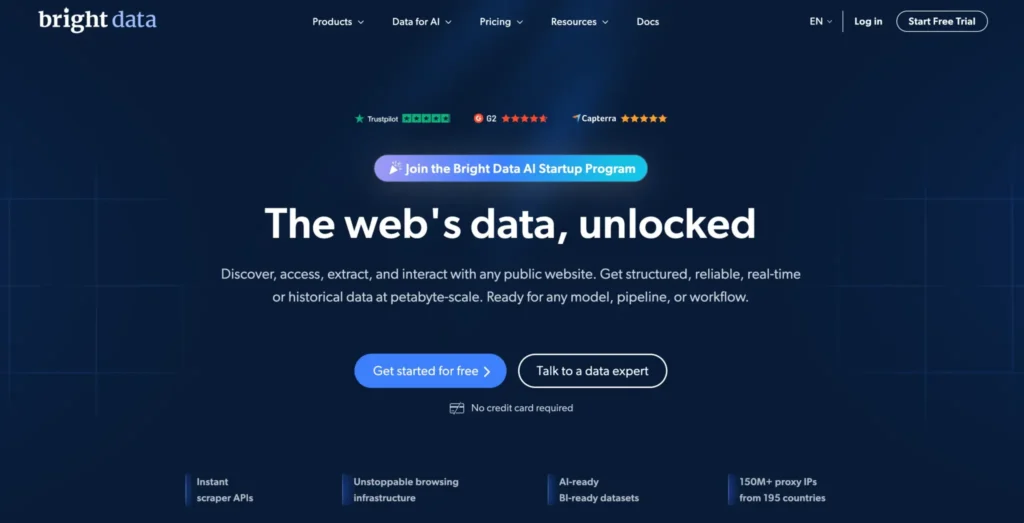
Bright Data sits at the premium end of the residential proxy market. Its official residential proxy page lists 400M+ residential IPs across 195 countries, with targeting options that include city, state, country, ZIP code, and ASN. That level of targeting is one reason Bright Data is often used by enterprise teams handling web data, ad verification, brand protection, market intelligence, and localized testing.
Its rotation model is also flexible. Bright Data’s documentation says shared pool proxies, also called rotating proxies, are available across its proxy networks, including residential, mobile, ISP, and datacenter. By default, it assigns a random proxy from the configured zone, which means your rotation behavior can be shaped around country or other targeting settings.
Bright Data is not the easiest option for beginners. The platform is powerful, but it can feel heavy if you only need a few GB of residential traffic for testing. Pricing also sits higher than budget providers, with official residential pricing starting from $5.88/GB.
Best for: Enterprise teams, agencies, serious data operations, compliance-conscious businesses.
Watch out for: Complexity and cost if you only need light usage.
Pro Tip: Bright Data makes the most sense when precision matters more than saving a dollar per GB. If you need ZIP or ASN-level targeting, the extra cost can be easier to justify.
2. Oxylabs: Best for Large-Scale Public Data Collection
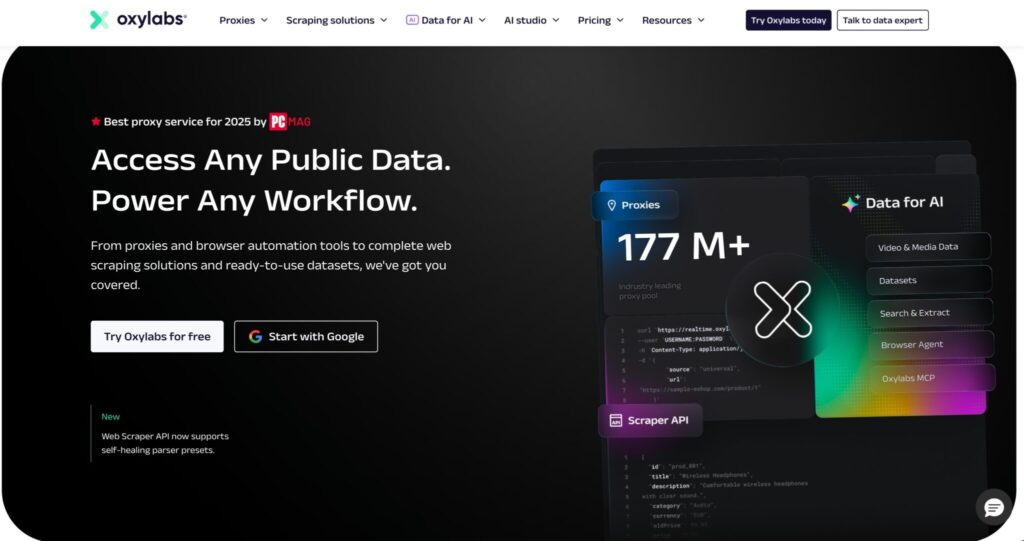
Oxylabs is another heavyweight provider. Its residential proxy page lists 175M+ residential IPs across 195+ countries, along with proxy IP rotation and a 99.95% residential proxy success rate claim.
For dynamic residential proxies, Oxylabs is strong because it combines a large IP pool with mature tooling. Its quick-start guide notes that each request returns a new IP address because Oxylabs residential proxies rotate automatically. That is exactly what many users want for broad public web data collection where each request should not depend on the same exit IP.
Pricing is more accessible than it used to be. Oxylabs’ official pricing page lists a residential Starter plan at 5GB for $6/GB, a Basic plan at 20GB for $5/GB, an Advanced plan at 125GB for $4/GB, and a Corporate plan at 1TB for $2.50/GB.
Best for: Scaling teams, public data extraction, ecommerce monitoring, SERP tracking, threat intelligence.
Watch out for: Smaller users may not need the full platform depth.
Pro Tip: Oxylabs is a strong pick when you want enterprise-level infrastructure but do not want to build every data collection component from scratch.
3. Decodo: Best Balance of Price, Scale, and Ease of Use
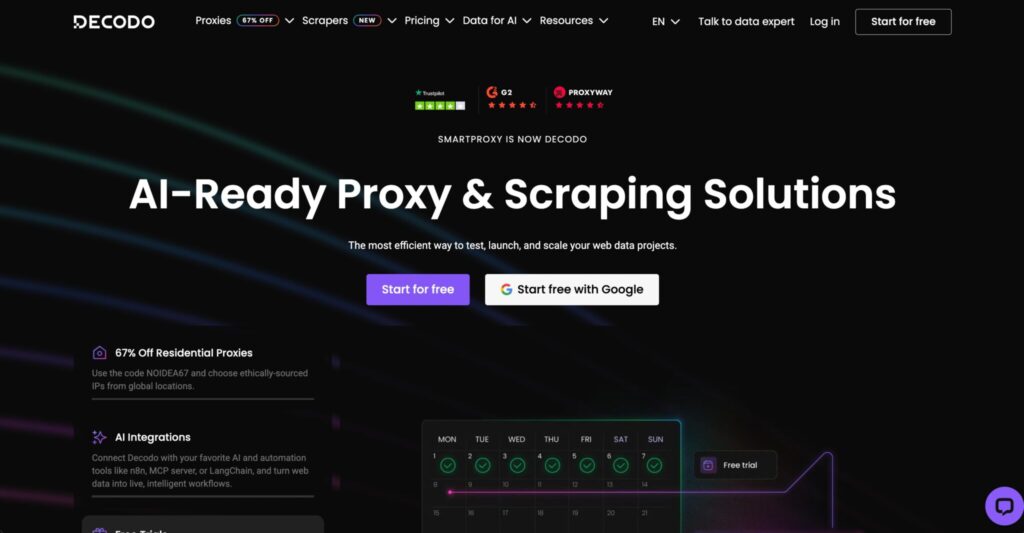
Decodo, formerly known as Smartproxy, is one of the most balanced choices for dynamic residential proxies. Its residential proxy page lists 115M+ ethically sourced IPs across 195+ locations, with HTTP(S) and SOCKS5 support plus targeting by continent, country, state, city, ZIP code, and ASN.
The session control is beginner-friendly but still useful for serious users. Decodo explains that you can use rotating IPs that change per request or sticky sessions that keep the same IP for longer periods.
Pricing is one of Decodo’s biggest strengths. Its official pricing page shows smaller residential plans starting at $3.75/GB for 3GB, with volume discounts down to $2/GB at the 1000GB plan.
Decodo is a good fit for SEO tools, price monitoring, market research, localized testing, and teams that want power without a complicated setup. It may not offer the same enterprise control depth as Bright Data, but it hits a sweet spot for many professional users.
Best for: Agencies, SEO teams, mid-sized scraping setups, users who want clean UX.
Watch out for: Enterprise users with highly specialized compliance or targeting needs may still prefer Bright Data or Oxylabs.
Pro Tip: Decodo is often the safer “first serious provider” because it offers enough scale without forcing you into an overly complex workflow.
4. SOAX: Best for Geo-Targeting and Flexible Mid-Market Use
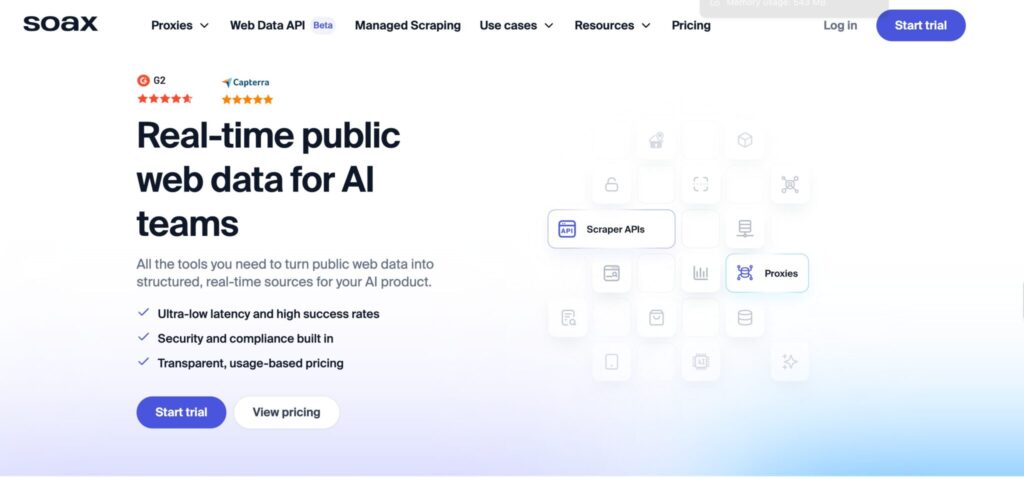
SOAX has grown into a strong residential proxy option for teams that care about location accuracy and flexible sessions. Its residential proxy page lists 155M+ IPs in 195+ locations, unlimited concurrent sessions, 99.9% uptime, automatic IP rotation, and sticky sessions.
The sticky session controls are useful for multi-request workflows. SOAX’s help documentation explains that sticky sessions allow users to keep the same IP address for a specified session length, which can reduce node resets and keep workflows smoother.
SOAX pricing is now easier to understand than older versions of its plans. Its official residential page lists a Starter plan at $90/month with 25GB included at $3.60/GB, an Advanced plan at $170/month with 50GB at $3.40/GB, and a Professional plan at $740/month with 300GB at $2.46/GB.
Best for: Geo-targeted public data, ad verification, local market testing, mid-market teams.
Watch out for: The minimum monthly plan may feel high for casual users.
Pro Tip: SOAX is worth considering when your workflow depends on location accuracy, not just raw IP volume.
5. NetNut: Best for Stable High-Volume Workflows
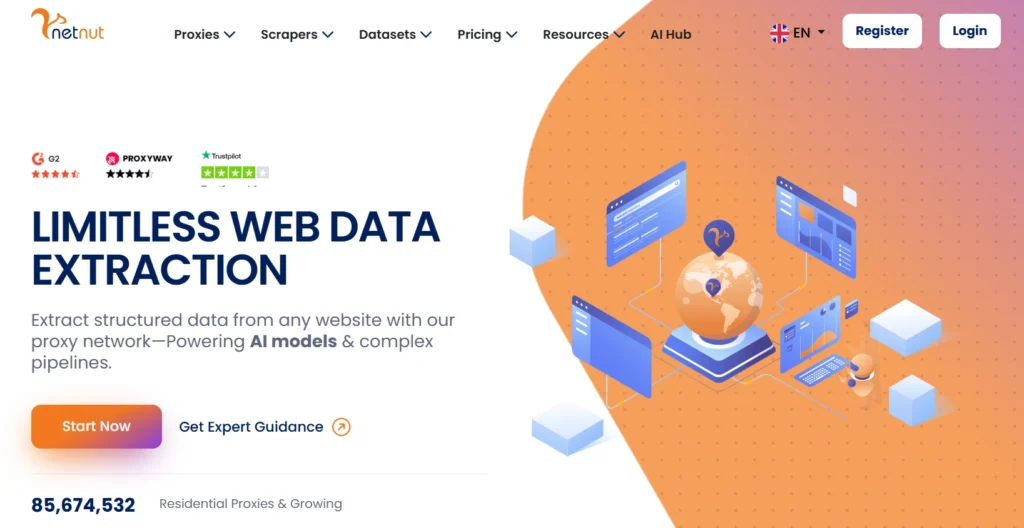
NetNut is interesting because it leans heavily into stable architecture. Its rotating residential page lists 85M IPs from 195 countries and highlights sticky IP sessions, dedicated private pools, and API-based usage statistics.
NetNut also promotes one-hop connectivity for residential proxies, saying its architecture avoids routing traffic through end-user devices, which it positions as a speed and stability advantage.
Pricing is built more for committed users than casual testing. NetNut’s rotating residential pricing page lists a Starter plan at $99/month for 28GB at $3.53/GB, with larger plans scaling down to $1.87/GB at the 2TB Master tier.
Best for: High-volume users, analytics-heavy teams, private pool needs, stable long-running workflows.
Watch out for: It is less attractive if you only need occasional pay-as-you-go traffic.
Pro Tip: NetNut deserves a closer look when stability and reporting matter more than the lowest advertised entry price.
6. IPRoyal: Best for Budget-Friendly Flexibility
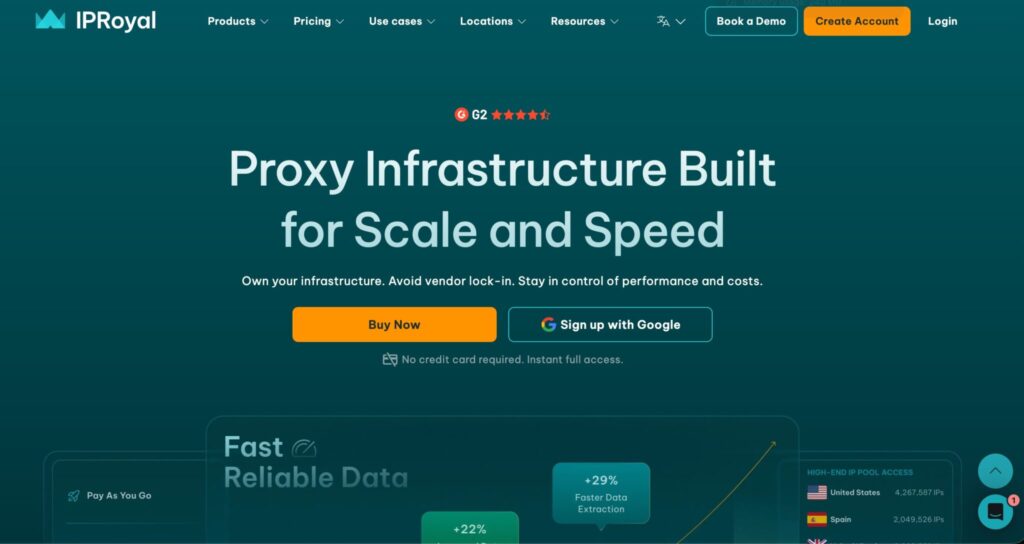
IPRoyal is a strong pick for users who want residential proxies without starting at a large monthly commitment. Its official residential proxy page says custom packages start from $1.75 with on-demand purchasing and adjustable traffic volumes.
Its rotation features are unusually flexible for the price range. IPRoyal’s pricing page says users can auto-rotate every 1, 10, or 30 minutes, use instant IP changes, run unlimited concurrent sessions, and keep sticky proxy sessions for up to 7 days.
That long sticky session window makes IPRoyal useful for workflows where you need IP consistency, although you should still test performance by target region before committing to bigger volumes.
Best for: Smaller teams, budget buyers, uneven usage, long sticky session needs.
Watch out for: Pool size and success consistency may not match premium enterprise providers on difficult targets.
Pro Tip: IPRoyal is a good testing provider. Start with smaller traffic, measure usable success rate, then decide whether the lower cost still holds up at scale.
7. Webshare: Best Affordable Rotating Residential Option
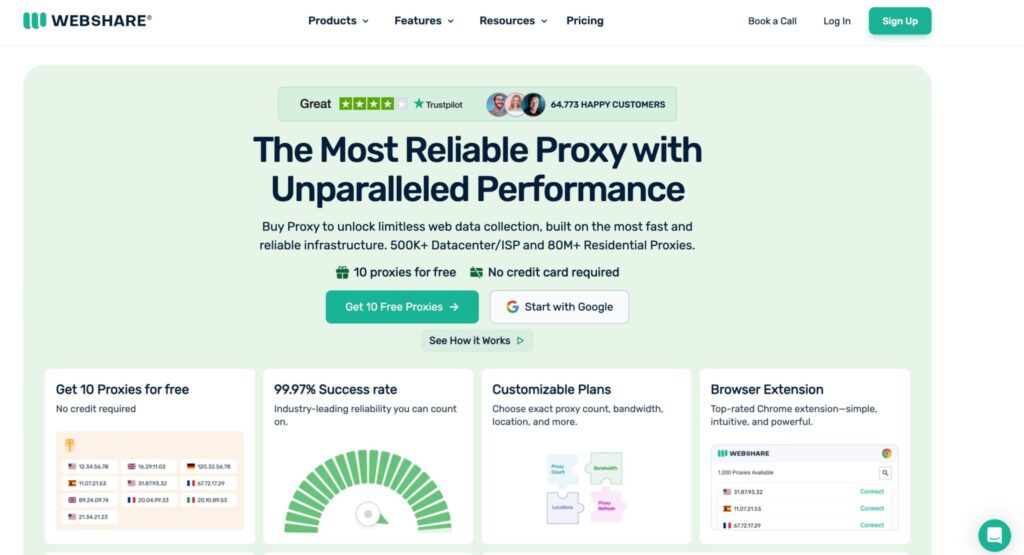
Webshare is one of the stronger low-cost names in this category. Its rotating residential proxy page lists 80M+ ethically sourced residential IPs, HTTP/SOCKS5 endpoints, pricing as low as $1.40/GB, and 99.97% uptime.
It is a practical option for users who want simple rotating residential access without paying enterprise prices. Webshare’s rotating proxy page also lists 80M+ residential IPs and positions the product as bandwidth-based.
The tradeoff is that Webshare is not as feature-rich as Bright Data, Oxylabs, or Decodo. If you need deep analytics, managed unblockers, custom enterprise SLAs, or highly specialized targeting, you may outgrow it.
Best for: Cost-conscious users, testing, small scraping jobs, straightforward residential rotation.
Watch out for: Less advanced tooling compared with premium platforms.
Pro Tip: Webshare is useful when you need a clean, affordable starting point. Just measure success rate, not only price per GB.
8. ProxyEmpire: Best for Flexible Plans and Multi-Protocol Needs
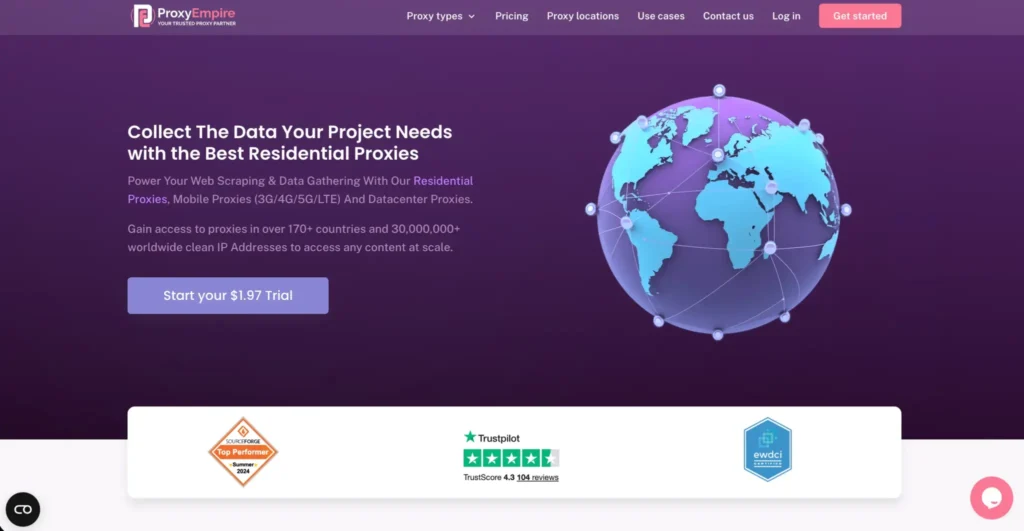
ProxyEmpire offers rotating residential proxies with coverage across 195+ locations, targeting by country, state or region, city, and ISP. Its page also lists session control for rotating and sticky sessions, with support for HTTP, HTTPS, HTTP/2, and SOCKS5.
That protocol flexibility is helpful if your stack includes different tools, browsers, or automation environments. ProxyEmpire’s pricing page lists rotating residential pay-as-you-go at $7/GB before promotional discounts, with larger plans dropping per-GB pricing.
ProxyEmpire is not always the cheapest provider before discounts, but it can work well for users who like plan flexibility, broad location options, and multi-protocol support.
Best for: Teams that want HTTP/2 or SOCKS5 support, flexible plan sizes, and broad geo options.
Watch out for: Promotional pricing can make comparisons confusing, so check the renewal cost.
Pro Tip: When a provider advertises heavy discounts, compare the normal price and the discounted price separately. Your second invoice matters more than the first.
9. Infatica: Best for Simple Proxy Management
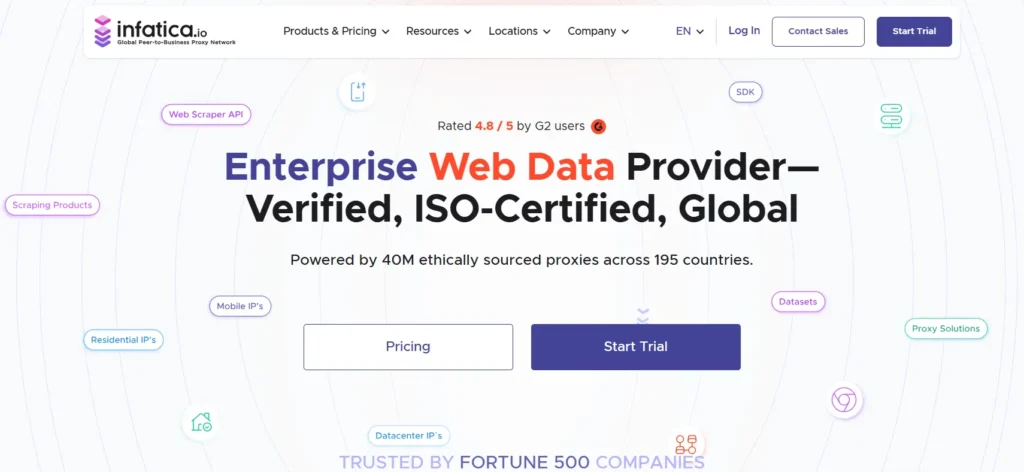
Infatica is a solid option for teams that want residential proxy access with a manageable dashboard. Its official site says users can fine-tune IP whitelists, IP rotation, authorization, and proxy geo-targeting from the dashboard.
Infatica’s residential proxy page states that its residential proxy rotation feature replaces IPs during use, which fits the dynamic residential proxy category.
Pricing is straightforward. Infatica’s official pricing page lists pay-as-you-go at $4/GB, 25GB at $96, 100GB at $360, 241GB at $700, and 500GB at $1,350.
Best for: Teams that want simple controls, dashboard-based management, and moderate traffic plans.
Watch out for: It may not be the best choice for users who need the largest residential pool or advanced scraping APIs.
Pro Tip: Infatica is a reasonable middle-ground provider when you want less complexity than enterprise platforms but more structure than barebones proxy sellers.
How to Choose the Best Dynamic Residential Proxy Provider
1. Start With Your Target Locations
Do not choose based only on total IP count. A provider with 400M+ IPs globally may still need to be tested in the exact city, region, carrier, or ASN you care about. Bright Data, for example, lists targeting down to ZIP code and ASN, while Decodo lists continent, country, state, city, ZIP code, and ASN targeting.
If you only need country-level targeting, most strong providers can handle it. If you need city-level price checks, local SERPs, or ad verification, be stricter.
2. Pick the Right Rotation Mode
Per-request rotation works well when every request can stand alone. Sticky sessions work better when you need continuity, such as loading several pages in one flow. Decodo describes rotating sessions as switching IPs with each request, while sticky sessions keep the same IP for a set time.
A good provider should let you choose both. Avoid services that force one rotation style for every workflow.
3. Check Protocol Support Before Buying
Most browser and scraper workflows work with HTTP or HTTPS. SOCKS5 can be useful for broader compatibility. Decodo and Webshare both list SOCKS5 support for residential proxies, while ProxyEmpire lists HTTP, HTTPS, HTTP/2, and SOCKS5.
Do this check early. Protocol mismatch wastes time.
4. Compare Usable Cost, Not Headline Cost
A $1.40/GB provider is not automatically cheaper than a $4/GB provider if the cheaper pool fails more often on your target websites. The better metric is cost per successful result.
Use this simple internal calculation:
Usable cost = total proxy spend ÷ successful completed tasks
That gives you a cleaner picture than per-GB pricing alone.
5. Look for Real Session Control
IPRoyal allows auto-rotation every 1, 10, or 30 minutes and sticky sessions up to 7 days. SOAX offers sticky sessions to keep the same IP for a specified session length. Bright Data allows rotating proxy behavior through configured zones. These differences matter because “rotation” is not one universal feature.
6. Check Ethical Sourcing and Compliance
For business use, avoid providers that are vague about sourcing. Residential proxy networks need user consent, clear policies, and proper abuse controls. Several major providers now emphasize ethically sourced residential IPs, including Decodo, SOAX, and Webshare.
Also, use proxies only for lawful, permitted activities. Respect site terms, privacy rules, robots.txt where applicable, and data protection requirements.
Best Use Cases for Dynamic Residential Proxies
Dynamic residential proxies make the most sense for:
- Public web data collection: Product listings, travel prices, job postings, and public marketplace data.
- SEO monitoring: Local SERP checks, rank tracking, and competitor visibility research.
- Ad verification: Checking whether ads appear correctly across regions.
- Market research: Comparing regional availability, pricing, and content.
- QA and localization testing: Seeing how websites behave for users in different locations.
They are usually not the best choice for simple browsing, internal testing, or workloads where datacenter proxies are accepted. Residential bandwidth is expensive, so use it where the residential signal actually matters.
Dynamic Residential Proxies vs Static Residential Proxies
Dynamic residential proxies rotate IPs. Static residential proxies, often called ISP proxies, keep the same IP for longer periods. Dynamic proxies are better when you need distribution and rotation. Static residential proxies are better when you need stable identity, lower latency, or persistent access from one IP.
For broad public data collection, dynamic residential proxies usually win. For account dashboards, long sessions, or controlled QA testing, sticky residential or ISP proxies may be better.
FAQs About Dynamic Residential Proxies
1. What is a dynamic residential proxy?
A dynamic residential proxy uses residential IP addresses that rotate automatically. The IP can change per request, after a set time, or after a sticky session expires. Rotating residential proxies combine residential infrastructure with automatic IP rotation.
2. Are dynamic residential proxies better than datacenter proxies?
They are better when the target website treats residential IPs with more trust than datacenter IPs. Datacenter proxies are cheaper and faster for many simple tasks, but residential proxies are more useful for geo-sensitive public data collection, ad verification, and localized testing.
3. What is the difference between rotating and sticky sessions?
Rotating sessions change IPs frequently, often per request. Sticky sessions keep the same IP for a set period, which helps with workflows that need continuity. Decodo explains this distinction clearly in its session documentation.
4. Which provider has the largest residential proxy pool?
Based on official published numbers, Bright Data lists 400M+ residential IPs, Oxylabs lists 175M+ residential IPs, SOAX lists 155M+ residential IPs, and Decodo lists 115M+ residential IPs.
5. Which dynamic residential proxy is best for beginners?
Decodo is the easiest balanced pick for most beginners who still want serious capability. Webshare is better for low-cost testing. IPRoyal is useful when you want flexible buying and longer sticky sessions.
6. Which provider is best for enterprise users?
Bright Data and Oxylabs are the strongest enterprise picks. Bright Data stands out for targeting depth and platform control, while Oxylabs stands out for large-scale proxy infrastructure and public data collection tooling.
7. Do dynamic residential proxies support SOCKS5?
Some do, but not all plans and tools support it equally. Decodo lists HTTP(S) and SOCKS5 support, Webshare lists HTTP/SOCKS5 endpoints, and ProxyEmpire lists HTTP, HTTPS, HTTP/2, and SOCKS5.
8. How much do dynamic residential proxies cost?
Pricing varies widely. Webshare lists rotating residential pricing as low as $1.40/GB, Decodo starts smaller plans at $3.75/GB and scales to $2/GB, SOAX starts at $90/month for 25GB, and Oxylabs lists starter residential pricing at $6/GB for 5GB.
9. Are dynamic residential proxies legal?
The technology itself is not illegal, but how you use it matters. Use proxies for lawful, permitted workflows such as public data collection, ad verification, localization testing, and security research within authorization. Avoid spam, credential attacks, scraping private data, or violating platform rules.
Final Verdict: Which Dynamic Residential Proxy Should You Choose?
- Choose Bright Data if you need the deepest targeting controls and enterprise-grade infrastructure.
- Choose Oxylabs if your priority is large-scale public web data collection with strong proxy infrastructure.
- Choose Decodo if you want the best overall balance of price, usability, pool size, and session flexibility.
- Choose SOAX if geo-targeting and sticky session stability matter.
- Choose Webshare or IPRoyal if you want a more budget-friendly starting point.
For most professional readers, my practical recommendation is simple: start with Decodo if you want balance, Bright Data if you need precision, and Oxylabs if you are building a serious data pipeline. Then test your real target locations, measure success rate, and calculate cost per successful result. That number tells the truth faster than any provider’s homepage.