
Best Proxies For Privacy Protection.
Privacy is not just about hiding an IP address. A serious proxy setup must reduce tracking signals, separate workflows, protect research activity, and still keep sessions stable.
That is where many buyers make mistakes. They buy the biggest pool or the cheapest GB, then run into broken logins, endless verification checks, or noisy IPs that have already been abused.
The best proxies for privacy protection are the ones that match your traffic pattern. A journalist doing sensitive research needs different routing than an SEO team checking local SERPs.
A cybersecurity analyst needs clean sourcing and logs control. An ecommerce team may need sticky ISP sessions that look consistent instead of random.
This guide focuses on practical privacy: IP pool quality, rotation control, proxy type, protocol support, and real usability.
Quick Comparison: Best Proxies For Privacy Protection
| Provider | Best For | Proxy Types | Pool Strength | Rotation Control | Privacy Fit | Main Drawback |
|---|---|---|---|---|---|---|
| Bright Data | Enterprise privacy workflows | Residential, mobile, ISP, datacenter | Huge global pool | Advanced | Excellent | Expensive and complex |
| Oxylabs | Secure team operations | Residential, mobile, ISP, datacenter | Very large | Advanced | Excellent | Premium pricing |
| Decodo | Best balance for most users | Residential, mobile, ISP, datacenter | Large | Flexible | Very good | Fewer deep enterprise controls |
| SOAX | Geo-targeted privacy | Residential, mobile, ISP, datacenter | Large | Very strong | Very good | Costs rise with usage |
| NetNut | Stable business sessions | Residential, mobile, ISP | Strong | Good | Very good | Better value at volume |
| IPRoyal | Budget privacy setups | Residential, ISP, mobile, datacenter | Mid-large | Good | Good | Smaller than top-tier pools |
| Webshare | Low-cost proxy control | Residential, ISP, datacenter | Solid | Simple | Good | Limited advanced tools |
| Infatica | Flexible technical use | Residential, mobile, datacenter | Moderate-large | Good | Good | Less polished dashboard |
| PacketStream | Cheap residential traffic | Residential | Broad peer network | Basic | Fair | Not ideal for sensitive work |
What Makes a Proxy Good for Privacy?
A proxy sits between your device and the website you visit. The site sees the proxy IP instead of your direct IP. That sounds simple, but good privacy depends on the IP source, the rotation pattern, the protocol, and the provider’s trust level.
Residential proxies usually blend better because they use ISP-assigned home IPs. Mobile proxies can be even more trusted on platforms that rely on carrier networks. ISP proxies are strong for stable sessions because they combine residential-style trust with datacenter-like speed. Datacenter proxies are fast and cheap, but easier to flag.
Pro-Tip: Proxies are not full privacy armor. Cookies, browser fingerprints, DNS leaks, device IDs, and login patterns can still expose you. Use proxies as one layer in a cleaner privacy stack.
Detailed Reviews of the Best Proxies For Privacy Protection
1. Bright Data

Bright Data is the premium choice for teams that need strict control, large IP coverage, and reliable proxy governance. It offers residential, mobile, ISP, and datacenter proxies, plus advanced tools for zone management, access permissions, and data collection.
For privacy protection, Bright Data works best when you need to separate workflows. You can keep one pool for research, another for account-based tasks, and another for location testing. Its residential proxies are useful for broad private research, while ISP proxies are better when you need a steady identity over longer sessions.
The downside is the learning curve. Bright Data gives serious control, but beginners may find the dashboard and pricing model heavy. It is best for enterprise users, agencies, compliance teams, and privacy-sensitive research.
Best for: Enterprise privacy, advanced geo-targeting, high-control proxy setups.
2. Oxylabs

Oxylabs is built for professional teams that need clean infrastructure and dependable performance. It provides residential, mobile, ISP, and datacenter proxies, with strong global coverage and business-grade support.
For privacy work, Oxylabs is excellent when reliability matters as much as anonymity. Residential proxies help disguise origin patterns across locations, mobile proxies are useful for carrier-based testing, and ISP proxies work well for longer account sessions. SOCKS5 support also gives technical teams more flexibility when routing app traffic.
Oxylabs is not the cheapest provider, but the quality makes sense for brand protection, cybersecurity research, ad verification, price monitoring, and large-scale public data workflows.
Best for: Secure team workflows, cybersecurity, high-volume private research.
3. Decodo

Decodo, formerly Smartproxy, is a strong middle-ground pick. It gives you residential, mobile, ISP, and datacenter proxies without the heavy enterprise feel of Bright Data or Oxylabs. The dashboard is simple, setup is quick, and session controls are friendly for non-technical users.
For privacy protection, Decodo fits agencies, affiliate marketers, ecommerce teams, app testers, and SEO teams. You can run geo-specific browsing, separate accounts, test local content, and route tools through rotating or sticky sessions.
It is not the deepest platform for compliance-heavy work, but it has enough quality and control for most buyers.
Best for: Marketers, agencies, small teams, privacy beginners who still need quality.
Pro-Tip: Use sticky sessions for manual browsing. Per-request rotation is better for automated research than normal website use.
4. SOAX

SOAX is a strong choice when location accuracy matters. Its residential and mobile proxies are useful for privacy tasks where the country, city, carrier, or network type must look realistic.
This makes SOAX valuable for local SERP checks, regional content testing, ad verification, and privacy research across specific markets. The rotation controls are flexible, so you can rotate frequently for research or hold a session when the site expects continuity.
The main issue is cost management. SOAX gives strong targeting, but bandwidth and mobile traffic can add up fast. It is best for users who know exactly which locations they need.
Best for: Geo-targeted privacy, mobile identity testing, location-sensitive browsing.
5. NetNut

NetNut is a good fit when privacy requires stability, not constant IP switching. Its residential and ISP-style approach works well for business workflows where failed sessions are expensive.
For account management, dashboards, regional monitoring, and long-running research, NetNut can feel smoother than aggressive rotating pools. It helps reduce the “new user every request” pattern that triggers checks on many websites.
NetNut may not be the cheapest starter option, but it works well for teams that want reliable business-grade proxy access with fewer interruptions.
Best for: Stable sessions, business research, account-based privacy.
6. IPRoyal

IPRoyal is one of the most practical options for budget-conscious buyers. It offers residential, ISP, mobile, and datacenter proxies, with flexible pricing and an easy dashboard.
For freelancers, small agencies, and solo researchers, IPRoyal is a sensible entry point. You can hide your direct IP, test local pages, separate workflows, and run private browsing without signing an enterprise contract. It does not have the same network depth as Bright Data or Oxylabs, but it is often enough for everyday privacy tasks.
Best for: Affordable private browsing, small teams, flexible traffic buying.
Pro-Tip: Cheap traffic is only cheap if it does not expire before you use it. Always check bandwidth validity.
7. Webshare

Webshare is a simple, low-cost provider for users who want proxy control without a complicated setup. It offers datacenter, static residential, and rotating residential proxies, plus straightforward pricing.
For privacy protection, Webshare is best when you need dedicated or static access at a reasonable cost. Static residential proxies can work well for stable browsing identities. Datacenter proxies are useful for speed, but they should be kept for low-risk tasks because they are easier to detect.
Webshare lacks the advanced tooling of bigger platforms, yet its simplicity is the main attraction.
Best for: Developers, marketers, simple private proxy setups.
8. Infatica
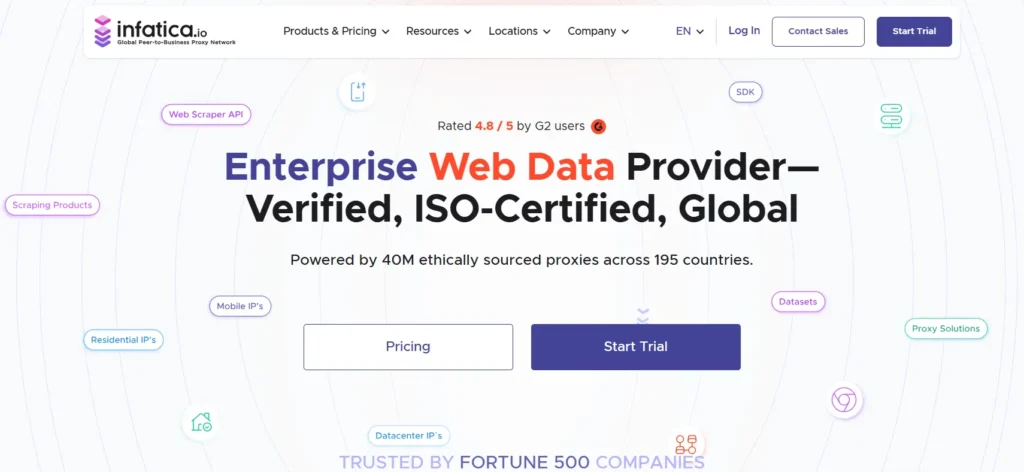
Infatica offers residential, mobile, and datacenter proxies with flexible targeting and SOCKS5 support. It is a useful option for technical users who want to route different apps, browsers, or workflows through separate proxy profiles.
Its residential proxies are the best fit for privacy because they provide more realistic origin signals than datacenter IPs. The platform is not as polished as the biggest brands, but it can be a strong middle option if you are comfortable testing IP quality before scaling.
Best for: Technical users, app-level routing, flexible residential traffic.
9. PacketStream
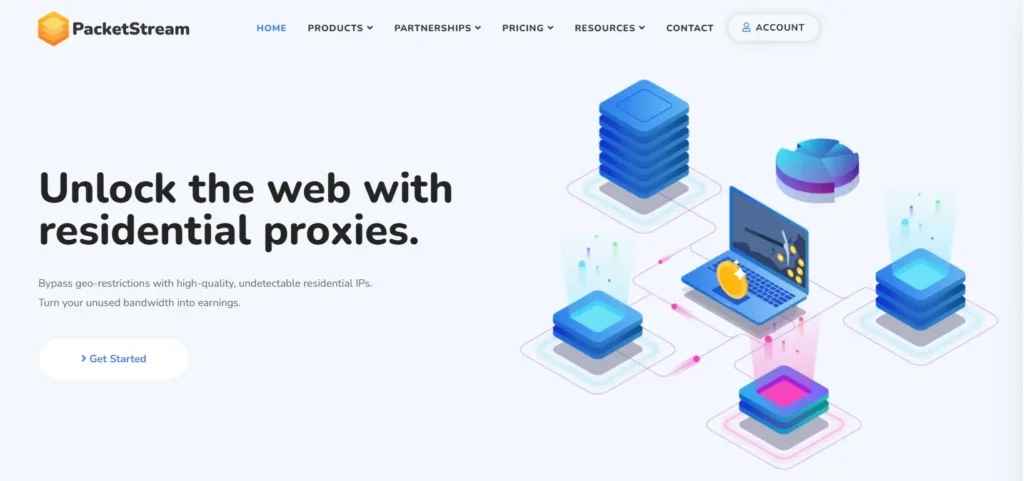
PacketStream is the budget wildcard. It offers low-cost residential proxy bandwidth using a peer-to-peer network. For basic geo-checking, light research, or low-risk private browsing, it can be useful.
I would not use PacketStream for sensitive client work or compliance-heavy privacy. Controls are basic, support is lighter, and sourcing visibility is not as strong as premium providers. Treat it as a cheap testing tool, not a complete privacy platform.
Best for: Cheap residential testing and non-critical research.
How to Choose Proxies for Privacy Protection
Check IP Pool Quality, Not Just Size
A huge IP pool sounds impressive, but quality matters more. Look for country and city coverage, ISP diversity, mobile carrier support, clean sourcing, and low abuse history. A smaller clean pool can beat a massive noisy one.
Pick the Right Proxy Type
Use residential proxies for private research and geo-realistic browsing. Use ISP proxies for stable account sessions. Use mobile proxies when carrier-level identity matters. Use datacenter proxies for speed, low cost, and low-risk automation.
Understand Rotation Protocols
Per-request rotation changes the IP on every request. It is useful for large public research, but poor for logins. Sticky sessions keep the same IP for a set window, such as 10, 30, or 60 minutes. Static sessions keep the same identity longer.
Browsing needs continuity. Scraping needs distribution. Account work needs consistency.
Choose the Right Protocol
HTTP and HTTPS proxies are easiest for browser traffic. SOCKS5 is more flexible because it can route different kinds of traffic, not just web requests. For privacy-focused technical setups, SOCKS5 support is a major advantage.
Avoid Free Proxy Lists
Free proxies are rarely safe for private work. You do not know who runs them, what they log, or how many people abuse them. If privacy matters, use a paid provider with clear policies, authentication, and support.
Privacy-First Setup Checklist
Before you buy, map your use case to a proxy behavior. For manual browsing, use a clean residential or ISP IP, keep cookies separated by browser profile, and avoid switching countries mid-session.
For SEO monitoring, use rotating residential proxies with city targeting, but keep rotation slow enough that search engines do not see impossible movement. For account-based work, use one sticky or static IP per account and avoid sharing that IP with scraping tasks.
Also check authentication. Username and password authentication is easy, but IP whitelisting is cleaner for servers and internal tools. If several team members use the same provider, create separate sub-users or zones so one risky workflow does not contaminate the rest.
Good privacy is not only about the proxy provider. It is also about keeping your own setup organized.
Pro-Tip: Keep a simple proxy log for internal use. Track provider, proxy type, country, session rule, and workflow. This helps you avoid reusing the same IP pool for unrelated tasks.
FAQs: Best Proxies For Privacy Protection
1. Are proxies better than VPNs for privacy?
Proxies are better for task-specific routing, such as one browser, scraper, or app. VPNs are better for device-wide coverage. Many professionals use both.
2. Which proxy type is most private?
Residential proxies offer the best balance for most users. Mobile proxies can be stronger for some platforms, while ISP proxies are better for stable sessions.
3. Are datacenter proxies good for privacy?
They can hide your direct IP, but they are easier to detect. Use them for low-risk tasks, not sensitive research.
4. What is the best proxy for private browsing?
Use residential or ISP proxies with sticky sessions. Avoid per-request rotation for manual browsing because it can trigger security checks.
5. Do proxies encrypt my traffic?
Not automatically. A proxy masks your network path, but encryption depends on HTTPS, the app, and the protocol. Do not assume every proxy encrypts everything.
6. Can websites still track me with proxies?
Yes. Cookies, fingerprints, DNS leaks, device IDs, and login behavior still matter. Proxies reduce one signal, not all signals.
7. How many proxies do I need?
For manual browsing, one clean ISP or residential proxy may be enough. For SEO checks, research, or data collection, you need a rotating pool based on locations, volume, and session length.
8. Which provider is best overall?
Bright Data and Oxylabs are strongest for enterprise users. Decodo is the best balance for most buyers. IPRoyal and Webshare are better for tighter budgets.
Final Verdict
The best proxies for privacy protection depend on your workflow. Choose Bright Data or Oxylabs if you need maximum control. Choose Decodo if you want the safest balance of quality, ease, and price.
Choose SOAX when location accuracy is critical. Choose IPRoyal or Webshare when budget matters.
For most professional users, the smartest setup is a small stack: residential proxies for research, ISP proxies for stable sessions, and SOCKS5 support for app-level routing. Build that correctly, and your proxy setup becomes cleaner, quieter, and much more useful for real privacy protection.