
Google SERP scraping is not the same as scraping a normal website.
A basic blog scraper can survive with cheap datacenter IPs, slow rotation, and a half-decent retry system. Google is different. It changes layouts, localizes results aggressively, personalizes by location and device signals, and blocks suspicious patterns fast. That means your proxy setup does not just affect whether your scraper works. It affects the accuracy of the SEO data you collect.
That is the part many teams miss.
If your proxy provider gives you unstable IPs, mismatched geo-targeting, weak session control, or poor residential coverage, your rank-tracking reports can become noisy.
You may think a keyword dropped from position 4 to position 11, when in reality your scraper pulled a distorted SERP from the wrong region or triggered a partial result page. For SEO teams, agencies, affiliate marketers, and data platforms, that can lead to bad decisions.
A quick compliance note before going deeper: Google’s current Terms of Service govern access to Search and other Google services, and Google has recently taken legal action against large-scale SERP scraping providers over alleged unauthorized automated access. For business use, review Google’s terms, local laws, and vendor compliance policies before building any scraping workflow.
What Makes a Proxy Great for Google SERP Scraping?
A good SERP scraping proxy is not simply “fast.” Speed matters, but accuracy matters more. When you scrape Google results, you usually want clean answers to questions like:
Which page ranks in New York for this keyword?
What does the SERP look like on mobile?
Which competitors appear in ads, local packs, People Also Ask, featured snippets, shopping boxes, or organic listings?
Are rankings stable across locations or changing by market?
That means the proxy has to support search accuracy, not just connectivity.
1. Residential IP Quality
Residential proxies are usually the safer choice for SERP scraping because they come from real ISP-assigned networks rather than obvious datacenter ranges. Google is highly sensitive to automated patterns, so datacenter proxies can burn quickly when used at scale.
For small tests, datacenter proxies can work. For serious SERP monitoring, residential or ISP proxies are usually the better foundation.
2. Geo-Targeting Accuracy
SERPs are heavily localized. A “dentist near me” query in Chicago is not the same as the same query in Dallas. Even national keywords can shift based on city, state, device, language, and search history signals.
The best SERP proxy providers let you target by country, state, city, ZIP code, ASN, carrier, or device type. You may not need every filter, but you need enough control to avoid false ranking data.
3. Rotation Protocols
Rotation is where many proxy setups fail.
Too much rotation can break sessions and create inconsistent results. Too little rotation can trigger rate limits and blocks. For Google SERP scraping, the ideal setup depends on the use case:
For rank tracking, use controlled rotation with stable geo-targeting.
For large keyword discovery, use faster rotation and careful request pacing.
For ad monitoring, use sticky sessions long enough to capture the same localized environment.
For local SEO, prioritize city-level or ZIP-level targeting over raw IP volume.
4. SERP API vs Raw Proxy Access
Raw proxies give you control. SERP APIs give you convenience.
If you already have a scraping stack with browser rendering, parsing, retry handling, and CAPTCHA management, raw proxies may be enough. If you want clean JSON, HTML, or parsed SERP data without maintaining infrastructure, a SERP API may be more practical.
Bright Data, Decodo, and Oxylabs all offer scraping or SERP-focused layers that reduce the need to manage proxies manually. Bright Data’s SERP API, for example, returns SERP data in formats like JSON, HTML, or Markdown and charges based on successful results.
5. Pricing That Matches Your Query Volume
SERP scraping costs can scale quickly.
If you track 10,000 keywords daily across desktop and mobile in 20 locations, that is not 10,000 requests. It can become hundreds of thousands of SERP pulls per month. A cheap provider can become expensive if failed requests, retries, and poor targeting inflate your real cost.
The smart approach is to compare providers by successful SERP result, not just cost per GB.
7 Best Proxies for Google SERP Scraping 2026
#1: Oxylabs: Best Overall Google SERP Scraping Proxy
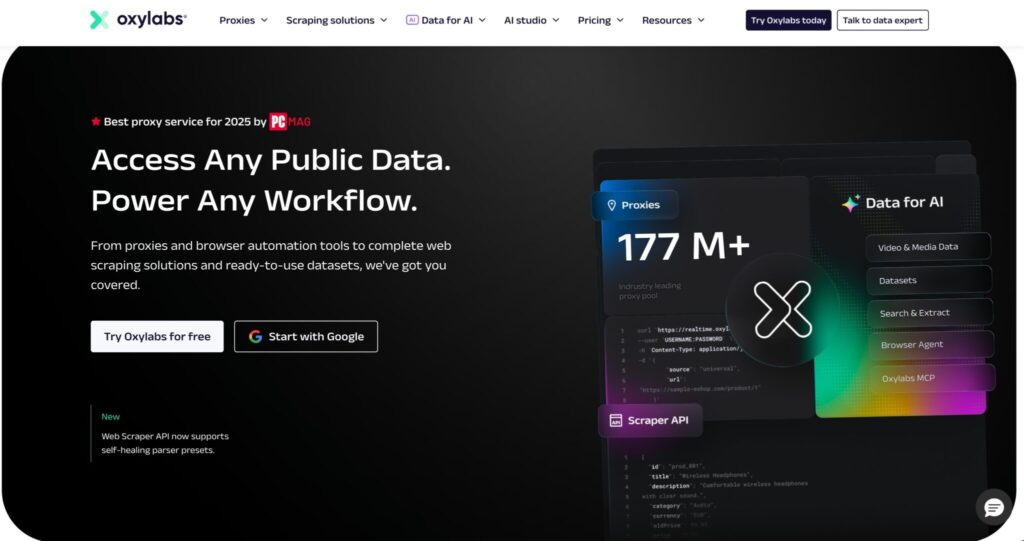
Oxylabs is the most balanced choice for serious Google SERP scraping, especially if you are running SEO intelligence, rank tracking, competitor monitoring, or data collection at scale.
The main reason is infrastructure depth. Oxylabs positions itself as a full data collection platform, not just a proxy vendor. Its platform includes residential proxies, datacenter proxies, ISP proxies, Web Unblocker, Headless Browser, Web Scraper API, and Fast Search API.
The homepage lists 2M+ datacenter IPs, 188+ available countries, 99%+ public data retrieval average success rate, and several scraping-focused products built around public web data collection.
For Google SERP work, this matters because you may not always want the same setup. A lightweight rank tracker may only need residential proxies. A larger SEO data platform may need a blend of residential IPs, browser rendering, retry logic, and parsing. Oxylabs gives teams room to move from raw proxy access into managed scraping infrastructure as their workflow grows.
The strength of Oxylabs is consistency. It is not the cheapest option, and that is not really its lane. It is built for teams where failed SERP pulls, inaccurate local rankings, and unstable sessions cost more than the proxy bill.
Best use cases:
- SEO platforms tracking thousands of keywords
- Large affiliate teams monitoring SERP volatility
- Agencies running local SEO rank tracking across cities
- Data teams collecting Google SERP features at scale
- Enterprise scraping teams that need support and reliability
What I like most:
Oxylabs gives you multiple layers to work with. You can start with proxies, then move into Web Unblocker or scraping APIs if raw requests become too messy. That flexibility is valuable because Google SERP scraping often gets harder as volume increases.
Where it may not fit:
If you are a solo SEO testing 100 keywords per week, Oxylabs may feel like too much machine for the job. It makes more sense when the data is business-critical.
Pro Tip:
For Google SERP scraping, do not mix too many countries or cities in the same proxy pool without tagging your requests. Keep your rank-tracking jobs grouped by market, device, and language. Clean segmentation makes debugging much easier when rankings look unusual.
#2: Decodo: Best Value Google SERP Proxy
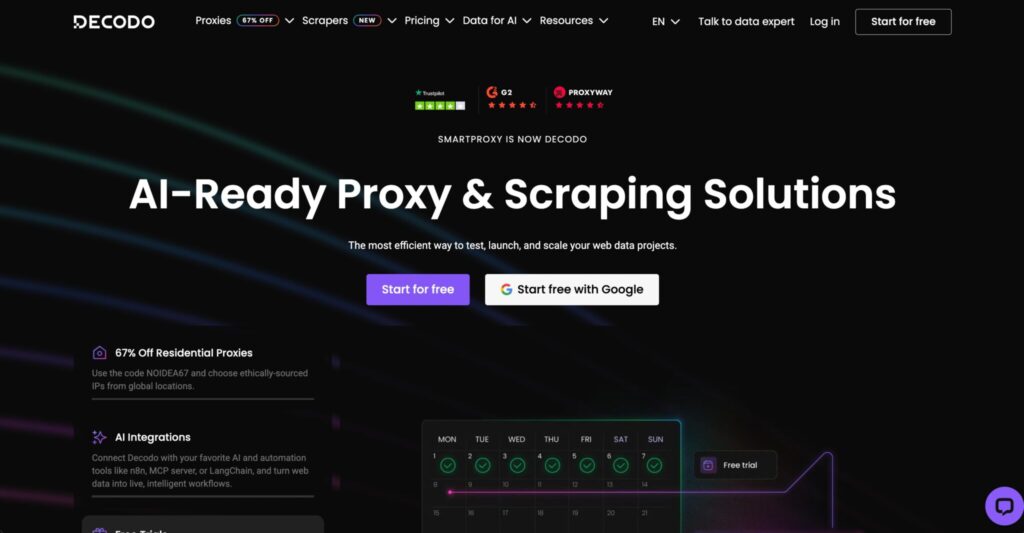
Decodo, formerly Smartproxy, is one of the strongest value picks for Google SERP scraping in 2026. It sits in the sweet spot between beginner-friendly pricing and serious scraping infrastructure.
Decodo’s site states that Smartproxy has rebranded to Decodo and highlights 125M+ IPs, 195+ locations, 99.99% uptime, and residential proxies starting from $2 per GB. It also promotes a Web Scraping API and SERP Scraping API for users who want structured data without managing proxies, bans, or CAPTCHAs themselves.
This makes Decodo especially useful for SEO teams that want flexibility. You can use residential proxies directly for custom scraping, or use its SERP Scraping API when you want faster implementation. Decodo’s SERP page says the API supports localized SERP collection and can return results in formats such as HTML, JSON, or table-style output.
For Google SERP scraping, Decodo is attractive because it does not force you into an enterprise-only setup. You get a strong proxy pool, broad location coverage, and scraping tools without the same level of complexity that some enterprise-first platforms bring.
Best use cases:
- SEO agencies that need reliable rank-tracking proxies
- Startups building SERP monitoring tools
- Affiliate marketers tracking commercial keywords
- Mid-sized teams that want strong value without weak infrastructure
- Developers who want both raw proxies and scraping API access
What I like most:
Decodo keeps things approachable. The dashboard, pricing, and product positioning are easier to understand than many enterprise providers. That matters when your team is small and you do not want to spend a week just figuring out routing rules.
Where it may not fit:
For the largest enterprise data pipelines, Bright Data or Oxylabs may offer deeper infrastructure and more advanced scraping layers. Decodo is powerful, but its strongest position is value and usability.
Pro Tip:
Use Decodo’s SERP API for structured rank-tracking jobs and raw residential proxies for custom tests where you need more control over headers, rendering, or parsing. Keeping both options available gives your scraper a useful fallback path.
#3: Webshare: Best Free Google SERP Proxy Tier
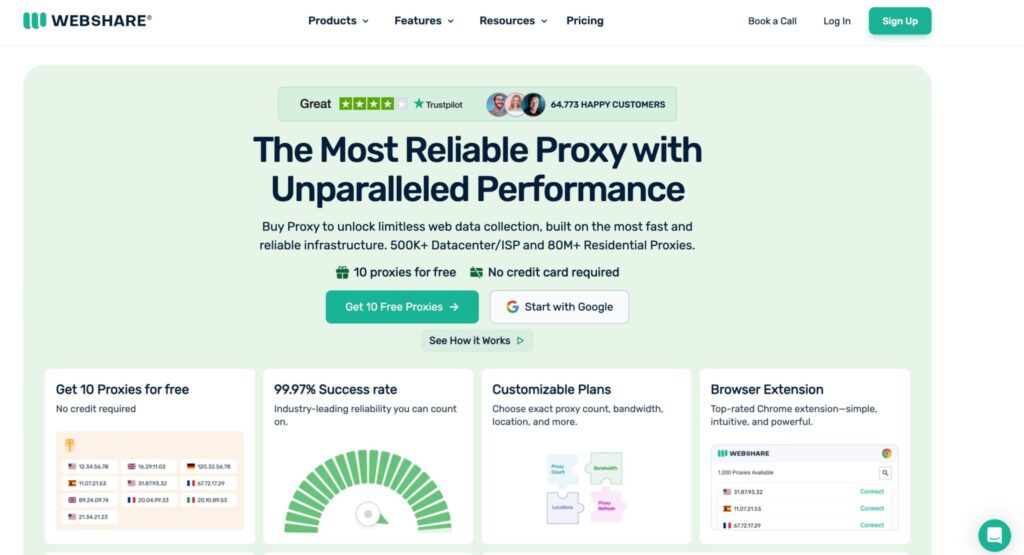
Webshare is the best pick for users who want to test proxy workflows before spending serious money. It is not the most advanced SERP scraping platform on this list, but it is affordable, transparent, and easy to start with.
Webshare offers proxy servers, static residential proxies, and rotating residential proxies. Its residential proxy page lists 80M+ residential IPs and pricing starting at $1.40 per GB, while its broader proxy page highlights datacenter proxy servers, static residential proxies, and residential proxy options.
For Google SERP scraping, Webshare works best when your workload is smaller, more controlled, or still in testing. It is a practical option for developers validating a scraper, SEO freelancers tracking a limited keyword set, or teams comparing proxy behavior before committing to a premium provider.
The biggest advantage is cost control. Webshare has a reputation for affordability, and its dashboard makes it relatively simple to manage proxy lists, authentication, and usage. That is useful when you are experimenting with request pacing, country targeting, and scraper logic.
However, Webshare is more of a proxy provider than a full SERP intelligence stack. You do not get the same advanced scraping API ecosystem that Bright Data, Oxylabs, or Decodo provide. If Google starts returning blocks, inconsistent pages, or CAPTCHAs, more of the engineering work stays on your side.
Best use cases:
- Small SEO scraping tests
- Developers validating SERP collection scripts
- Budget-conscious rank-tracking projects
- Lightweight keyword monitoring
- Teams that want low-cost residential proxy access
What I like most:
Webshare is easy to understand. The pricing is clear, setup is simple, and the barrier to entry is low. For testing SERP scraping logic, that is a real advantage.
Where it may not fit:
If you need enterprise-grade Google scraping, advanced parsing, browser automation, or high-volume localized rank tracking, Webshare may feel limited. It is best as a low-cost proxy layer, not a complete SERP scraping system.
Pro Tip:
Do not use free or very cheap proxy tiers for mission-critical Google rank data. Use them for testing scripts, measuring request patterns, and checking parser logic. Once rankings are tied to client reports or revenue decisions, move to higher-quality residential or SERP API infrastructure.
#4: Bright Data: Best Google SERP Proxy for Data Pipelines
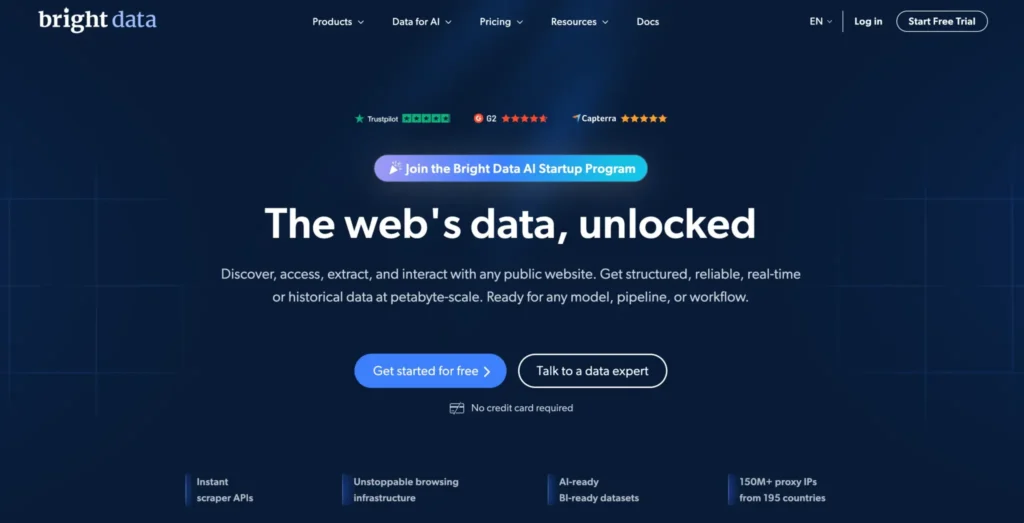
Bright Data is the heavyweight choice for teams that treat SERP data like a core business asset. If you are building a rank-tracking product, SEO intelligence dashboard, ad monitoring system, market research engine, or AI search dataset pipeline, Bright Data deserves a serious look.
Bright Data’s platform includes proxies, SERP API, Web Unlocker, Browser API, Crawl API, datasets, and other data collection tools. Its main site states that its residential proxy network includes over 400M residential proxy IPs, with targeting by country, city, carrier, and ASN.
For Google SERP scraping specifically, Bright Data’s SERP API is one of the cleanest options because it handles proxy management, unblocking, and parsing as part of the product. The SERP API page says it supports real-time search results, JSON, HTML, or Markdown output, free geo-targeting, and payment based on successful delivery. Its listed pay-as-you-go SERP API pricing starts at $1.50 per 1,000 results, with lower per-result pricing on monthly plans.
That successful-delivery pricing model is important. With raw proxies, you pay for traffic whether your scraper gets a useful SERP or not. With a SERP API, your cost model can become more predictable because failed attempts are handled differently by the provider.
Bright Data also has strong appeal for teams that need local SERP accuracy. Its SERP API page highlights global coverage and location-based search parameters, which matters for agencies tracking city-level rankings, enterprise brands monitoring regional SERPs, and ad teams checking localized paid search placements.
Best use cases:
- Enterprise SEO intelligence platforms
- Ad verification and PPC monitoring
- High-volume SERP data pipelines
- Local rank tracking across many cities
- Teams that prefer API output over raw proxy management
What I like most:
Bright Data is built for scale and structured workflows. You can get raw proxies, but the real value appears when you use its SERP API or scraping infrastructure to reduce maintenance. For large teams, that can save engineering hours.
Where it may not fit:
Bright Data can be more expensive and more complex than beginner-friendly providers. If you only need basic proxy access for a small keyword set, Webshare, IPRoyal, or DataImpulse may be easier to justify.
Pro Tip:
When comparing Bright Data’s SERP API against raw proxy providers, calculate cost per successful result, not cost per GB. For Google SERP scraping, failed attempts, retries, blocked pages, and bad parses can quietly double your real cost.
#5: SOAX: Best Google SERP Proxy for Geo-Targeted Accuracy
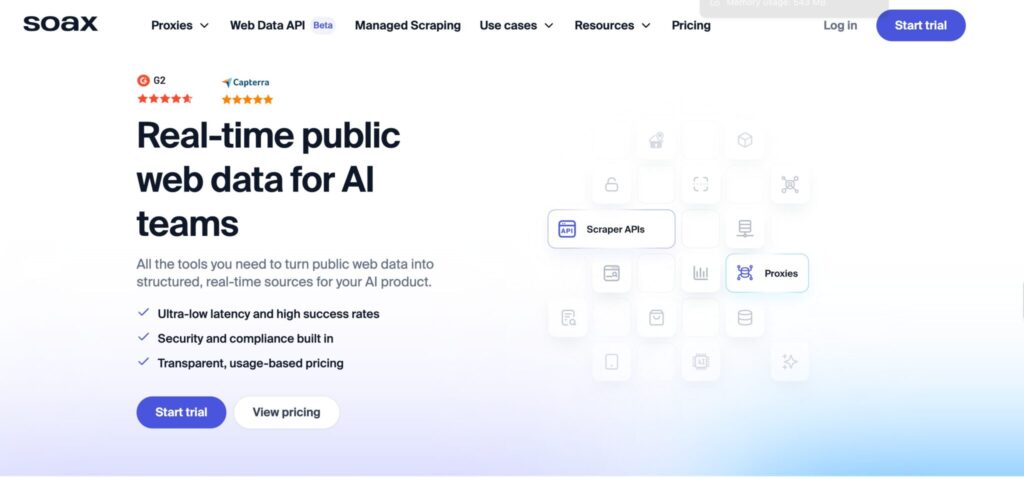
SOAX is a strong choice when location accuracy matters more than raw volume.
That makes it especially useful for Google SERP scraping because Google results can change dramatically by country, state, city, language, device, and even local intent. A national keyword like “best business bank account” may look fairly stable across regions, but a keyword like “personal injury lawyer,” “plumber near me,” or “coworking space” can shift heavily from one city to another.
SOAX is known for flexible residential and mobile proxy targeting. Its strength is not just giving you IPs. It gives you control over where those IPs come from. For SEO teams working on local rank tracking, city-level visibility, market research, or regional SERP monitoring, that control is valuable.
SOAX also works well when you need clean rotation logic. You can use rotating sessions for large keyword sets or sticky sessions when you need more stable localized results. That balance is important because Google SERP scraping is not only about avoiding failed requests. It is about collecting consistent data.
If your proxy changes too aggressively, you may get inconsistent SERPs. If your proxy does not rotate enough, you may hit blocks or unusual result pages. SOAX gives you enough flexibility to tune that setup based on the job.
Best use cases:
- Local SEO rank tracking
- City-specific Google SERP scraping
- Agency reporting across multiple service areas
Geo-sensitive keyword research
SERP monitoring for maps, local packs, and regional pages
What I like most:
SOAX is useful when you care about location precision. For agencies managing clients in different cities, this matters a lot. You do not want a proxy that says “United States” when you actually need search results from Phoenix, Tampa, or Brooklyn.
Where it may not fit:
SOAX may not be the cheapest option for bulk scraping. If your only goal is to collect huge volumes of generic SERP data with broad country-level targeting, DataImpulse, IPRoyal, or Webshare may offer better cost control.
Pro Tip:
For local SEO, do not rely only on country-level proxies. Match your proxy location, search language, device type, and query format. A city-level keyword check with the wrong location signal can create ranking reports that look accurate but are quietly misleading.
#6: IPRoyal: Best Google SERP Proxy for Bulk Bandwidth
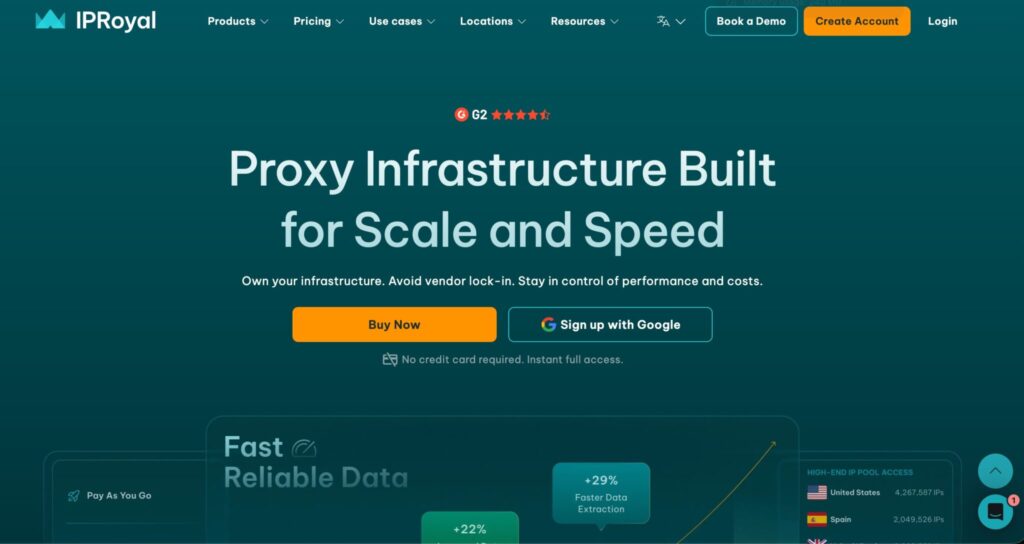
IPRoyal is one of the more budget-friendly options for teams that need decent residential proxy access without jumping straight into enterprise pricing.
Its main appeal is bandwidth value. If you are scraping a lot of SERPs, testing many keywords, or running broad competitive research, bandwidth can become a serious cost factor. IPRoyal often works well for users who need a practical proxy network at a lower entry price.
For Google SERP scraping, IPRoyal is best suited for controlled workloads. It can work for keyword monitoring, competitor checks, SEO testing, and smaller scraping tools. It may not match Bright Data or Oxylabs for enterprise-grade data collection, but it gives you enough flexibility to build a working setup at a lower cost.
The provider offers residential proxies, datacenter proxies, ISP proxies, and mobile proxies. For Google SERPs, residential and ISP proxies are usually the more relevant options. Datacenter proxies can be useful for non-sensitive scraping tests, but they are easier to flag when request volume increases.
IPRoyal also makes sense for affiliate marketers and small SEO teams that want to monitor commercial SERPs. If you are checking coupon keywords, software review rankings, local service terms, or branded comparison keywords, IPRoyal can be a practical starting point.
Best use cases:
- Budget-conscious SERP scraping
- Affiliate SEO keyword tracking
- Bulk keyword checks
- Small agency reporting
- Competitive SERP monitoring
What I like most:
IPRoyal gives smaller teams a more affordable way into residential proxy scraping. You do not need enterprise budgets to start testing SERP collection workflows.
Where it may not fit:
For mission-critical rank-tracking platforms or large-scale SERP data products, IPRoyal may require more manual tuning. You may need to spend extra time managing rotation, retries, parsing, and quality checks.
Pro Tip:
When using budget-friendly residential proxies, monitor failed requests closely. A low cost per GB is useful only if the usable SERP success rate stays healthy. Track successful SERP pulls, incomplete pages, CAPTCHA responses, and wrong-location results separately.
#7: DataImpulse: Best Budget Google SERP Proxy
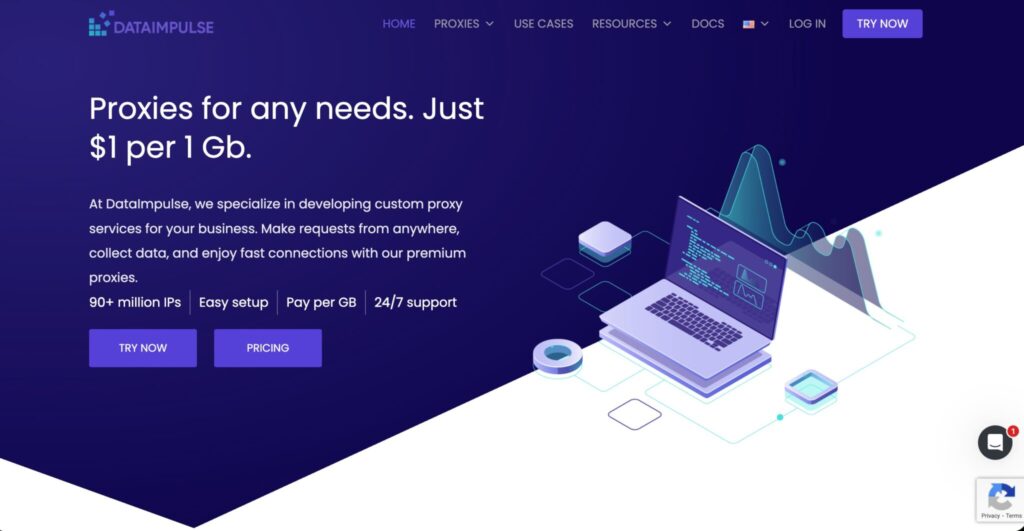
DataImpulse is the budget pick for Google SERP scraping, especially for developers, small SEO teams, and agencies that want residential proxies without paying premium rates.
Its biggest advantage is affordability. If you are testing a SERP scraper, collecting keyword data for internal use, or building a small rank-tracking workflow, DataImpulse can help you keep costs low while still using residential IPs.
That said, budget does not mean careless. Google SERP scraping needs a clean setup no matter which provider you use. If you send too many requests too quickly, ignore localization settings, or rotate IPs randomly without structure, even a good proxy provider will not save the workflow.
DataImpulse is best used with a measured scraping system. Keep request volume reasonable, segment jobs by country or region, use retries carefully, and validate the SERP output before trusting the data.
This provider is not the most advanced option on the list. You do not get the same enterprise ecosystem as Bright Data or Oxylabs, and you should not expect a full managed SERP intelligence layer. But for raw residential proxy access at a lower price, it can be a strong option.
Best use cases:
- Low-cost Google SERP scraping
- Developer testing
- Small keyword datasets
- SEO experiments
- Budget rank-tracking workflows
What I like most:
DataImpulse gives you a way to test SERP scraping without a large upfront commitment. That is useful when you are validating a tool, testing parser accuracy, or comparing SERP outputs across locations.
Where it may not fit:
If your business depends on highly reliable SERP data, you may outgrow DataImpulse. It is better for controlled scraping and budget-sensitive use than complex enterprise data pipelines.
Pro Tip:
Use DataImpulse for testing and lower-risk keyword jobs first. Once you know which markets, keywords, and query patterns matter most, move critical SERP tracking to a stronger provider or SERP API.
Quick Comparison for Google SERP Scraping Proxies
| Provider | Best For | Proxy Types | SERP API Available | Geo-Targeting Strength | Pricing Style | Best Fit |
|---|---|---|---|---|---|---|
| Oxylabs | Best overall SERP scraping | Residential, datacenter, ISP, mobile, scraping APIs | Yes | Very strong | Premium | Enterprise SEO, rank tracking, data platforms |
| Decodo | Best value | Residential, datacenter, ISP, mobile, SERP API | Yes | Strong | Mid-range | Agencies, startups, affiliate SEOs |
| Webshare | Best free or low-cost start | Datacenter, static residential, rotating residential | No dedicated advanced SERP stack | Moderate | Budget-friendly | Testing, small scrapers, developers |
| Bright Data | Best for data pipelines | Residential, ISP, datacenter, mobile, SERP API | Yes | Very strong | Premium / usage-based | Enterprise data teams, large SERP systems |
| SOAX | Best geo-targeted accuracy | Residential, mobile, ISP-style options | Not the main focus | Very strong | Mid to premium | Local SEO and regional SERP monitoring |
| IPRoyal | Best bulk bandwidth value | Residential, datacenter, ISP, mobile | No major SERP-first API focus | Good | Affordable | Bulk keyword checks and smaller SEO teams |
| DataImpulse | Best budget residential proxy | Residential, mobile-style proxy options | No major SERP-first API focus | Good for the price | Budget | Testing, experiments, small scraping projects |
How to Choose the Best Proxy for Google SERP Scraping
Choosing a SERP proxy is less about finding the “biggest IP pool” and more about matching the provider to your exact data workflow.
A 50-keyword local SEO report and a 5-million-keyword SERP intelligence platform do not need the same proxy setup. One needs accuracy and simplicity. The other needs scale, stability, retries, parsing, and cost control.
1. Start With Your SERP Scraping Goal
Before choosing a provider, define what you are collecting.
- Are you tracking rankings?
- Monitoring ads?
- Scraping People Also Ask questions?
- Checking local pack results?
- Collecting organic result URLs?
- Building a keyword intelligence tool?
- Monitoring featured snippets?
- Auditing competitors across countries?
Each job needs a slightly different setup.
For basic rank tracking, location accuracy and consistent sessions matter most. For high-volume keyword discovery, bandwidth cost and rotation matter more. For ad monitoring, you may need residential or mobile IPs with better location realism. For local SEO, city-level targeting is critical.
2. Decide Between Raw Proxies and SERP APIs
Raw proxies give you flexibility, but they also create more work.
You need to manage:
- Request headers
Browser rendering
- CAPTCHA handling
- Retries
- Parsing
- Location settings
- Device simulation
- Result validation
- Error logging
SERP APIs remove much of that work. You send a query, location, language, and device setting, then receive structured output.
For most agencies and SEO teams, a SERP API is easier. For developers building custom systems, raw proxies may be better because they offer more control.
Here is the simple rule:
- Use raw proxies if you need custom scraping control.
- Use a SERP API if you need reliable results with less engineering work.
- Use both if SERP data is central to your business.
3. Check Geo-Targeting Before Checking Price
Cheap proxies are not useful if they return inaccurate locations.
For Google scraping, location is not a small detail. It can change the entire SERP. A search for “best CPA near me” from Miami, Austin, and Seattle can show different organic results, map packs, ads, and local business listings.
Look for providers that support:
- Country targeting
- State targeting
- City targeting
- ZIP-level targeting, where available
- ASN targeting
- Language parameters
- Mobile or desktop separation
If you are doing local SEO, SOAX, Bright Data, Oxylabs, and Decodo are usually stronger choices than basic low-cost providers.
4. Understand Rotation Rules
Rotation can make or break your SERP scraper.
For Google SERP scraping, there are usually two useful rotation modes:
- Rotating sessions:
- Best for large keyword batches, broad SERP collection, and high-volume jobs.
- Sticky sessions:
- Best for local rank tracking, ad monitoring, and cases where you need a stable search environment for a short period.
Avoid random rotation without logic. It can make your data messy. You may scrape one keyword from a New York IP, the next from Dallas, and the next from a different device-like fingerprint. Your ranking report will look unstable even if the real SERP did not change much.
5. Track Success Rate, Not Just Price
A cheap proxy can become expensive if half your requests fail.
Measure:
- Successful SERP responses
- Blocked pages
- CAPTCHA pages
- Wrong-location responses
- Timeouts
- Empty SERPs
- Parsing errors
- Retry volume
- Cost per successful result
The last metric matters most. If Provider A costs twice as much per GB but gives three times more clean SERP results, it may be the cheaper provider in real business terms.
6. Match Proxy Type to SERP Risk
Different proxy types serve different jobs.
- Datacenter proxies:
- Fast and cheap, but easier to detect. Best for low-risk testing or non-Google scraping.
- Residential proxies:
- Better for Google SERP scraping because they look closer to normal consumer traffic.
- ISP proxies:
- Useful when you want the stability of datacenter-style infrastructure with ISP-issued IP reputation.
- Mobile proxies:
- Useful for mobile SERP checks, app search behavior, and markets where mobile results differ heavily.
For most Google SERP scraping workflows, residential proxies are the safest starting point. ISP proxies can work well for stability. Mobile proxies are useful but usually more expensive.
7. Validate SERP Accuracy Manually
Do not trust your scraper blindly.
Before scaling, manually compare sample results. Check whether the scraped SERP matches what you expect for the target country, city, language, and device. Look at organic results, ads, map packs, featured snippets, and People Also Ask boxes.
If the SERP does not match the target environment, fix the configuration before increasing volume.
Bad data at small scale is annoying. Bad data at large scale is expensive.
FAQs: Best Proxies for Google SERP Scraping 2026
Why does Google block SERP scrapers?
Google blocks or challenges automated scraping when request patterns look unnatural, excessive, or inconsistent with normal user behavior. Search results are resource-intensive, and automated traffic can place heavy load on systems. Google also protects its search experience, ad ecosystem, anti-abuse systems, and data usage policies.
For businesses, this means SERP scraping should be handled carefully. Use legal, compliant methods where possible, avoid aggressive request patterns, and consider SERP APIs when you need structured data at scale.
What is a SERP API and do I need one?
A SERP API is a tool that collects search engine results for you and returns the data in a structured format, usually JSON, HTML, or parsed result fields.
You may need a SERP API if you want to avoid managing proxies, browsers, retries, CAPTCHA issues, and parsing logic yourself. SERP APIs are especially useful for rank tracking, competitor monitoring, keyword research tools, and SEO dashboards.
You may not need one if you already have a technical scraping team and want full control over the scraping environment.
Can Google detect and manipulate results for scrapers?
Google can detect unusual traffic patterns and may return challenges, limited pages, blocked responses, or different result experiences depending on signals like IP reputation, request volume, location, browser behavior, language, and device context.
That is why SERP scraping accuracy needs validation. A scraper might technically receive a page, but that page may not represent the real SERP you wanted to measure. Clean proxies, stable targeting, and careful testing reduce this risk.
Is Google SERP scraping legal?
It depends on where you operate, what data you collect, how you collect it, and how you use it. Public web data scraping can be legally complex, especially when terms of service, rate limits, personal data, or automated access rules are involved.
For commercial use, speak with legal counsel and review Google’s policies before scraping. If you need lower-risk access, consider approved APIs, third-party SERP APIs, or data providers with clear compliance practices.
Are residential proxies better than datacenter proxies for Google SERP scraping?
Yes, in most cases. Residential proxies usually perform better for Google SERP scraping because they use ISP-assigned IPs that look closer to normal user traffic. Datacenter proxies are cheaper and faster, but they are easier to identify at scale.
That said, residential proxies are not magic. Poor request pacing, weak targeting, and messy session logic can still create blocks or inaccurate data.
How many proxies do I need for Google SERP scraping?
It depends on keyword volume, scraping frequency, target locations, and whether you use raw proxies or a SERP API.
A small SEO team tracking a few hundred keywords may need a modest residential setup. A rank-tracking platform checking millions of keywords across countries and devices needs a much larger pool, stronger rotation rules, and likely a SERP API or managed scraping layer.
Start small, measure success rate, then scale based on clean SERP output.
Can I use free proxies for Google SERP scraping?
Free proxies are not recommended for serious Google SERP scraping. They are often slow, unstable, overused, and risky from a security standpoint. They may also return inconsistent locations or fail frequently.
A free tier from a reputable proxy provider is fine for testing basic scripts. Random public proxy lists are not a good choice for SEO reporting, client work, or business-critical scraping.
Which proxy type is best for local SEO rank tracking?
Residential proxies with city-level targeting are usually the best choice for local SEO rank tracking. If you are checking rankings for local service keywords, city-level and language accuracy matter more than raw proxy volume.
SOAX, Bright Data, Oxylabs, and Decodo are strong options for this type of work because they provide better control over targeting and session behavior.
Should I scrape Google directly or use a SERP API?
Use a SERP API if you want reliable data with less technical work. It is usually the better choice for SEO agencies, reporting dashboards, and teams that need structured SERP output.
Scrape directly with proxies only if you need custom control, have technical experience, and can manage compliance, infrastructure, retries, and parsing yourself.
Conclusion | Best Proxies for Google SERP Scraping 2026
The best proxy for Google SERP scraping depends on how serious your data workflow is.
For most professional teams, Oxylabs is the best overall choice because it combines strong proxy infrastructure with advanced scraping tools. It is reliable, scalable, and built for teams that cannot afford messy SERP data.
Decodo is the best value pick. It gives agencies, affiliate marketers, and growing SEO teams a strong mix of residential proxies, SERP scraping tools, and easier pricing.
Webshare is best for testing and low-cost entry. It is simple, affordable, and useful for developers who want to validate SERP scraping workflows before scaling.
Bright Data is the best choice for large data pipelines. If your company depends on SERP data for products, dashboards, ad monitoring, or competitive intelligence, its SERP API and proxy infrastructure are hard to ignore.
SOAX is the best option for geo-targeted accuracy, especially for local SEO and city-level SERP checks.
IPRoyal works well for budget-conscious teams that need bulk residential bandwidth.
DataImpulse is the best budget option for testing, experiments, and smaller SERP scraping projects.
For high-value SEO data, do not choose based only on price. Choose based on accuracy, success rate, geo-targeting, session control, and the cost per usable SERP result. Google SERP scraping is not just about getting a response. It is about getting the right response, from the right location, in a format you can trust.