
Rotating mobile IPs sit in a strange little corner of the proxy world.
They are expensive. They are slower than datacenter proxies. They can be harder to configure than basic residential proxies. And yet, when the job needs real mobile-carrier trust, nothing else performs quite the same.
That is why serious teams use them for mobile app testing, ad verification, localized SERP checks, price intelligence, market research, brand protection, and public web data collection where standard proxy types hit too many blocks. A mobile IP comes from a cellular network, usually through 3G, 4G, LTE, or 5G carrier infrastructure.
Since many real users often share mobile carrier IPs through carrier-grade NAT, these IPs tend to carry a different trust profile than ordinary datacenter ranges or even home broadband residential IPs.
SOAX explains that mobile proxies route traffic through IP addresses assigned by mobile internet providers, while mobile carrier networks and frequent IP changes can make them harder to flag in normal mobile-looking workflows.
But here is the catch: not every “mobile proxy” is worth buying.
Some providers sell clean, rotating mobile pools with real carrier targeting, session control, and proper dashboard tools. Others simply slap “4G proxy” on a weak shared setup and hope beginners do not notice. The difference matters. A poor pool can burn your budget quickly, especially when mobile proxy pricing is usually bandwidth-based or per-port rather than cheap unlimited access.
This guide breaks down the best rotating mobile IP providers, what they are good at, where they fall short, and how to choose the right one based on IP pool size, carrier coverage, rotation logic, sticky sessions, protocol support, and traffic cost.
What Are Rotating Mobile IPs?
Rotating mobile IPs are proxy IP addresses assigned through real mobile carrier networks and changed automatically or manually based on your setup.
A normal static proxy keeps one IP for a long session. A rotating mobile proxy gives you access to a mobile IP pool and changes the exit IP by request, time interval, session rule, or manual trigger. Oxylabs describes rotating proxies as systems that automatically assign a new IP from a pool for each new connection or batch of requests.
In practical terms, this means you can run traffic through real mobile-looking IPs while avoiding the obvious footprint of a single overused server IP.
Mobile rotation usually works in four ways:
- Per-request rotation: A new IP can be assigned with each request.
- Timed rotation: The IP changes after a fixed time, such as 5, 10, 30, or 60 minutes.
- Sticky sessions: You keep the same IP for a defined session window.
- Manual rotation: You trigger a new IP through a dashboard, API, link, or endpoint change.
For scraping public pages, per-request rotation can help spread requests across a larger pool. For login flows, app testing, cart testing, or ad verification, sticky sessions are usually better because the target sees a consistent mobile identity long enough to complete the task.
Quick Picks: Best Rotating Mobile IP Providers
| Provider | Best For | Mobile Pool Size | Coverage | Rotation Options | Protocols | Main Strength | Possible Drawback |
|---|---|---|---|---|---|---|---|
| Oxylabs | Enterprise mobile proxy operations | 20M+ mobile IPs | 140+ countries | Rotating and sticky sessions | HTTP(S), SOCKS5 support across platform | Large pool, strong targeting, enterprise stability | May feel heavy for small users |
| Bright Data | Compliance-heavy enterprise teams | Mobile network plus large proxy infrastructure | Global | Full session and geo controls | Broad protocol and proxy tooling | Advanced controls, strong compliance posture | Premium pricing and steeper setup |
| Decodo | Value-focused mobile scraping and app testing | 10M+ mobile IPs | 160+ locations, 700+ carriers | Auto rotation and sticky sessions | HTTP(S), SOCKS5 | Strong dashboard, carrier-level targeting | Not always the cheapest at scale |
| SOAX | Granular targeting and flexible testing | 33M+ mobile proxies | 195 countries | Fresh IP per request, sticky controls | HTTP, HTTPS, SOCKS5, UDP, QUIC | Strong geo and protocol flexibility | Advanced users may want more benchmark transparency |
| NetNut | Large-scale data collection | 5M+ mobile IPs | Global coverage | Custom rotation | Platform supports common proxy workflows | Real mobile phone IPs, 99.99% uptime claim | Public page detail can be less precise than some rivals |
| IPRoyal | Budget-conscious users needing mobile IPs | Location-based pool access | Multiple countries | Manual or automatic rotation every 6 minutes on longer plans | Common proxy use cases | Unlimited traffic and sessions on mobile plans | Rotation interval may be restrictive for some jobs |
| Infatica | API-driven proxy list management | 500K+ mobile IPs listed on pricing page | Country, city, ISP targeting | Timed, per-request, and sticky options | SOCKS, HTTP | Good dashboard and rotation controls | Smaller mobile pool than top enterprise players |
| Rayobyte | US-focused scraping workflows | Rotating mobile proxies | Primarily US, more by request | Unique mobile IP per connection | Mobile proxy setup | Straightforward scraping focus | Limited mobile generations and geography |
| Proxy-Seller | Dedicated or shared mobile ports | Shared and dedicated mobile setups | Multiple countries and carriers | 5/30-minute or manual rotation | HTTPS, SOCKS5 | Dedicated mobile options, timer-based control | More suited to users who understand port-based proxy buying |
1. Oxylabs: Best for Enterprise-Grade Rotating Mobile IPs
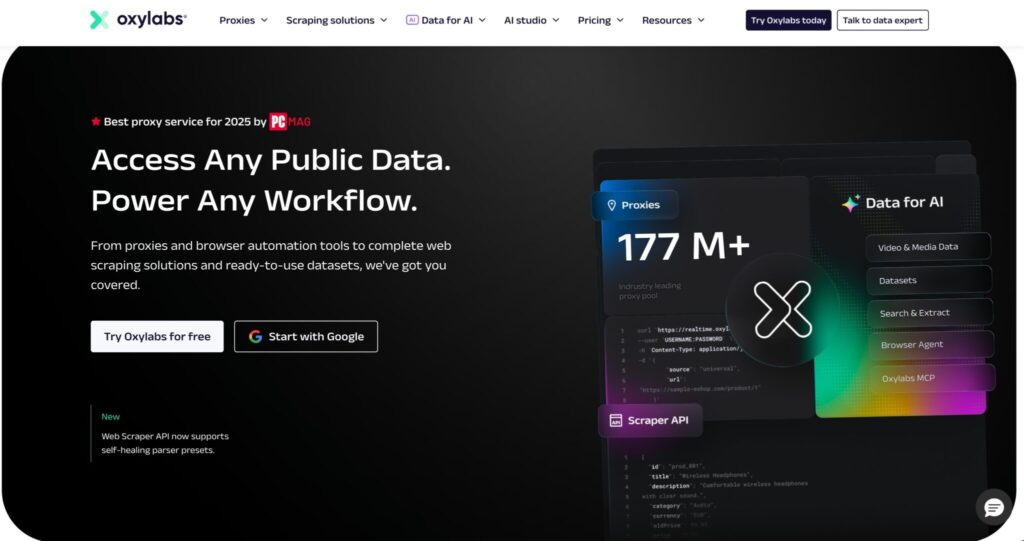
Oxylabs is one of the strongest choices for teams that need scale, reliability, and detailed location controls. Its mobile proxy product advertises 20M+ mobile IPs, 140+ countries, 99.9% uptime, and targeting by continent, country, state, city, coordinate, and ASN.
That combination matters when your workflow depends on accuracy. For example, ad verification in New York is not the same as ad verification somewhere in the broader United States. SERP testing in one city can show a different result from another. App content can also change by carrier, region, or mobile environment.
Oxylabs is especially useful for larger scraping stacks, market intelligence platforms, cybersecurity teams, and data vendors that need predictable routing rather than a cheap pool with random exits.
Why Oxylabs Stands Out
The big advantage is control. You get a large pool, strong geo filters, and rotation logic that supports both random rotating sessions and sticky sessions. Oxylabs says users can keep an IP for up to 24 hours with sticky sessions or get a random IP with each request through rotating sessions.
That gives you room to tune your setup based on task type. Use rotating sessions for broad public data collection. Use sticky sessions for workflows where a site expects continuity, such as multi-step checks or mobile QA.
Pro Tip: Start with country-level targeting, then narrow down only when needed. Hyper-specific city, carrier, or ASN filters can reduce the available pool and increase the chance of repeated exits.
2. Bright Data: Best for Advanced Controls and Compliance-Minded Teams
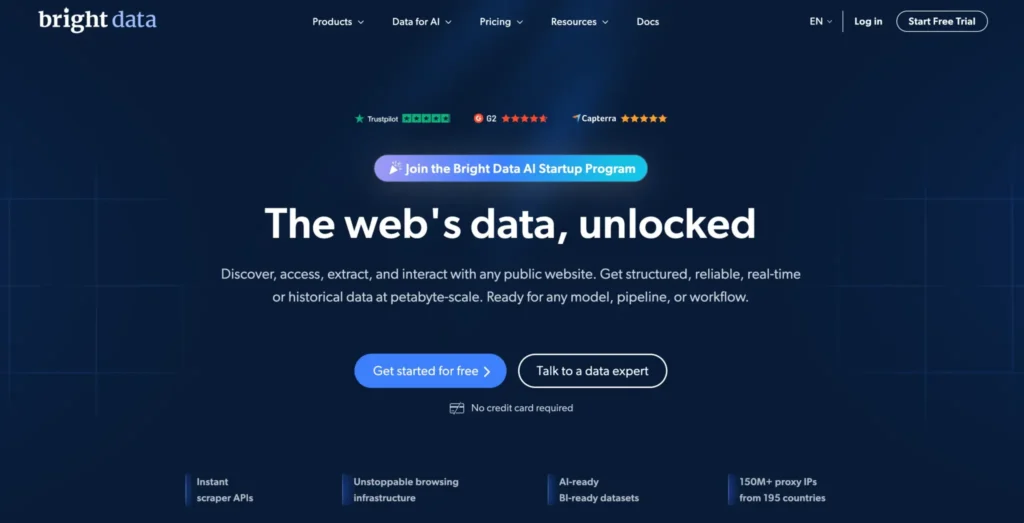
Bright Data is not the cheapest option, but it is one of the most mature proxy platforms in the market. Its proxy infrastructure page highlights 400M+ monthly residential IPs plus ISP and datacenter networks with full session and geo-targeting control.
For mobile use, Bright Data is best suited to companies that care about governance, auditability, account controls, documentation, and advanced infrastructure. This is the kind of provider a data team uses when proxy buying is not just a quick technical decision but part of a broader compliance and data collection process.
Where Bright Data Fits Best
Bright Data makes sense for enterprise public web data collection, competitor monitoring, ad verification, SERP intelligence, and teams that need more than raw proxy endpoints. You can manage proxy networks, user access, billing, and advanced setup from a mature dashboard. Its pricing page also mentions country, state, city, and ZIP-code geo-targeting across its proxy infrastructure.
The downside is complexity. If you only need a few mobile IPs for small tests, Bright Data may feel like buying a commercial kitchen to make one sandwich. Powerful, yes. Simple, not always.
Pro Tip: Choose Bright Data when proxy quality, controls, compliance, and account management matter more than getting the lowest per-GB rate.
3. Decodo: Best Balance of Usability, Mobile Coverage, and Price
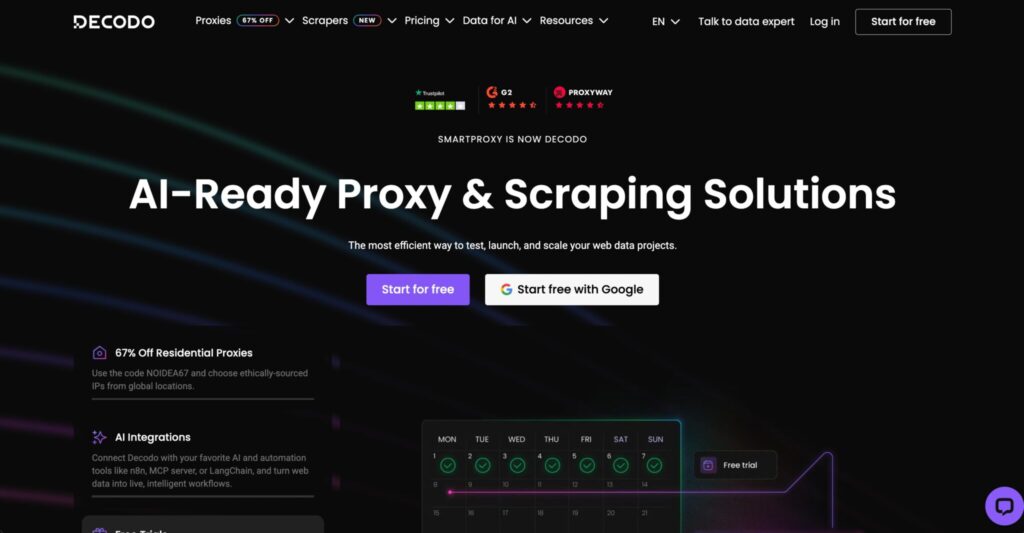
Decodo, formerly Smartproxy, has become one of the more practical options for users who want strong mobile IP access without enterprise-level friction. Its mobile proxy page lists 10M+ ethically sourced mobile IPs, 160+ global locations, 700+ mobile carriers, city-level targeting, HTTP(S), SOCKS5 support, and 3G/4G/5G carrier-grade proxies.
That makes Decodo a good fit for app testing, public data collection, mobile SERP checks, localized browsing, ad verification, and automation workflows where setup speed matters.
Why Decodo Is Easy to Recommend
Decodo’s strength is usability. The platform gives enough targeting depth for serious users without making the first setup feel painful. Its mobile proxies support automatic rotation and sticky sessions, which helps users match the proxy behavior to the workflow. Decodo also says mobile proxy billing is based on GB of traffic used.
The provider is a strong middle-ground choice. It is more polished than many small mobile proxy sellers, but usually easier to start with than heavy enterprise platforms.
Pro Tip: Use Decodo’s sticky mode for app QA, checkout testing, and ad preview flows. Use automatic rotation for public page collection where each request can stand alone.
4. SOAX: Best for Geo Targeting and Protocol Flexibility
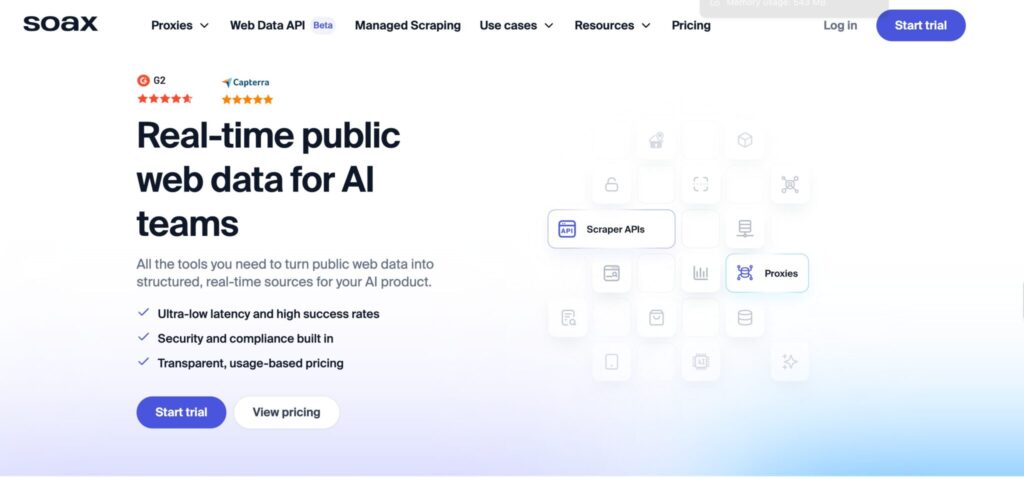
SOAX is one of the most attractive rotating mobile proxy options for users who care about global coverage and precise targeting. Its mobile proxy page lists 33M+ mobile proxies and 195 locations, with targeting down to city or carrier level. It also supports HTTP, HTTPS, SOCKS5, UDP, and QUIC protocols.
That protocol range is worth noting. Most users only need HTTP(S) or SOCKS5, but UDP and QUIC support can matter for certain app, mobile, or network testing workflows.
Where SOAX Performs Well
SOAX fits use cases like ad verification, social media monitoring, app testing, public web scraping, and geo-specific research. Its rotating mobile proxies can provide a fresh IP for each new request, and SOAX says it can automatically assign a new mobile IP if a connection is lost.
The provider also makes sense for teams that need to test multiple countries without committing to a heavy enterprise contract right away.
Pro Tip: For high-volume scraping, do not use the most narrow targeting setting from day one. Test country-level targeting first, then add city or carrier filters only where the data requires it.
5. NetNut: Best for Large-Scale Mobile Data Collection
NetNut positions its mobile proxy product around real phone and mobile device IP addresses, auto-rotation, 4G/LTE speed, global coverage, custom rotation, and real mobile phone IPs with a 99.99% uptime claim.
NetNut also lists 5M+ mobile proxy IPs on its mobile page, which puts it below some larger advertised pools but still large enough for many commercial workflows.
Why Choose NetNut?
NetNut is a solid pick when you want mobile proxies for web scraping, data extraction, and brand monitoring without building everything around a tiny reseller pool. Its dashboard and API access for usage stats can also help teams track consumption and manage subaccounts.
The main issue is that NetNut’s public-facing mobile page is less clear on some granular buying details than a few rivals. If you need exact carrier-level controls, session duration rules, and region-specific capacity, talk to sales before committing.
Pro Tip: Ask NetNut for sample endpoint formats, rotation rules, and country-level capacity before buying a large plan. Mobile proxy marketing pages often sound similar, but endpoint behavior is where the real difference appears.
6. IPRoyal: Best Budget-Friendly Mobile Proxy Option
IPRoyal is a good fit for smaller teams, solo operators, and budget-conscious users who want real mobile IPs without jumping into a large bandwidth commitment. Its documentation says its mobile proxies come from residential mobile network pools and that users are renting a physical mobile device with a 3G/4G/5G SIM card.
IPRoyal also offers flexible plan durations from 1 to 90 days, with unlimited traffic and sessions on mobile plans.
What Makes IPRoyal Different?
The selling point is simplicity. You are not buying into a giant enterprise dashboard. You are getting mobile access in selected locations with clear usage flexibility.
The rotation rule is important, though. IPRoyal says manual rotation is available once every 6 minutes on the 1-day plan, while 30, 60, and 90-day plans can rotate manually or automatically every 6 minutes.
That is fine for social media management, QA, manual checks, and some automation. It may not be ideal for high-speed scraping workflows that need faster per-request rotation.
Pro Tip: Choose IPRoyal when unlimited traffic matters more than ultra-fast rotation. For heavy scraping, test the 6-minute rotation limit before relying on it.
7. Infatica: Best for API-Based Proxy List Control
Infatica is not always the loudest name in mobile proxies, but its controls are practical. Its pricing page lists mobile plans with 500K+ IPs, 1000 ports for one proxy list, up to 20 proxy lists, 99.9% uptime, API tool usage, login/password or IP whitelist authentication, country/city/ISP-level targeting, rotation time selection, and SOCKS/HTTP protocols.
Its documentation also says users can choose timed rotation every 5, 10, 15, up to 60 minutes, rotation with each request, or sticky mode.
Why Infatica Works for Technical Users
Infatica is a good choice for developers who want to manage proxy lists, authentication, targeting, and rotation settings through a more configurable workflow. It is especially useful when you need to create multiple lists for different projects, clients, or locations.
The pool is smaller than Oxylabs, SOAX, or Decodo based on public numbers. But not every project needs tens of millions of IPs. Sometimes better controls and cleaner segmentation matter more than raw pool size.
Pro Tip: Separate proxy lists by task type. Keep one list for scraping, one for QA, one for ad verification, and one for manual checks. Mixing all traffic through the same configuration makes troubleshooting harder.
8. Rayobyte: Best for Simple Rotating Mobile Scraping
Rayobyte keeps its mobile proxy messaging refreshingly direct. It says it currently offers rotating mobile proxies that assign a unique mobile IP address to every connection, with 3G and 4G mobile generations. It also notes that its mobile proxies are primarily US-focused, with other countries available by request.
That makes Rayobyte less globally flexible than SOAX or Oxylabs, but potentially useful if your needs are mainly US-based.
Who Should Use Rayobyte?
Rayobyte is best for users who want a straightforward rotating mobile setup for scraping and do not need a huge list of advanced targeting features. If your work is US-heavy and you want rotating mobile IPs from a company known in the proxy space, it is worth testing.
The limitation is clear: if you need broad 5G coverage, many countries, or deep carrier controls, Rayobyte may not be the first option.
Pro Tip: Use Rayobyte for focused US tests, not global mobile intelligence. The provider itself says it primarily carries US mobile proxies.
9. Proxy-Seller: Best for Dedicated or Shared Mobile Ports
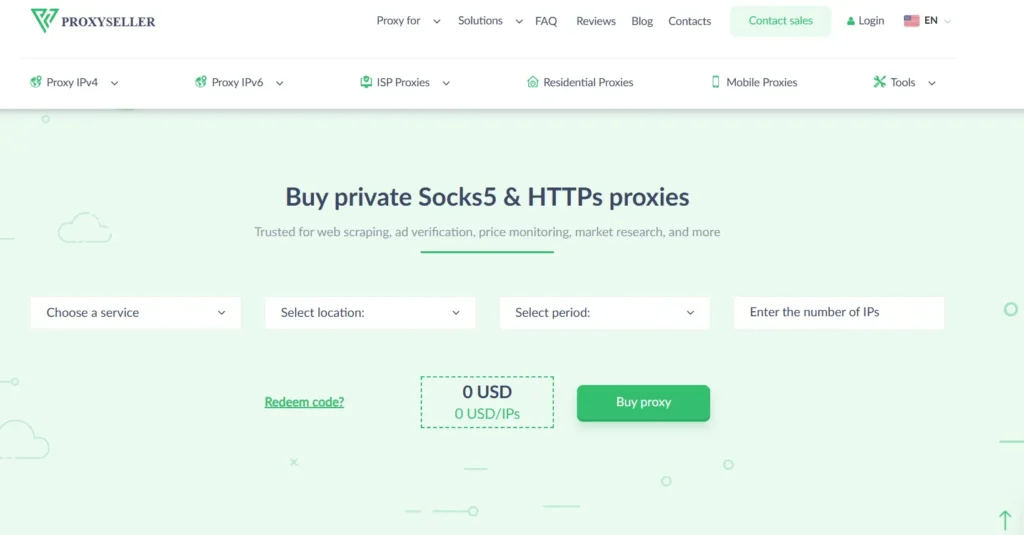
Proxy-Seller is more of a direct proxy-buying platform than a full enterprise data infrastructure provider. Its mobile proxy page offers rotating mobile proxies from real 4G/5G carriers, with dedicated or shared pools, timer-based or on-demand rotation, HTTPS/SOCKS5 support, username/password or IP allowlisting, and 99% uptime.
It also mentions 5/30-minute timer rotation, manual switching, and carriers such as AT&T, T-Mobile, Verizon, Vodafone, Jio, and Orange.
Where Proxy-Seller Makes Sense
Proxy-Seller works well for buyers who know exactly what they need: a mobile port, a country, a carrier, a generation, and a rotation interval. It can be useful for ad verification, geo-testing, app testing, SEO checks, and automation workflows where dedicated access is preferred.
The buying model may be less friendly for beginners who expect a modern usage-based pool with lots of self-serve analytics.
Pro Tip: Choose dedicated mobile proxies for sensitive workflows that need consistency. Choose shared mobile proxies only when cost matters more than exclusivity.
How to Choose the Best Rotating Mobile IP Provider
1. Start With the IP Pool, But Do Not Stop There
A large pool sounds good, but pool quality matters more than the headline number.
Ask these questions:
- Are the IPs real carrier-assigned mobile IPs?
- Are they sourced ethically?
- Can you target by country, city, carrier, ASN, or ZIP code?
- Does the provider disclose mobile-specific pool size?
- Does the same pool get overused by low-quality traffic?
A 500K clean mobile pool can outperform a larger, messy pool for certain jobs. Still, for high-volume global workflows, larger pools reduce repetition and help spread requests naturally.
2. Match Rotation Type to Your Use Case
Rotation is where many proxy buyers make mistakes.
For public page scraping, fast rotation can work well. For login flows, app testing, and multi-step checks, aggressive rotation can break sessions. Decodo notes that mobile proxies can switch IPs with each new request or maintain the same IP for a full session depending on configuration.
Use this simple rule:
| Use Case | Best Rotation Style |
|---|---|
| Public web scraping | Per-request or short timed rotation |
| Ad verification | Sticky session or city/carrier-targeted rotation |
| Mobile app testing | Sticky session |
| SERP tracking | Timed rotation with location targeting |
| Price monitoring | Per-request or moderate timed rotation |
| Account-based workflows | Sticky session, dedicated mobile, conservative rotation |
| QA and localization | Sticky session with exact country/city/carrier |
3. Check Protocol Support
Most teams need HTTP(S). More technical teams may need SOCKS5. Some mobile testing workflows may benefit from UDP or QUIC, which SOAX publicly lists among supported protocols.
Do not buy before checking your tool compatibility. Scrapy, Playwright, Puppeteer, AdsPower, Multilogin, Appium, custom Python scripts, and browser-based tools can all behave differently with different protocols.
4. Understand Pricing Before You Scale
Mobile IPs are rarely cheap. Pricing may be based on:
- GB of traffic
- Number of ports
- Number of dedicated mobile devices
- Rental period
- Location
- Carrier
- Shared vs dedicated access
Bandwidth-based pricing is flexible but can become expensive with media-heavy pages. Port-based plans may offer unlimited bandwidth, but rotation speed and pool size may be limited.
Pro Tip: Disable images, video, unnecessary scripts, and heavy assets when scraping public pages. Mobile proxy traffic can get expensive fast if every request loads full front-end pages.
5. Test Real-World Success Rate, Not Just Speed
Mobile proxies are naturally slower than datacenter proxies. That does not mean they are bad. The real question is whether they complete the task.
Track:
- Success rate
- Block rate
- CAPTCHA rate
- Average response time
- Cost per successful request
- Session failure rate
- IP repetition rate
- Geo accuracy
A proxy that is 30% slower but completes 2x more requests can be the better buy.
6. Avoid Free Mobile Proxies
Free mobile proxies are usually a bad idea. Rayobyte puts it bluntly, saying mobile proxies are hard to source and free offers are often suspicious.
With mobile proxies, bad sourcing can create legal, ethical, and security risks. Stick with providers that explain sourcing, acceptable use, and compliance standards.
Best Rotating Mobile IPs by Use Case
| Use Case | Best Provider Picks |
|---|---|
| Enterprise scraping | Oxylabs, Bright Data, SOAX |
| Mid-market data collection | Decodo, SOAX, NetNut |
| Budget mobile access | IPRoyal, Proxy-Seller |
| US-focused mobile scraping | Rayobyte |
| App testing | Decodo, SOAX, Proxy-Seller |
| Ad verification | Oxylabs, Bright Data, SOAX, Decodo |
| Developer-controlled rotation | Infatica, SOAX, Oxylabs |
| Dedicated mobile sessions | Proxy-Seller, IPRoyal |
| Global mobile coverage | SOAX, Oxylabs, Decodo |
FAQs About Rotating Mobile IPs
1. Are rotating mobile IPs better than residential proxies?
They are better for mobile-specific workflows, but not always better overall. Mobile IPs are great when you need carrier-level trust, mobile app testing, ad verification, or mobile-first browsing patterns. Residential proxies are often better for broader web scraping where cost, speed, and availability matter more.
2. Are mobile proxies legal?
Mobile proxies are legal when used for lawful purposes and in line with applicable privacy laws, platform rules, and website terms. Decodo states that mobile proxies are legal as long as users comply with privacy laws and the terms of the websites they collect data from.
3. What is the difference between 4G, LTE, and 5G proxies?
4G and LTE proxies use fourth-generation mobile network infrastructure or LTE networks, which are widely available and stable. 5G proxies can offer lower latency and higher speed where 5G coverage is available. Decodo describes 5G as better for real-time data collection and high-volume operations, while 4G LTE is a standard choice for scraping, automation, and app testing.
4. Should I use rotating or sticky mobile sessions?
Use rotating sessions for broad public data collection where each request can stand alone. Use sticky sessions for app testing, ad previews, login flows, checkout testing, or any task where the target expects one user to keep the same session identity.
5. Why are mobile proxies more expensive?
Mobile IPs are harder to source, maintain, and rotate than datacenter IPs. They rely on real carrier networks, mobile devices, SIMs, or carrier-grade routing infrastructure. That limited supply raises cost.
6. Can rotating mobile IPs stop CAPTCHAs completely?
No provider can honestly promise zero CAPTCHAs in every workflow. Good mobile proxies can reduce blocks in legitimate use cases, but target behavior, request volume, headers, browser fingerprint, cookies, and automation quality all matter.
7. What is the best rotating mobile IP provider overall?
For enterprise users, Oxylabs and Bright Data are the strongest options. For a practical balance of usability, pool size, and cost, Decodo and SOAX are excellent choices. For smaller budgets, IPRoyal and Proxy-Seller are worth testing.
8. How many mobile IPs do I need?
You need enough IP diversity to avoid repeating the same exit too often. Small QA tasks may need only a few ports or a low-traffic plan. Large scraping jobs may need millions of available IPs, strong rotation, and location controls.
9. Do mobile proxies work with Python, Playwright, and browser tools?
Yes, most quality providers support common setups through HTTP(S) or SOCKS5. Decodo, for example, lists HTTP(S) and SOCKS5 support for mobile proxies, while Infatica lists SOCKS/HTTP protocols and API usage for proxy management.
Final Verdict: Which Rotating Mobile IP Provider Should You Choose?
- Choose Oxylabs if you need enterprise-grade mobile proxy scale, strong geo-targeting, and reliable infrastructure.
- Choose Bright Data if compliance, advanced controls, and mature proxy management matter more than low pricing.
- Choose Decodo if you want the best balance of usability, mobile pool size, carrier targeting, and modern dashboard experience.
- Choose SOAX if you need broad global coverage, city/carrier targeting, and strong protocol flexibility.
- Choose NetNut if your priority is large-scale data collection through real mobile phone IPs with custom rotation.
- Choose IPRoyal if you want a more affordable mobile proxy setup with unlimited traffic and simple plan durations.
- Choose Infatica if you want API-friendly proxy list management and flexible rotation settings.
- Choose Rayobyte if your mobile proxy needs are mostly US-focused and scraping-oriented.
- Choose Proxy-Seller if you want dedicated or shared mobile ports with timer-based or manual rotation control.
The smartest move is simple: shortlist two providers, run the same test script through both, and compare cost per successful result. Not cost per GB. Not advertised pool size. Not homepage claims. Cost per successful result is the number that actually matters.